
Faster text-to-video ideation
Seedance 2.0 is a strong option when you want to test multiple scene directions quickly without losing motion intensity.
 AnimeGenerator
Use Seedance 2.0 when you want faster motion iteration, stronger anime-style energy, and more flexible reference-driven video control.
Four stable Cloudflare examples arranged in a two-column layout so you can move quickly from inspiration to a working Seedance 2.0 setup.

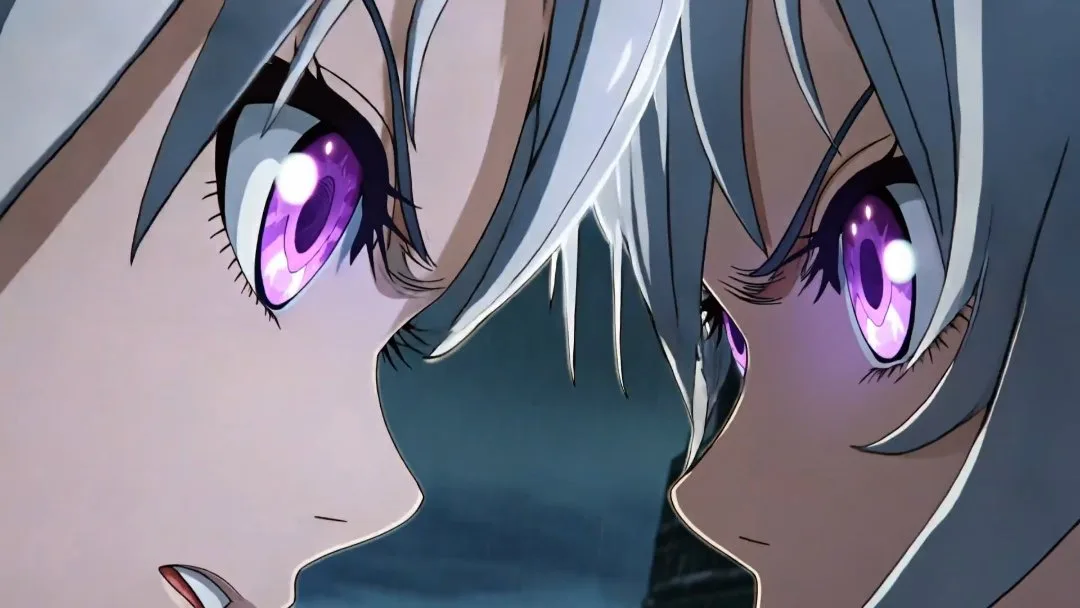
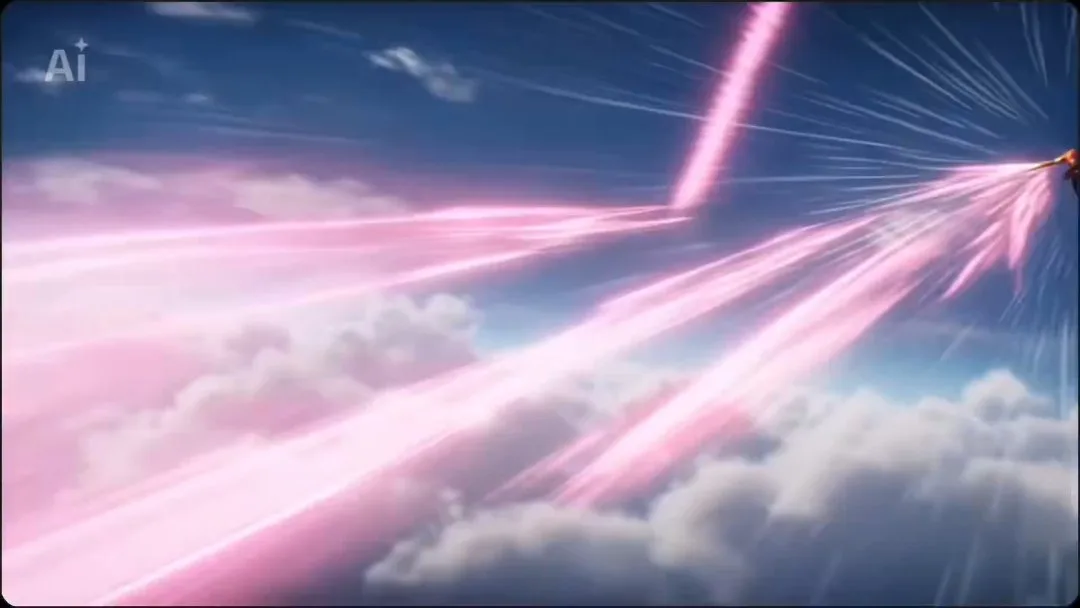
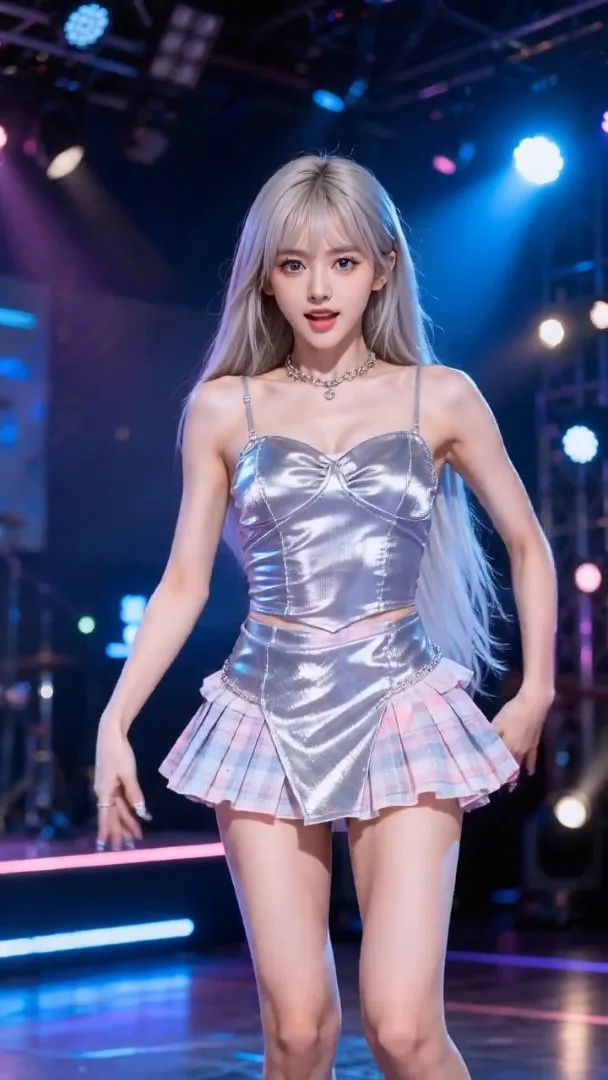
Seedance 2.0 fits workflows that need fast iteration, stronger action timing, and more flexible reference-guided control across anime-style video generation.
Seedance 2.0 is a strong option when you want to test multiple scene directions quickly without losing motion intensity.
Start from a still frame when you want to preserve the look of a hero image while adding motion, pacing, and camera energy.
Use opening and closing frames to guide a stronger in-between motion path for promos, action reveals, and anime opening beats.
Bring in reference images or motion clips when the timing, performance, or visual rhythm of a scene needs tighter matching.
Choose the plan that works best for you. Cancel anytime.
$180 USD billed yearly
$420 USD billed yearly
$720 USD billed yearly
All payments are securely processed by Stripe.
If you have any questions, please contact us at [email protected]
Practical answers for using Seedance 2.0 inside AnimeGenerator.
Seedance 2.0 is especially useful for fast anime-style iteration, reference-guided motion, energetic scene timing, and action-heavy clips that benefit from flexible control.
Yes. This page supports text-to-video, image-to-video, first-last frame to video, and reference-to-video workflows under the Seedance 2.0 model family.
Use Seedance 2.0 when you care more about faster iteration, anime-style motion energy, and flexible reference-based control than strictly cinematic text-led staging.
The gallery is intentionally tighter so the main Seedance 2.0 workflows are easier to compare and reuse without mixing too many unrelated patterns.
Yes. You can generate 9:16, 1:1, and 16:9 outputs depending on the platform, pacing, and framing needs of the scene.
Yes. Credit cost depends on the selected Seedance 2.0 mode, duration, resolution, and output count.
Compare Seedance 2.0 with other image and video model pages, then switch to the workflow that best fits your next shot.
Use this page for fast anime-style iteration, stronger reference-driven control, and high-energy video generation.
Switch to Veo 3.1 when you want more cinematic prompt-led shots and cleaner film-like staging.
Open the broader multi-model video workflow when you want Veo 3.1 and Seedance 2.0 in one place.
Start from a simpler text-first route when you want a more direct clip-generation workflow.
Open the dedicated image-to-video page when the main goal is animating a still reference frame.
Move to GPT Image 2 when you need stronger still-image composition, text rendering, or layout-heavy prompt control.
Turn one idea into anime images, videos, or motion comic-ready content with the mode that fits your project.