
What is GPT Image 2 best at?
GPT Image 2 is especially useful when prompt clarity, readable text, layout control, and multi-element composition matter more than raw speed.
 AnimeGenerator
Use GPT Image 2 when you need stronger prompt understanding, cleaner text rendering inside images, and more reliable control over layered compositions.
Start from GPT Image 2 examples that lean into poster language, cinematic framing, typography, and high-control art direction.
GPT Image 2 stands out when the job depends on structured prompts, readable embedded copy, and images polished enough for product and campaign work.
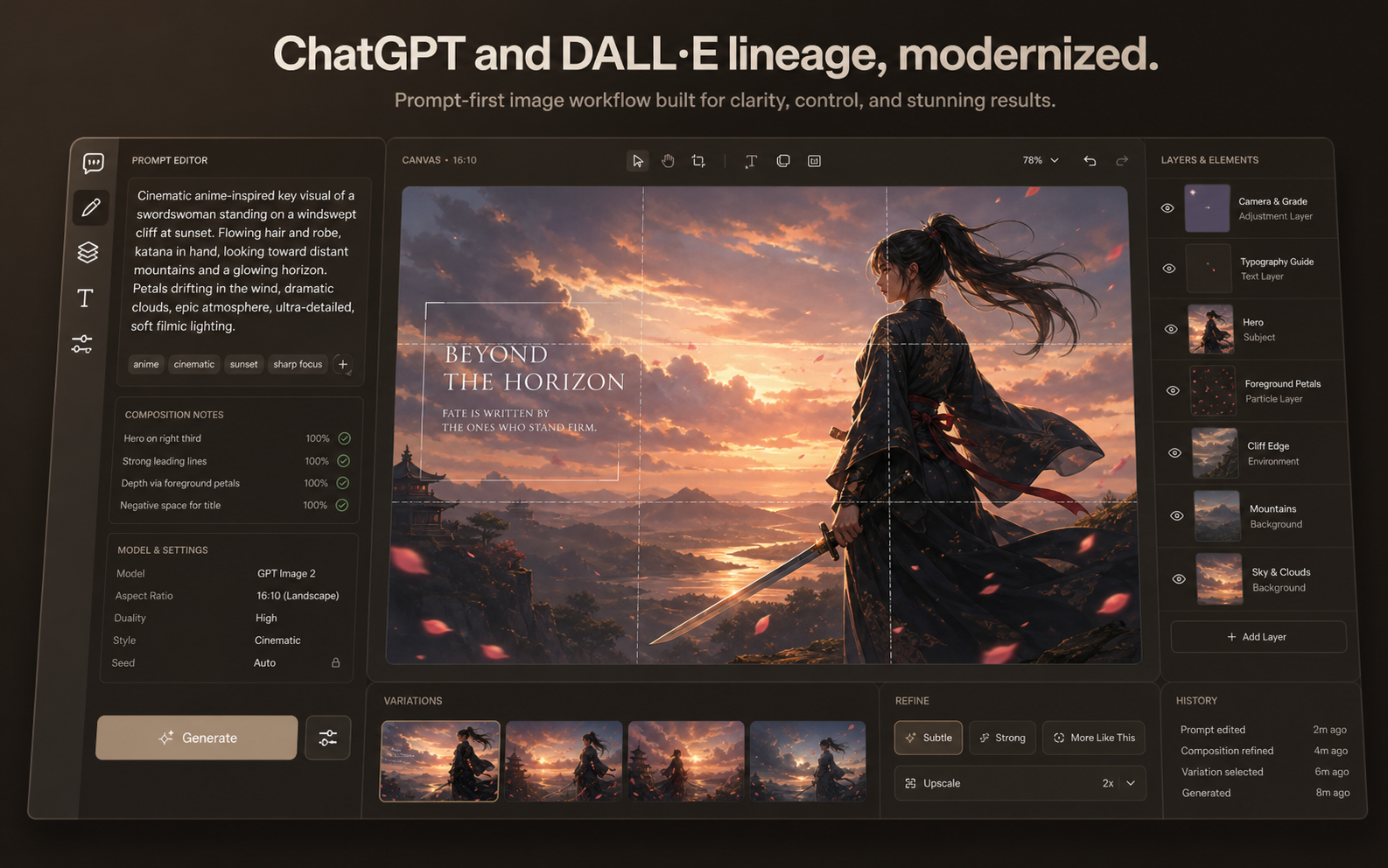
Foundation GPT Image 2 inherits a text-first image workflow and feels strongest when you need language, layout, and visual intent to stay aligned inside one prompt. Built for prompt-heavy creative work where image direction comes from language, not preset filters. Better suited to posters, launch graphics, menus, and branded layouts than lightweight concept-only models.
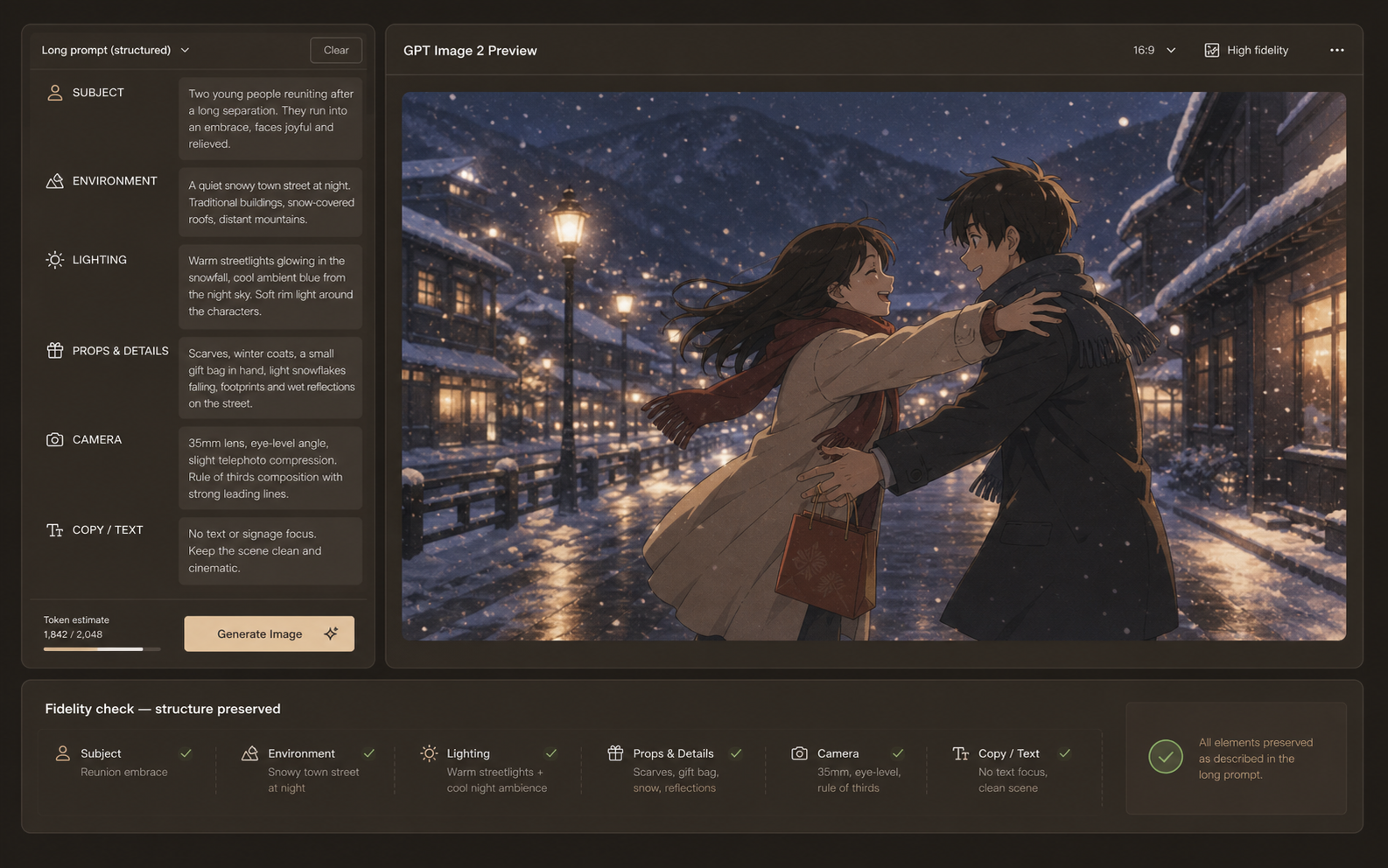
Long Prompts The model handles multi-part instructions without collapsing the hierarchy between subject, environment, lighting, props, and camera direction. Useful when one prompt needs character styling, setting, mood, composition, and copy instructions together. Reduces the need to simplify prompts just to keep the composition coherent.
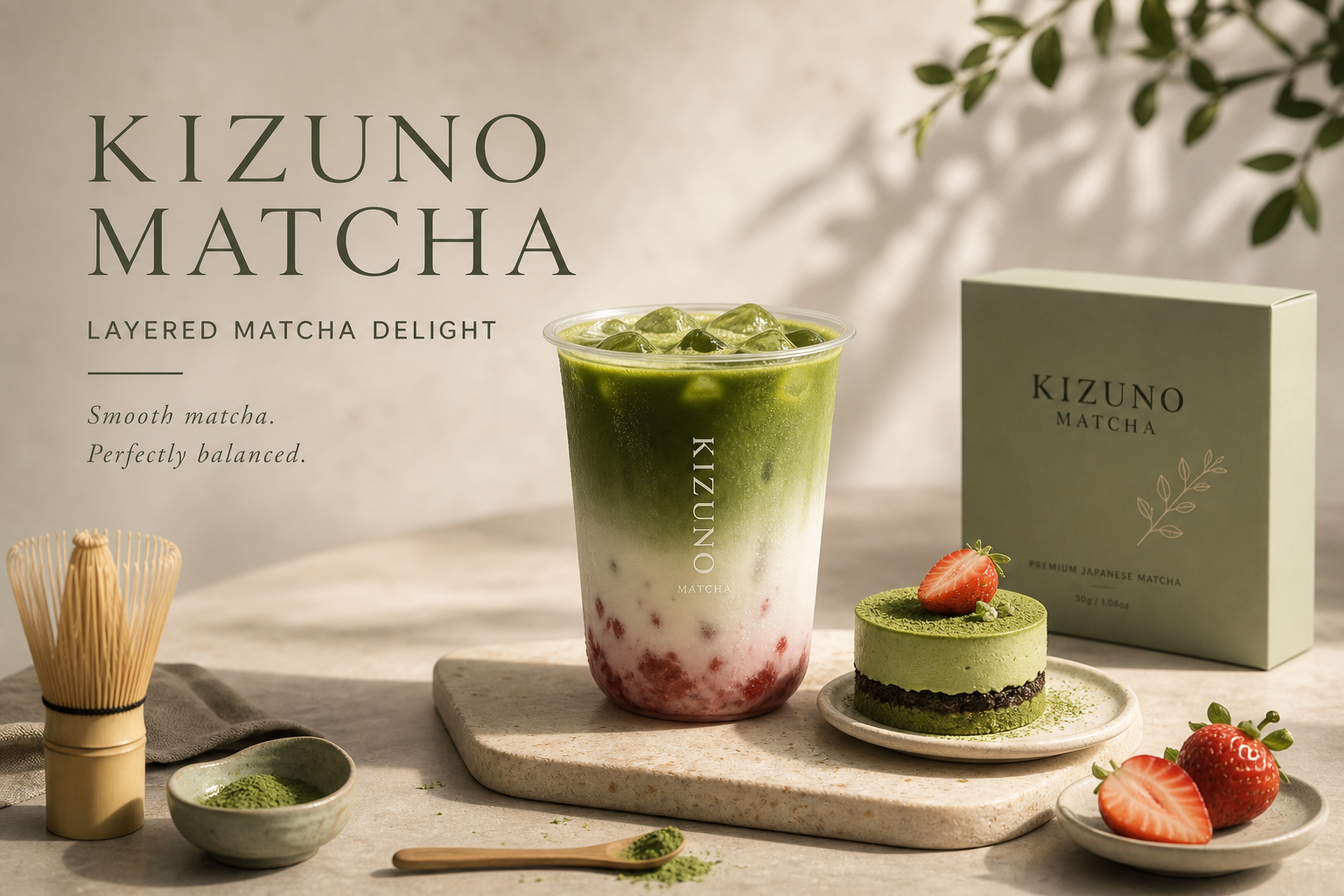
In-Image Text This is where GPT Image 2 separates itself. It is much more comfortable with titles, menu headings, poster copy, and other text that must feel integrated into the composition. Stronger for title treatments, poster typography, product callouts, and editorial mockups. A better fit when your image needs both art direction and legible words in the same frame.
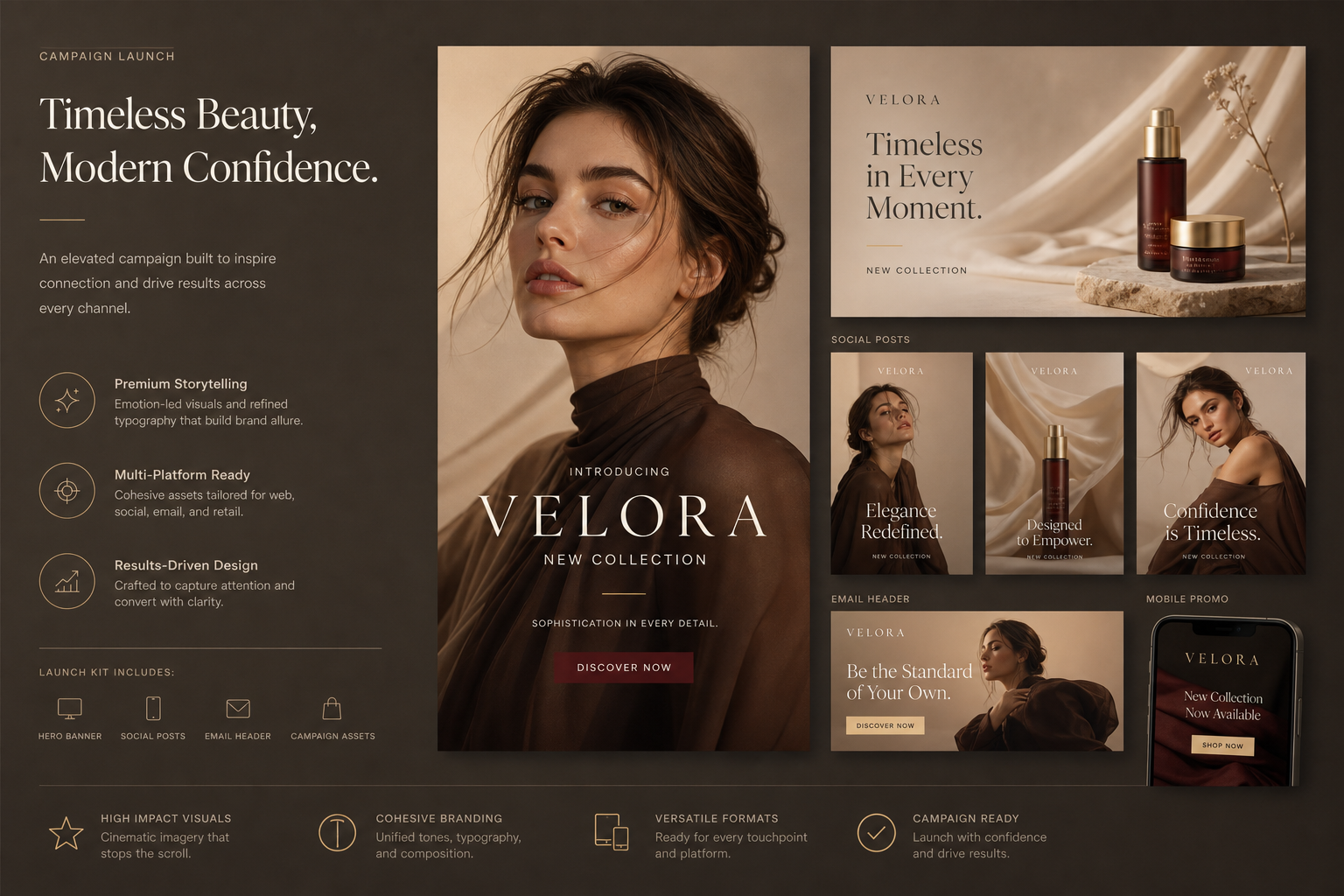
Polished Output GPT Image 2 is not only about prompt comprehension. It also tends to produce cleaner, more presentable frames for pitch decks, product storytelling, and marketing surfaces. Works well for hero banners, promo cards, packaging concepts, and social launch visuals. Gives teams a model page focused on deliberate composition instead of raw exploration speed.
Choose the plan that works best for you. Cancel anytime.
$180 USD billed yearly
$420 USD billed yearly
$720 USD billed yearly
All payments are securely processed by Stripe.
If you have any questions, please contact us at [email protected]
Practical answers for using GPT Image 2 inside AnimeGenerator.
GPT Image 2 is especially useful when prompt clarity, readable text, layout control, and multi-element composition matter more than raw speed.
Yes. It is a strong choice for posters, launch graphics, packaging concepts, menus, title cards, and social visuals that depend on cleaner text placement.
Yes. It generally performs better than lighter models when you need to describe many relationships in one prompt, such as subject, scene, props, camera framing, and typography.
Yes. Switch to image-to-image mode and upload a reference image when you want to transform an existing layout or visual direction.
Choose GPT Image 2 when text rendering, prompt precision, and structured composition are more important than fast concept exploration.
Yes. The credit cost is shown before generation and depends on the selected mode and output count.
Compare image models by what they do best, then switch to the workflow that fits your prompt, speed, and editing needs.
Best for text-heavy layouts, prompt fidelity, and composition control.
Use the broader multi-model image workflow when you want more model choice in one place.
Go prompt-first when you want a simpler generation page focused on creating from scratch.
Start from a reference image when the task is controlled editing, remixing, or structure-preserving variation.
Turn one idea into anime images, videos, or motion comic-ready content with the mode that fits your project.