1
Start with a story
Enter your story idea and choose a style and aspect ratio.
Anime Studio turns a story prompt into an editable project with an outline, cover, and characters. Continue in the workspace to generate storyboard images and videos.
Estimated credits cover project initialization and vary with the number of characters. Storyboard images and videos use additional credits in the workspace.
Browse starter concepts, preview the storyboard mood, and send a setup back into Anime Studio with one click.
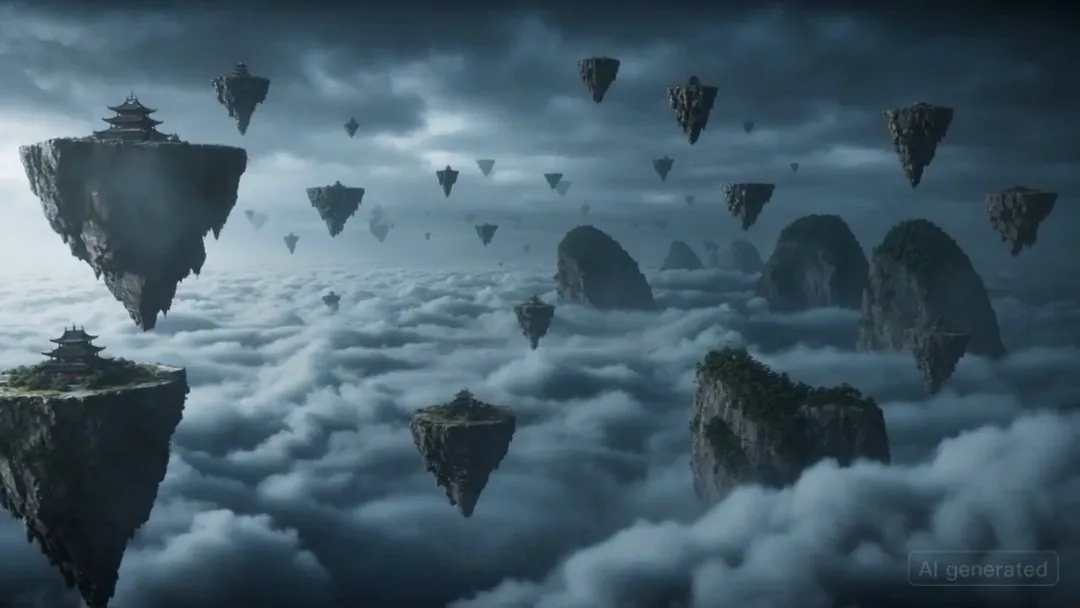
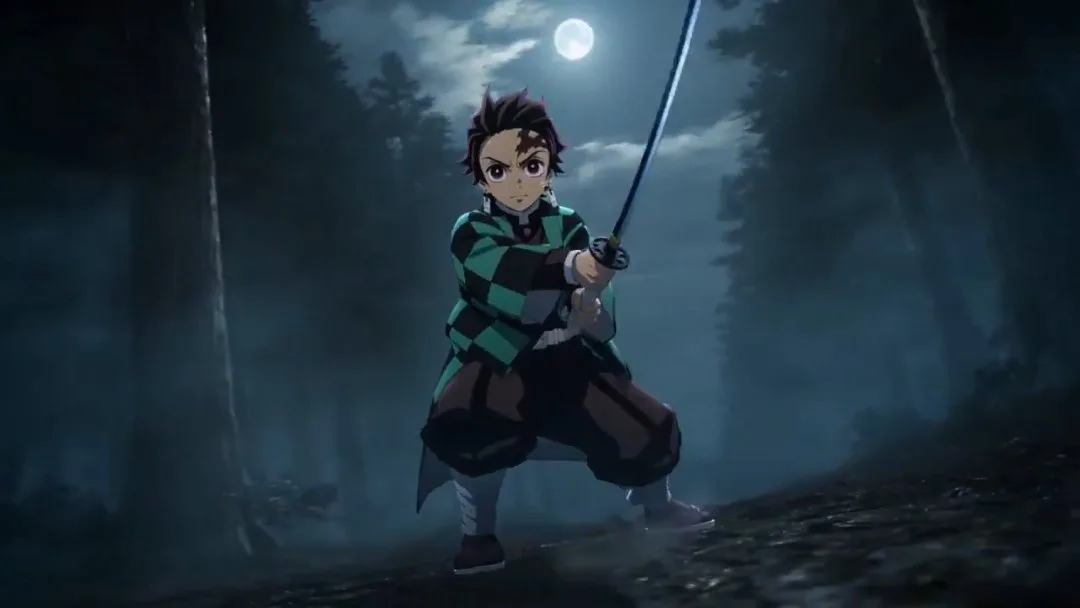
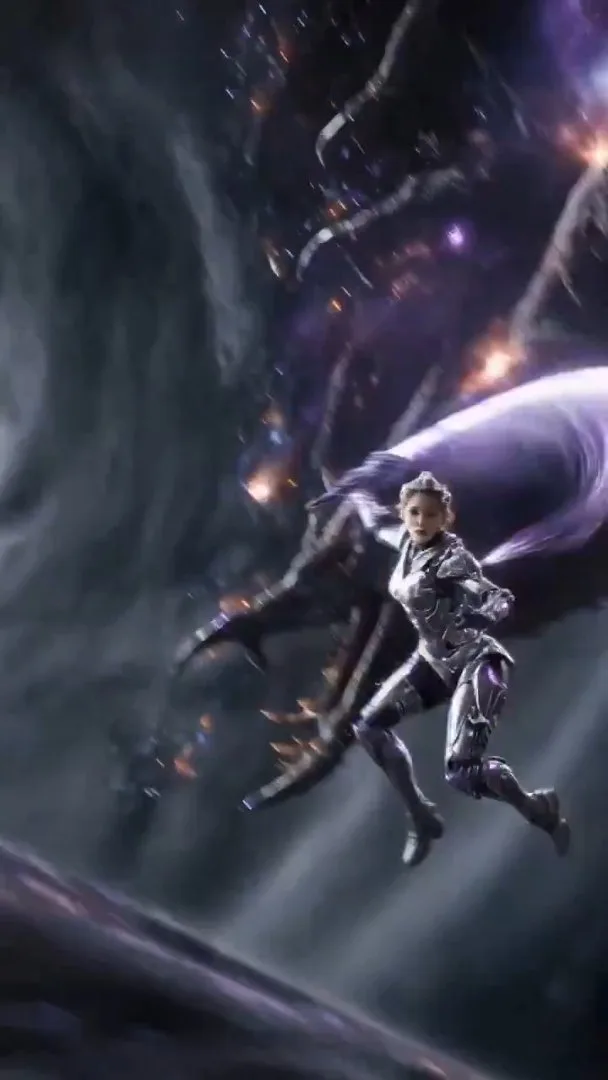

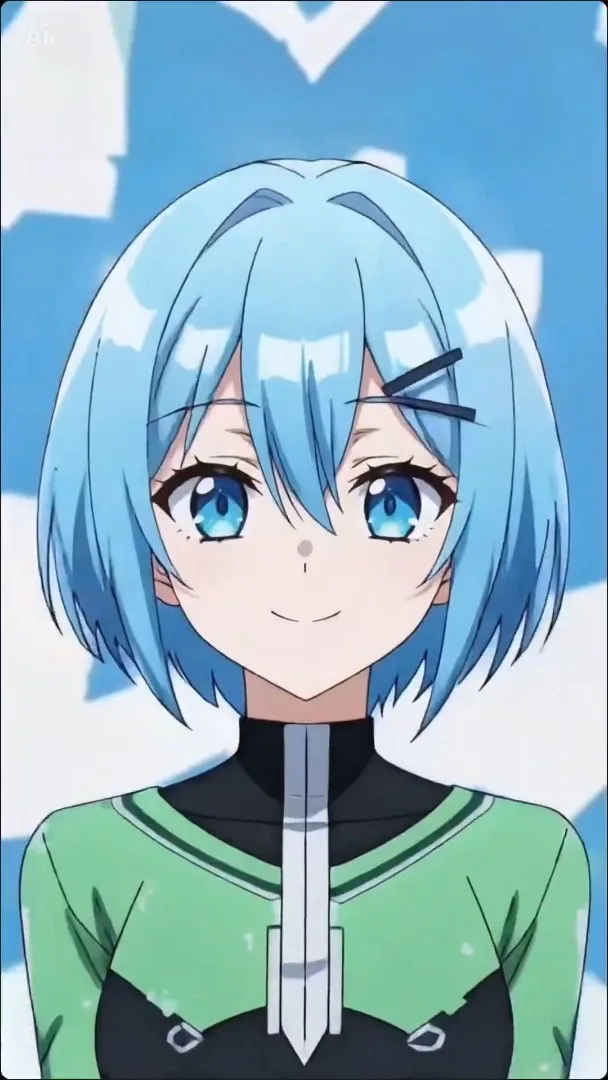
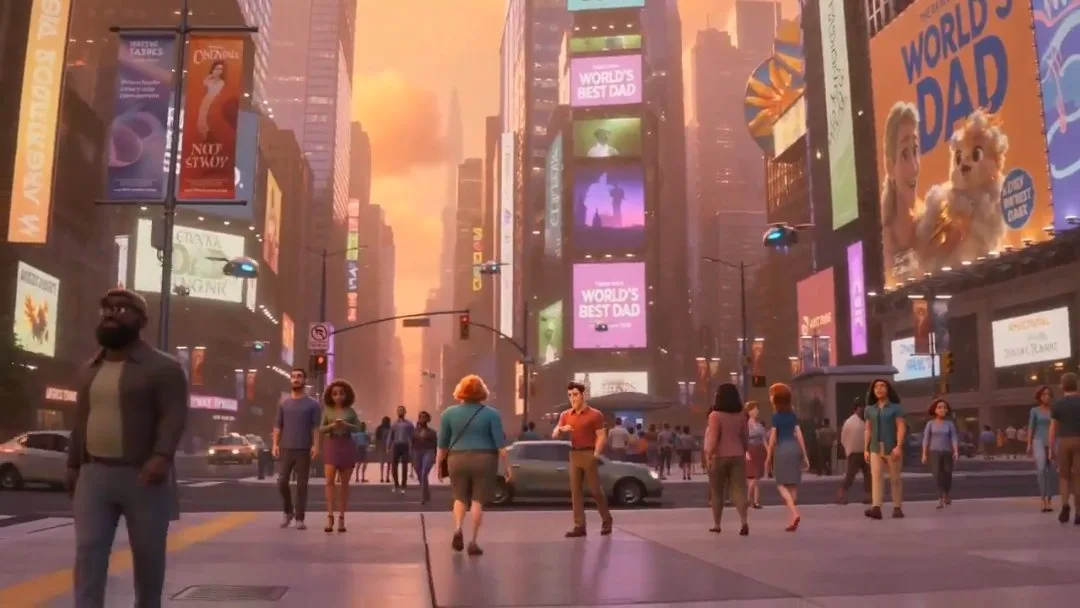
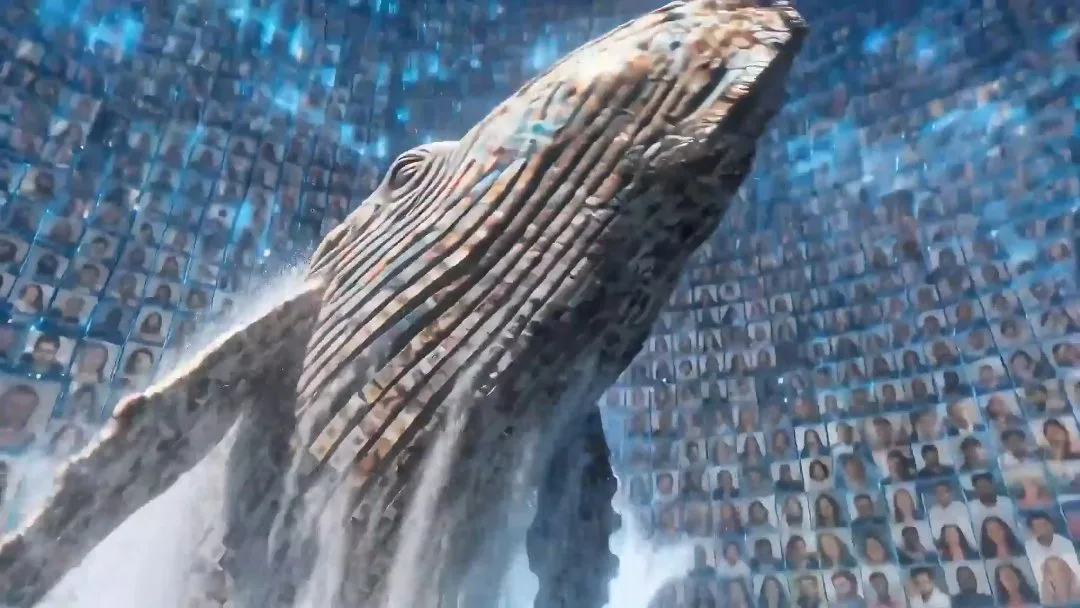
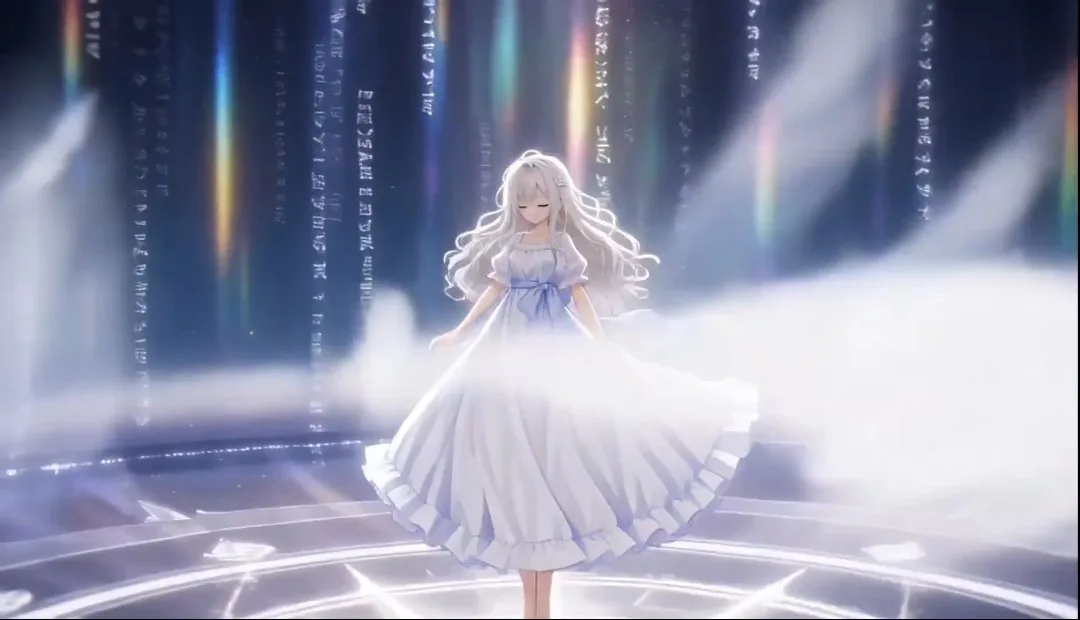
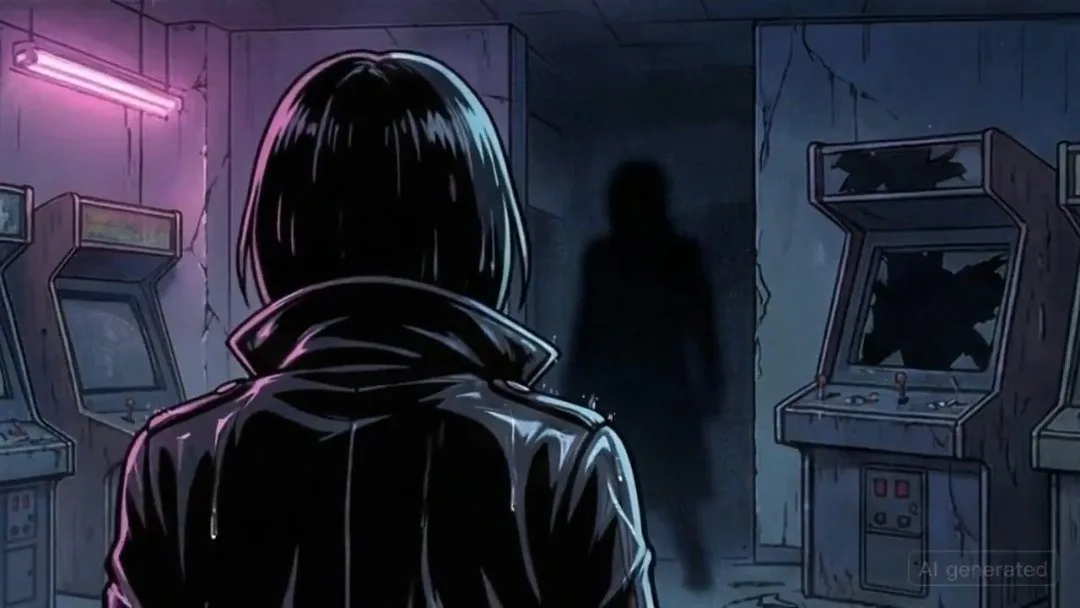
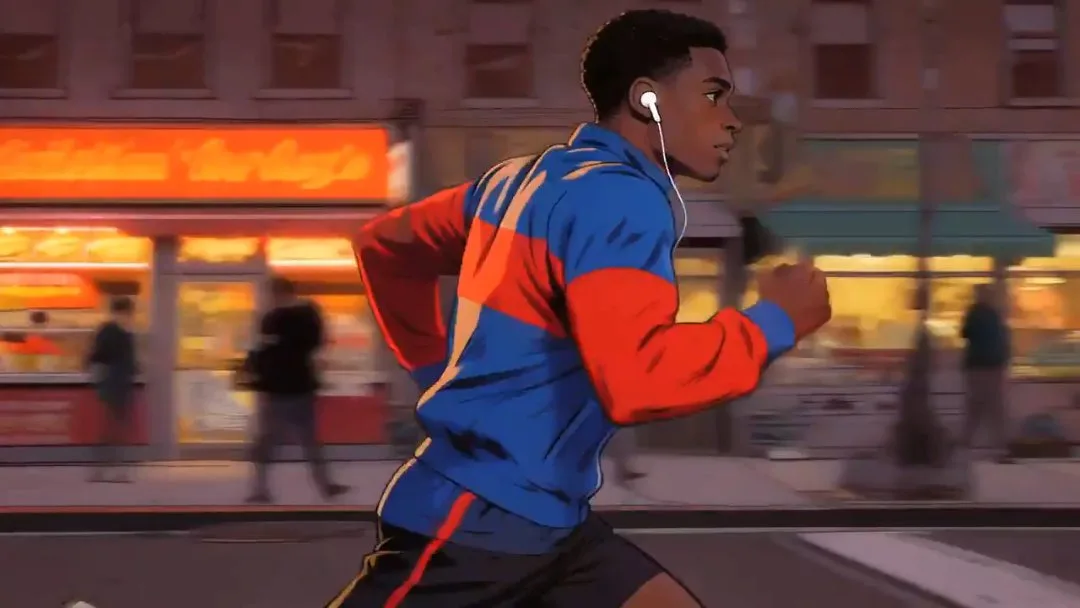
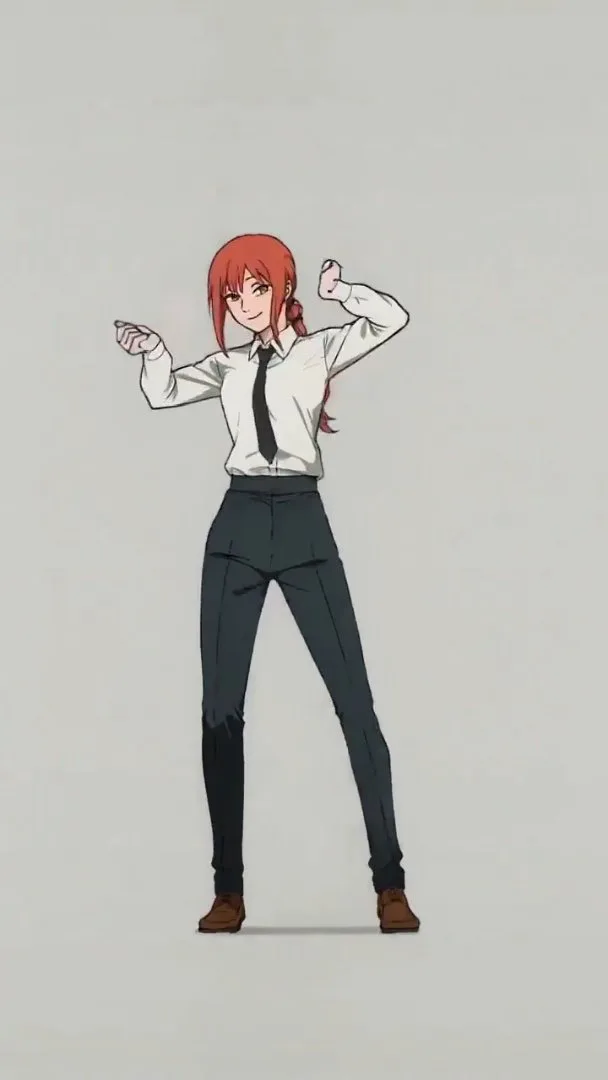
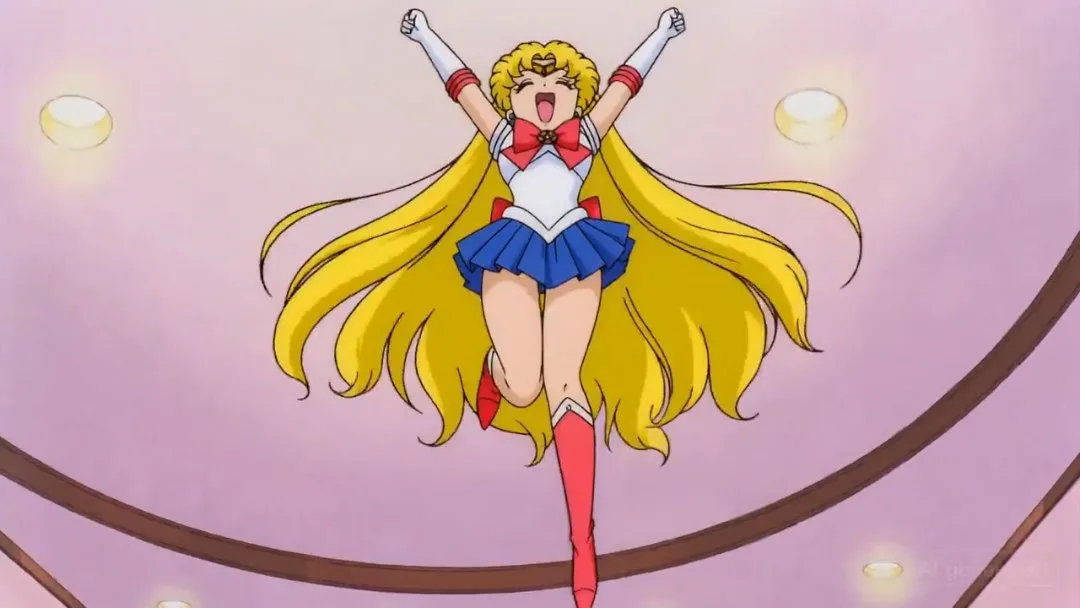
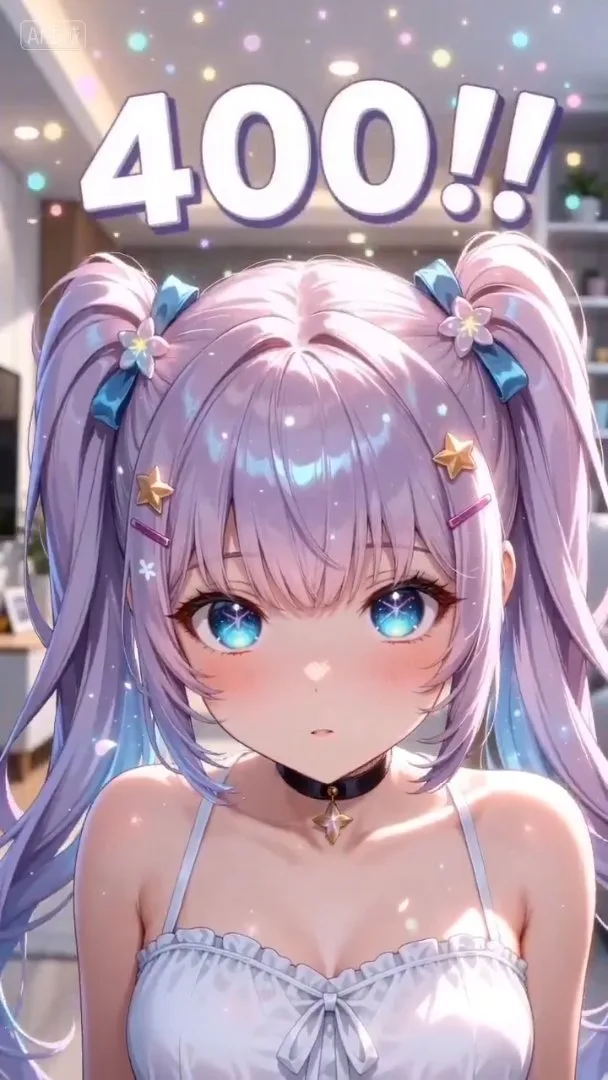
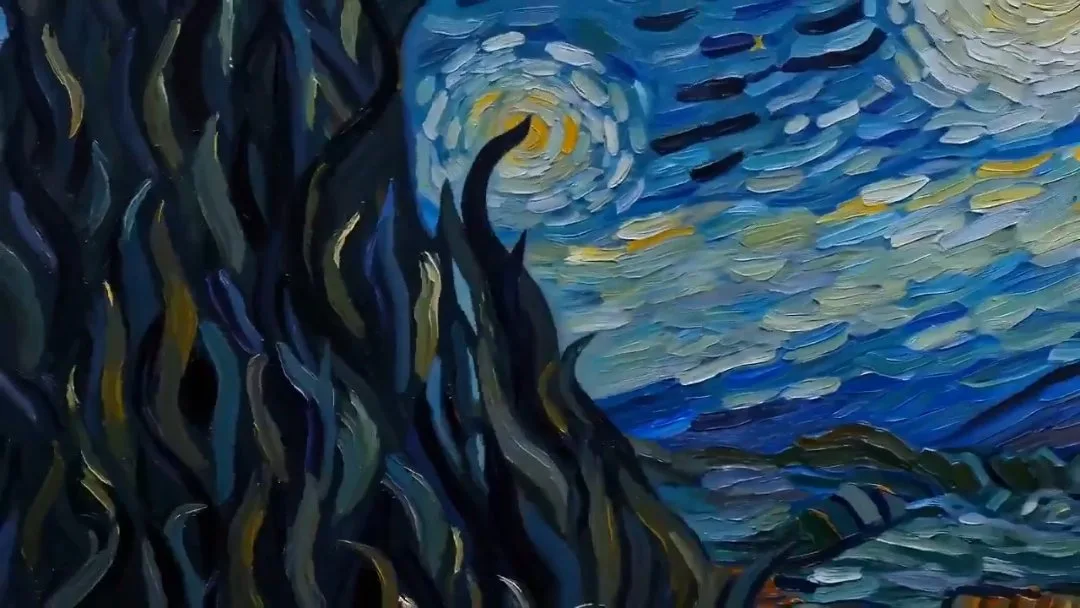
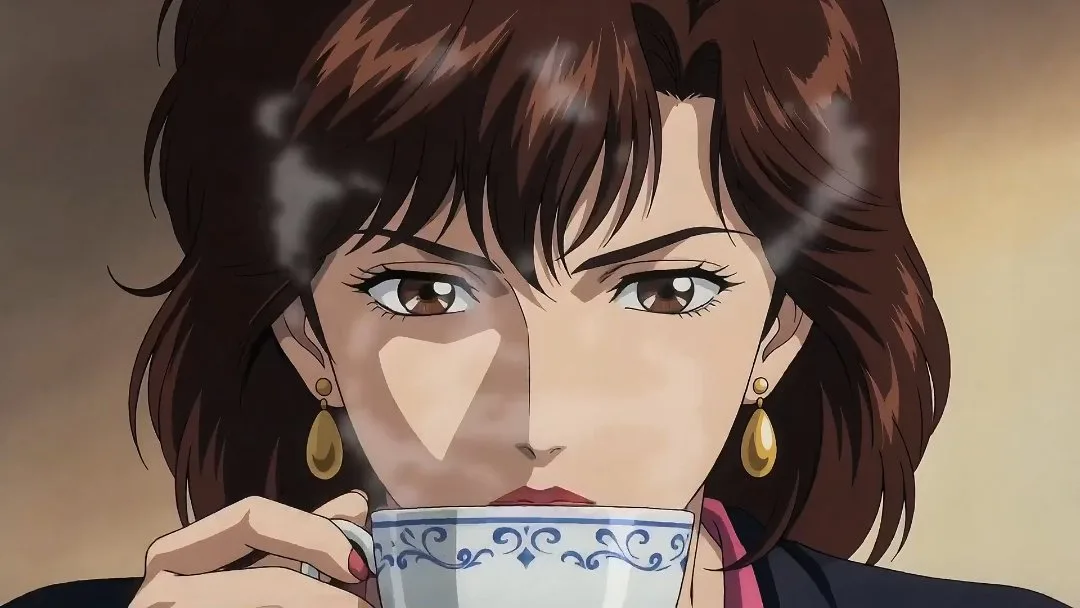
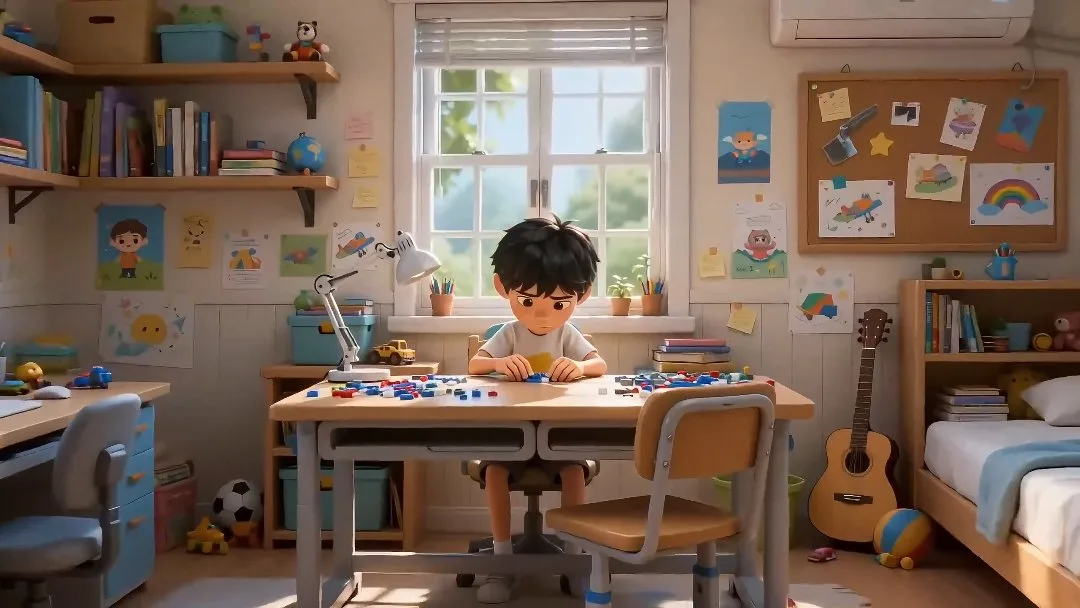
Anime Studio turns a story prompt into an editable project with an outline, cover, and characters. Continue in the workspace to generate storyboard images and videos.
Enter your story idea and choose a style and aspect ratio.
Generate the story outline, cover, and characters.
Open the workspace to review and refine the outline and characters.
Generate storyboard shots, then create images and videos for those shots in the workspace.
Built for project-first anime creation, so you can move from one story idea into characters, scenes, and workspace-ready assets faster.
Start from one story prompt and create a reusable anime project instead of a one-off image or clip.
Initialize the workspace with a story outline and cover image so the project has immediate creative direction.
Generate core characters as part of the same workflow to keep style and story context more consistent.
Set up the project for storyboard shots and scene planning without rebuilding the prompt context from scratch.
Choose portrait or landscape at project setup so later storyboards and previews fit the intended format.
Use inspired presets to preload stronger story ideas, then refine them before launching the full project workflow.
Compare monthly and yearly plans for AI anime images and videos. One-time credit packs let you top up when you need more credits.
$166.8 USD billed yearly
$418.8 USD billed yearly
$838.8 USD billed yearly
All payments are securely processed by Stripe.
If you have any questions, please contact us at [email protected]
Practical answers for planning stories and initializing anime studio projects.
Anime Studio turns a story prompt into an editable project with an outline, cover, and characters. Continue in the workspace to generate storyboard images and videos.
Yes. Clicking a preset sends its prompt back into the studio input so you can keep it as-is or rewrite it before generating the project.
Open your project workspace, review the outline and characters, then generate storyboard shots and create images and videos for those shots.
No. Anime Studio is project-first, so the goal is to initialize the workspace quickly, then keep refining outline, characters, storyboard shots, and preview video inside the project.
Estimated credits cover project initialization and vary with the number of characters. Storyboard images and videos use additional credits in the workspace.
Three entries, one product: anime images, anime videos, and the Studio workspace that holds a project together.
Generate anime images from prompts.
Turn photos into anime art.
Generate anime videos from prompts.
Convert video into anime style.
Keep an idea, characters, shots, images, and videos in one project.
Make anime images and videos in one place, or open Studio when you want the same idea to stay in one project.