AnimeGenerator
Turn still images into motion

AI Image to Video Generator

229 credits
Sign In to Generate Video

Get Inspired

Hover to autoplay the gallery, recreate the setup instantly, or open any clip in a larger player.

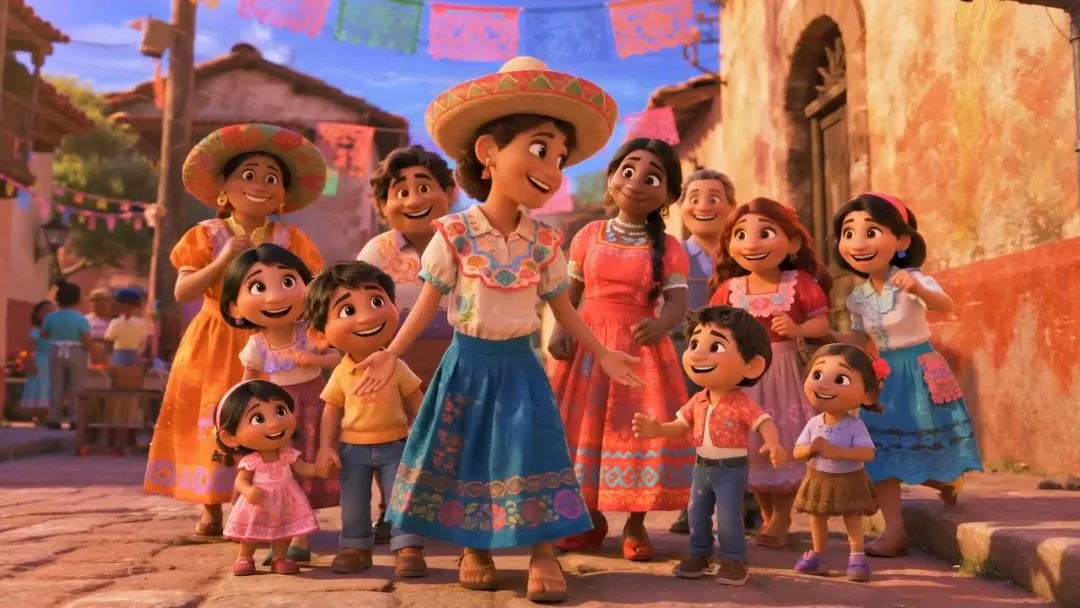
The girl wearing a hat in the middle of the picture sings softly "I'm so proud o
Seedance 2.0
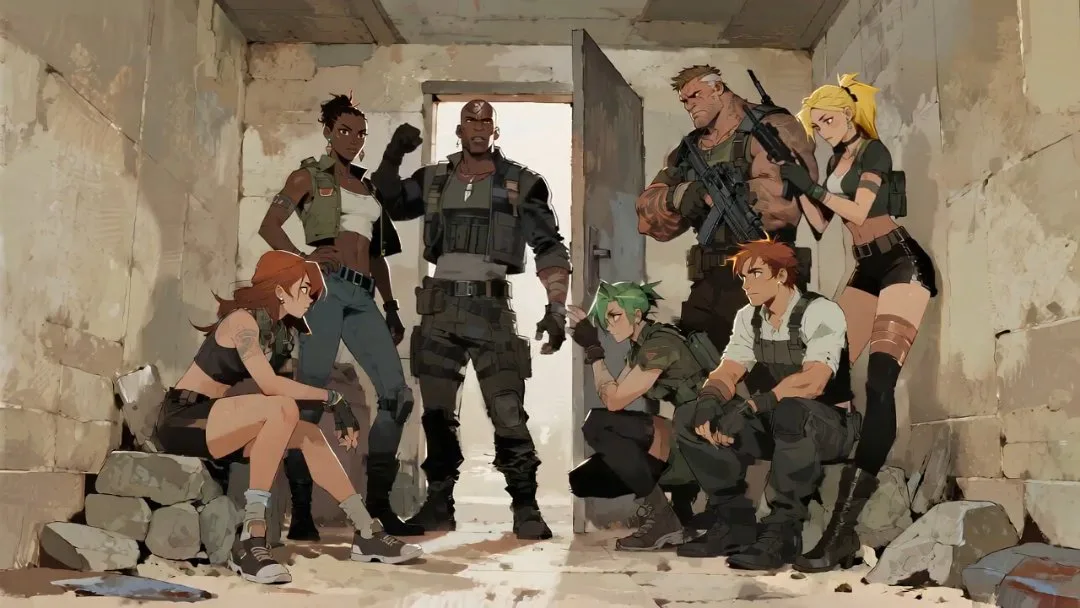
Fixed lens. The standing strong man (captain) clenched his fists and waved his a
Seedance 2.0
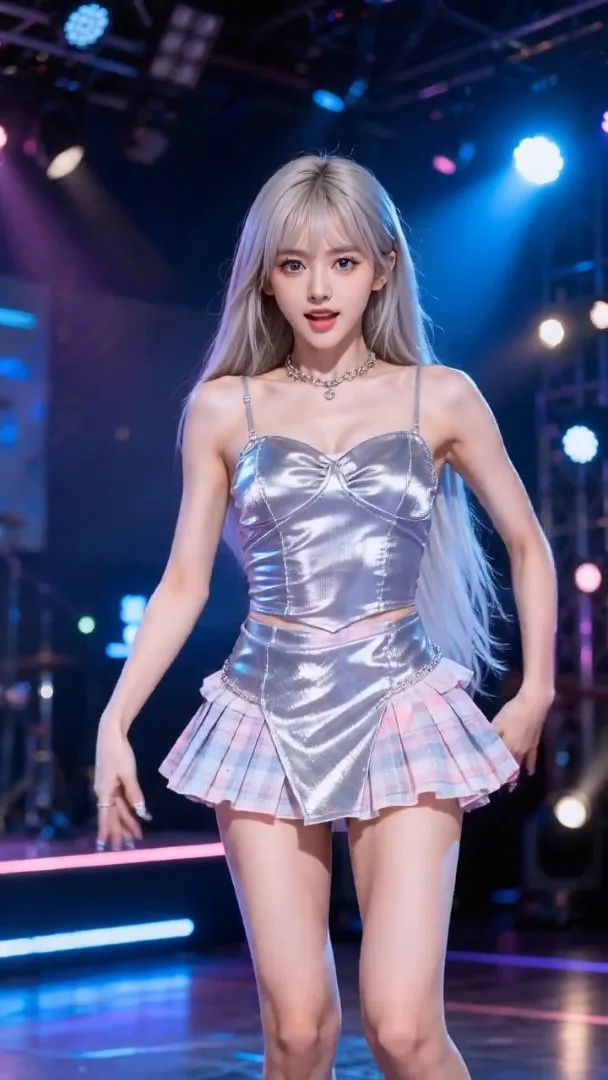
The actress in @image-1 serves as the subject, and she performs rhythmic push-pu
Seedance 2.0
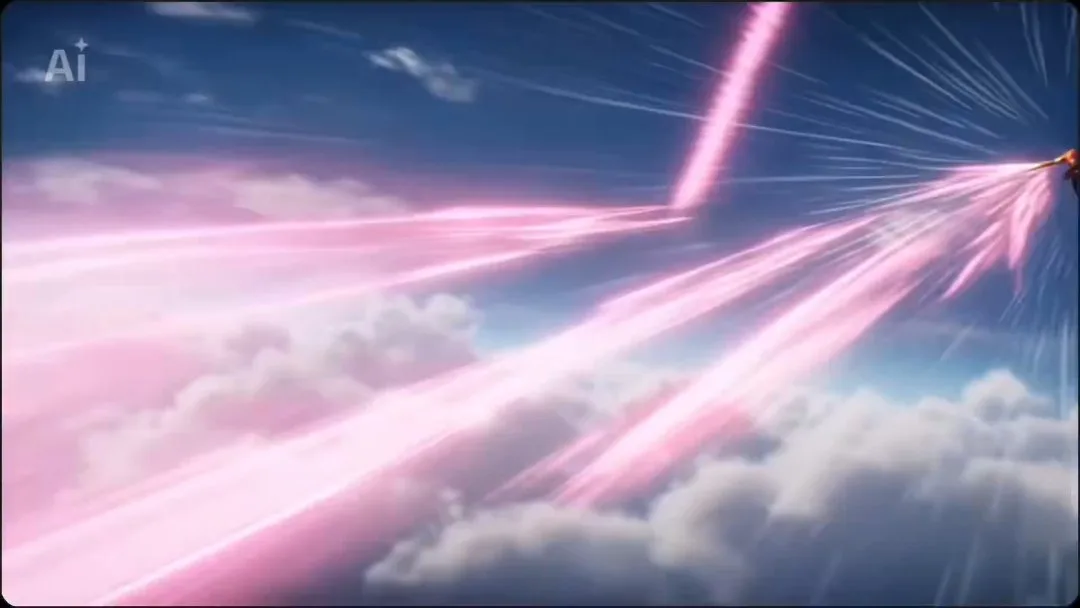
High-quality Japanese ultra-high-speed battle anime. Match the art style of the
Seedance 2.0
Fixed lens, the central fisheye lens peeks down through the circular hole, refer
Seedance 2.0
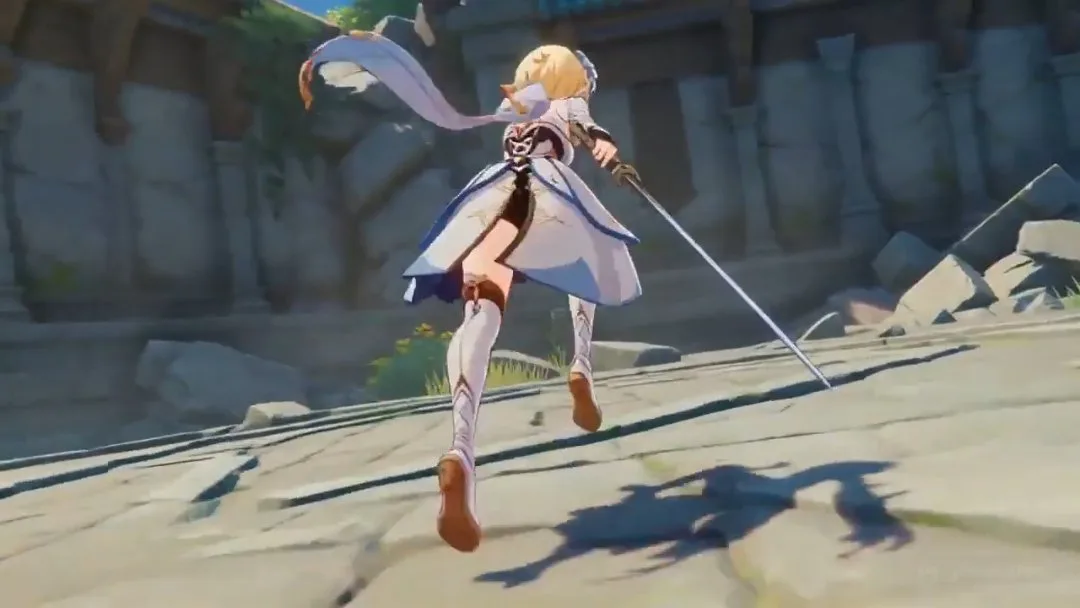
Anime scene of Lumine from Genshin Impact dashing across a shattered temple cour
Seedance 2.0
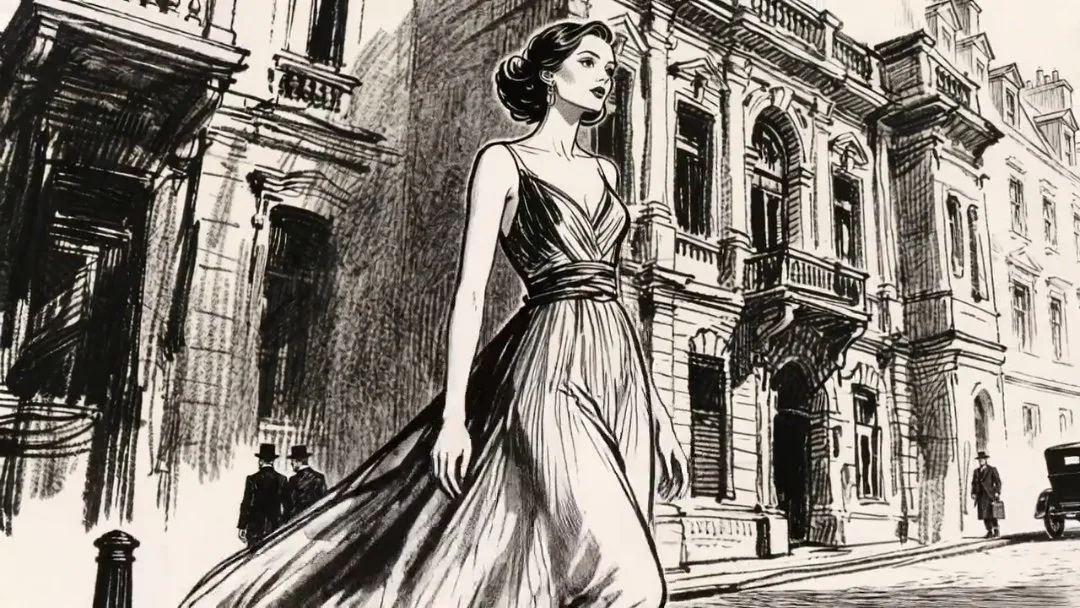
The camera zooms out slightly (revealing a panoramic view of the street) and fol
Seedance 2.0
@image-1 is the first frame of the picture. The camera rotates and zooms in. The
Seedance 2.0
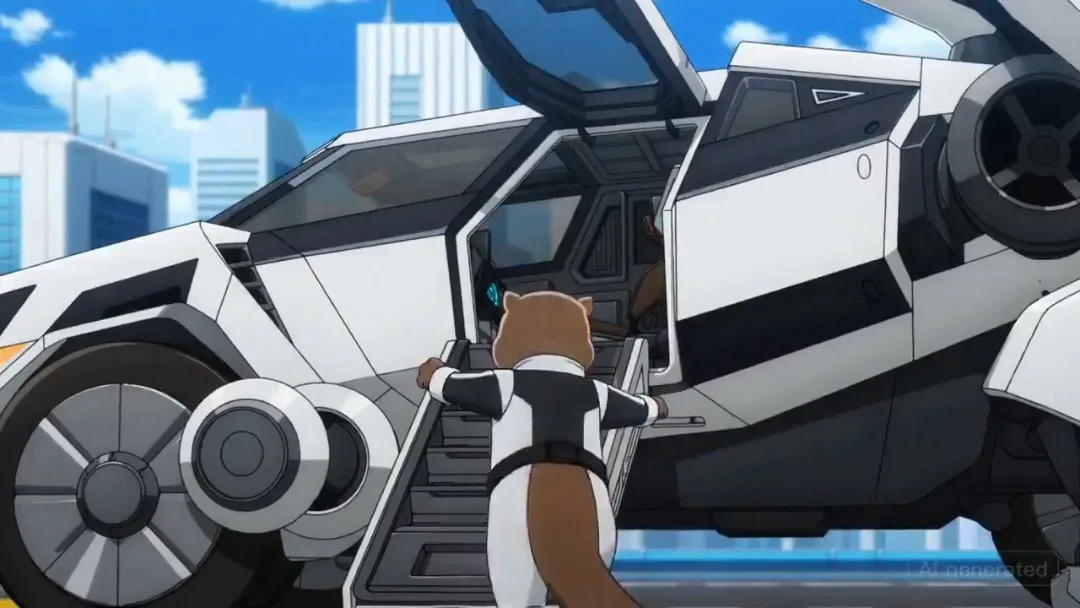
An anime where an otter goes into a large mech, with lots of quick shots of mech
Seedance 2.0
Based on the exterior shots of @image-1, the first-person subjective perspective
Seedance 2.0
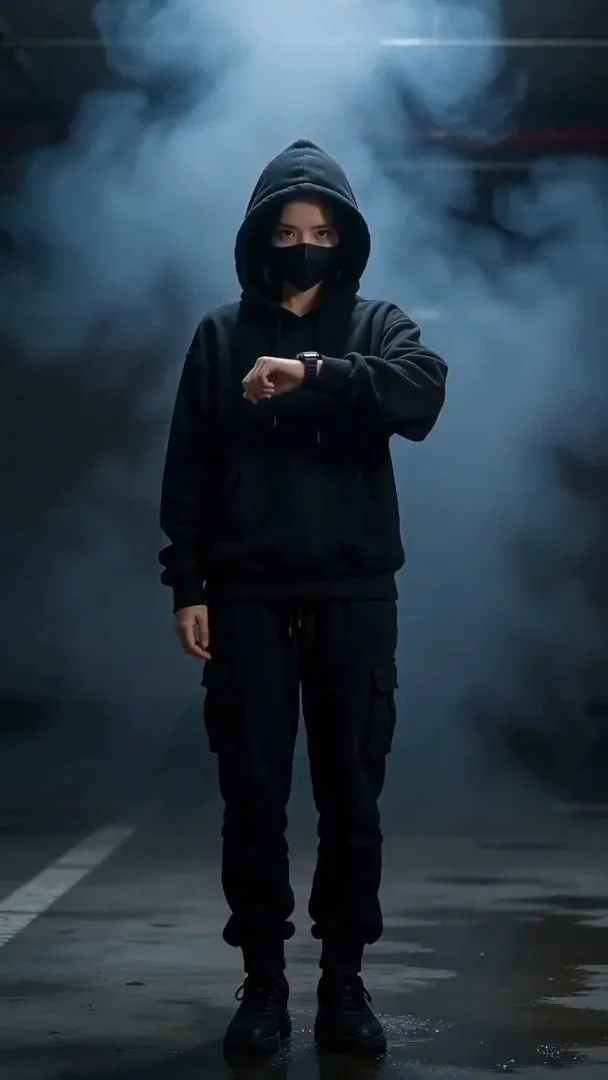
【Style】Futuristic Tech, Cyberpunk, Portrait (9:16), cinematic special effects, s
Seedance 2.0
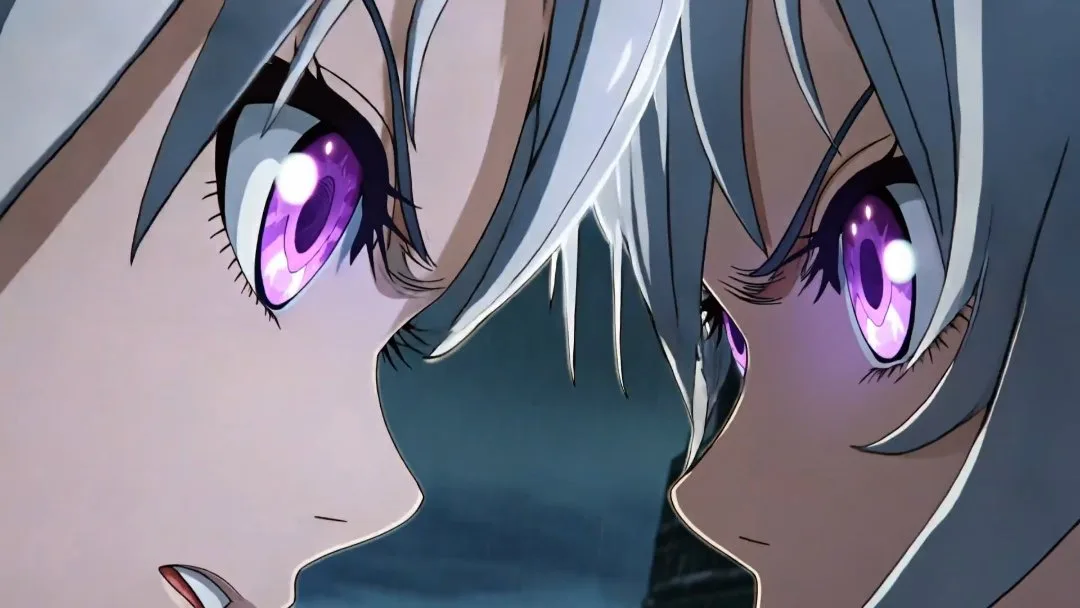
Ultra-cinematic anime fight scene between two powerful anime girls in a destroye
Seedance 2.0
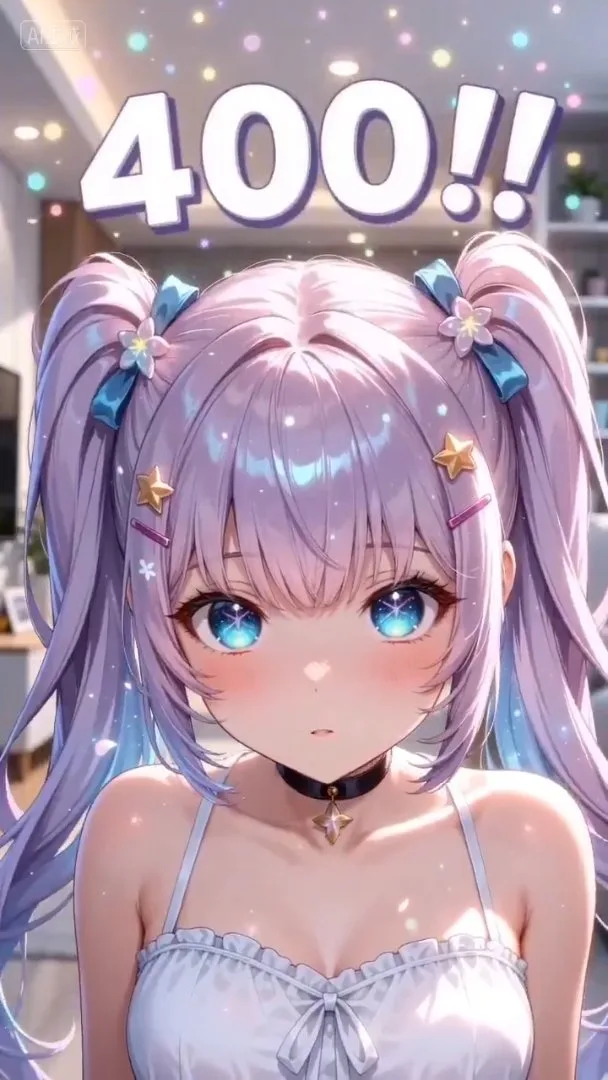
A video of her celebrating reaching 400 followers on X. She is an AI content cre
Seedance 2.0
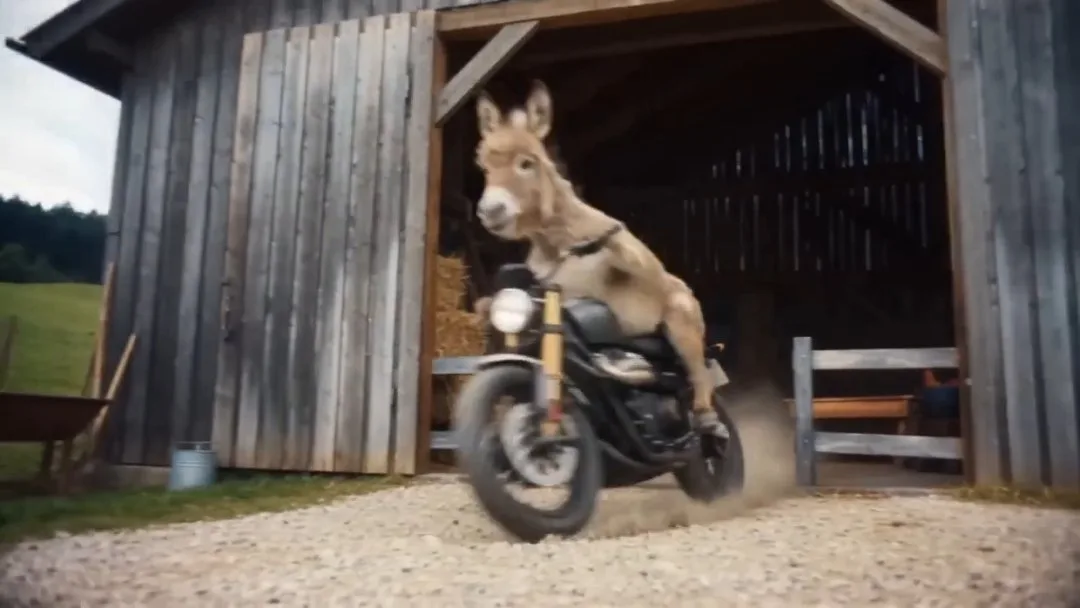
15s Extend the 15s video, refer to the images of donkeys riding motorcycles in @
Seedance 2.0
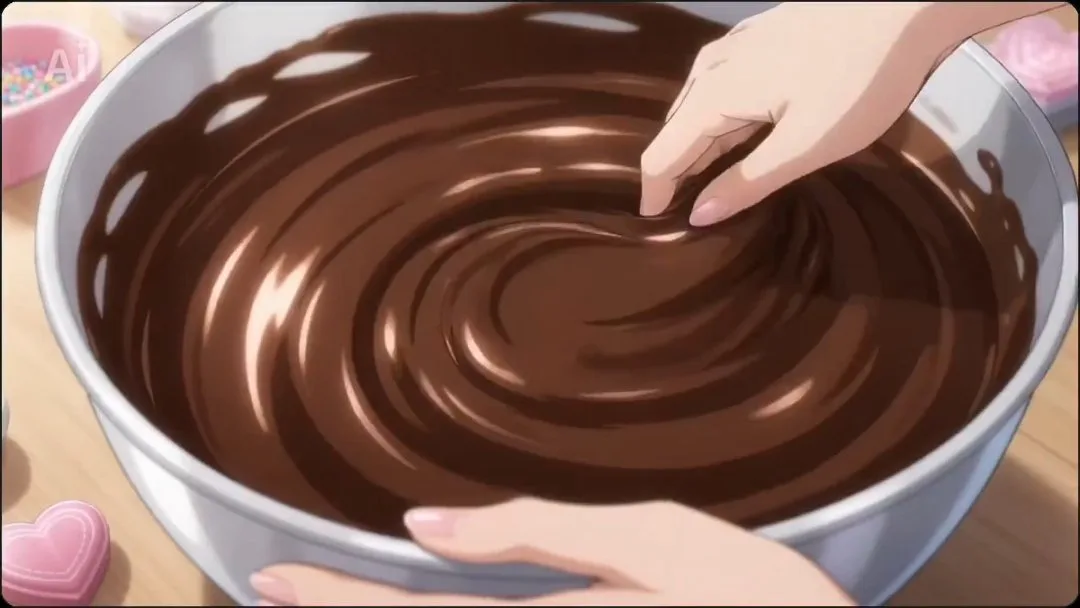
A video packed with various happy Valentine's Day dramas. Ultra-high-speed cut s
Seedance 2.0
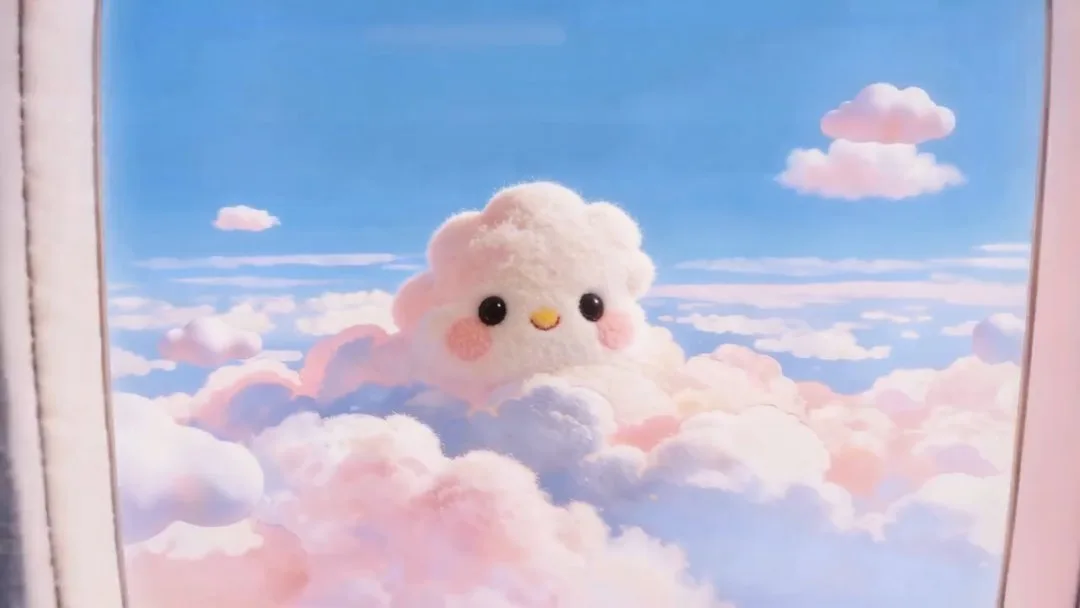
Taking @image-1 as the first frame, the screen zooms in to the plane window. Clo
Seedance 2.0

Make your AI video in three steps

Video

Upload the image, define the motion direction, and generate a usable AI video clip fast.

1

Upload the reference image

Start with a still image that defines the subject, framing, and base visual style for the clip.

2

Describe the motion

Write the action, camera movement, pacing, and mood you want the model to animate from that image.

3

Generate and refine

Choose the model and output settings, run the task, then iterate with stronger prompts or different references.

Core features of AI Image to Video Generator

Built for image-led video creation with stronger reference control, cleaner motion setup, and faster remix workflows.

Reference-image animation

Turn portraits, scenes, product shots, or concept art into short motion clips without rebuilding the visual from scratch.

Prompt-guided motion control

Add camera movement, character action, and scene pacing on top of the uploaded image using plain-language prompts.

Consistent scene direction

Use the source image to hold composition, character identity, and overall visual direction more steadily across the clip.

Fast model switching

Compare different video models quickly when you need a better match for cinematic motion or prompt responsiveness.

Flexible aspect ratios and durations

Generate vertical, square, or landscape image-to-video outputs with duration and resolution settings for different channels.

Inspired recreate workflow

Reuse strong example clips as a starting point, then swap in your own image and prompt for faster experiments.

Pricing

Choose the plan that works best for you. Cancel anytime.

SAVE UP TO 40%
Free
Perfect for getting started
$0/ month
  • Limited free credits
  • Image generation with starter access
  • Basic video models for short clips
  • Up to 5-second video generation
  • Up to 480p export
  • 1 concurrent generation job
  • Standard generation queue
  • Community support
BasicSAVE 25%
Perfect for individual creators
$15/ month

$180 USD billed yearly

  • 2,000 credits per month
  • Image generation with GPT Image 2 / Nano Banana 2
  • Multiple video models including Seedance,Veo,Kling
  • Video output up to 720p / 1080p depending on model
  • Audio-video sync for avatar workflows
  • 2 concurrent generation jobs
  • Normal generation speed
  • Private videos
Popular
ProSAVE 30%
For professional content creators
$35/ month

$420 USD billed yearly

  • 7,000 credits per month
  • Image generation with GPT Image 2 / Nano Banana 2
  • Multiple video models including Seedance,Veo,Kling
  • Video output up to 720p / 1080p depending on model
  • Audio-video sync for avatar workflows
  • 3 concurrent generation jobs
  • Fast-track generation lane
  • Private videos
  • No watermark
  • Commercial usage rights
  • Higher monthly output for image and video generation
  • Priority access to newly added models
UltimateSAVE 40%
Ultimate power for businesses
$60/ month

$720 USD billed yearly

  • 16,000 credits per month
  • Image generation with GPT Image 2 / Nano Banana 2
  • Multiple video models including Seedance,Veo,Kling
  • Video output up to 720p / 1080p depending on model
  • Audio-video sync for avatar workflows
  • 4 concurrent generation jobs
  • Fastest generation lane
  • Private videos
  • No watermark
  • Commercial usage rights
  • Highest monthly output capacity
  • Priority access to new model releases
  • Early invites to selected new features
  • Priority support
  • Lowest cost per 100 credits
Stripe

All payments are securely processed by Stripe.

If you have any questions, please contact us at [email protected]

Frequently Asked Questions

Common questions about using reference images, writing motion prompts, and improving image-to-video output.

What kind of images work best for image-to-video generation?

Clear images with a visible subject, readable composition, and strong lighting usually give the model better structure to animate from.

Do I still need to write a prompt if I upload an image?

Yes. The image defines the visual starting point, while the prompt tells the model how the subject should move, how the camera should behave, and what mood to create.

How do I get smoother image-to-video results?

Use a stable source image, keep the motion description focused, and avoid combining too many complex actions in one short clip.

Can I reuse inspired examples here?

Yes. You can load an inspired setup, then replace the reference image or prompt to create your own image-to-video variations faster.

Start creating with AnimeGenerator

Turn one idea into anime images, videos, or motion comic-ready content with the mode that fits your project.