
What is Nano Banana 2 best at?
Nano Banana 2 works best for fast image iteration, polished lifestyle scenes, reference-based edits, and campaign-style visuals that need a lighter workflow.
 AnimeGenerator
Use Nano Banana 2 when you want fast visual iteration, cleaner lifestyle staging, and reference-driven image generation that still feels polished.
Start from Nano Banana 2 examples focused on polished daily scenes, commercial styling, and reference-friendly art direction.
Nano Banana 2 fits teams that want quick concept movement, believable product and lifestyle staging, and easy remixing from references without losing polish.
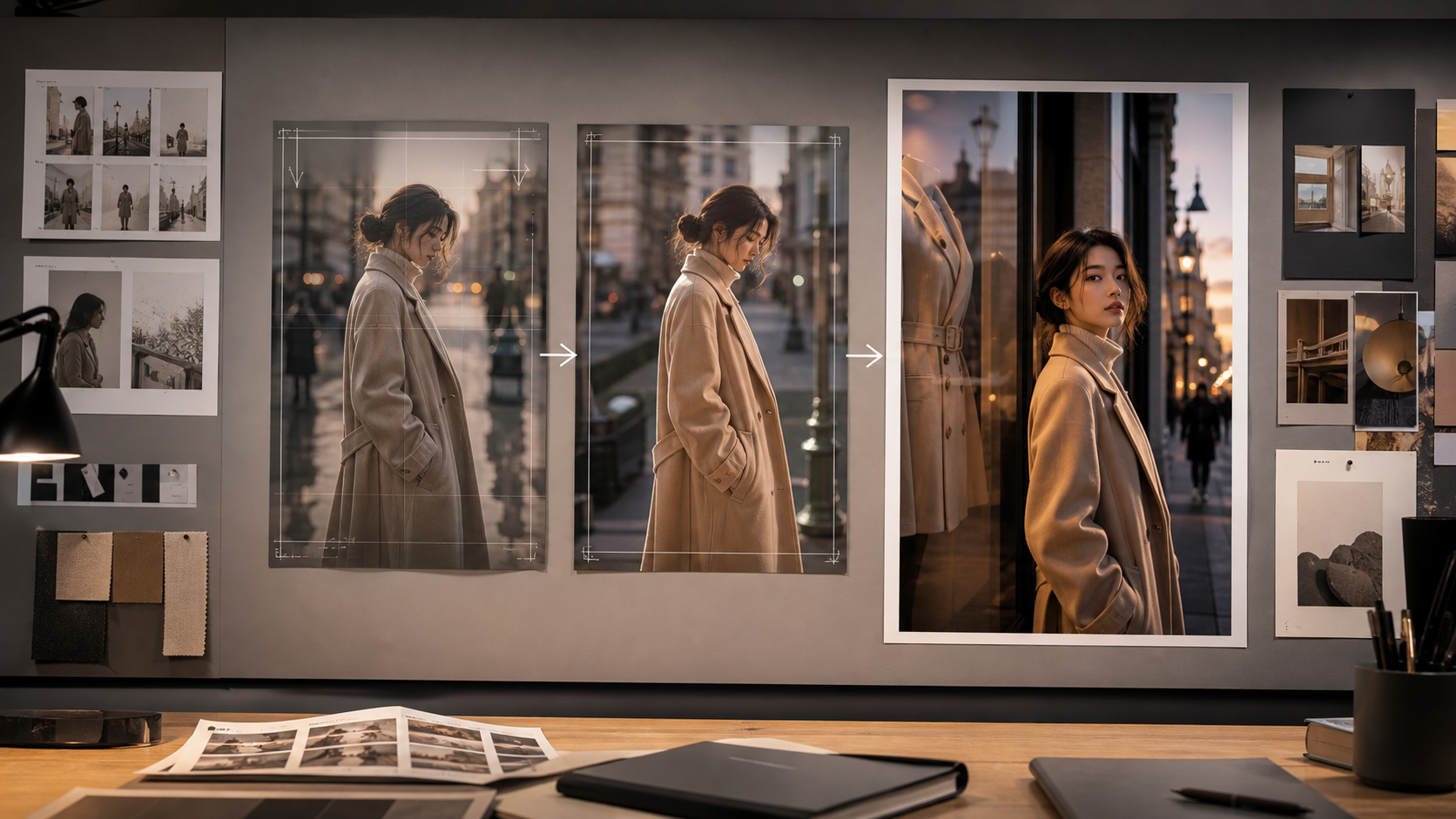
Fast Iteration Nano Banana 2 is well suited to prompt loops where you want to adjust mood, styling, framing, and details quickly without rebuilding the whole concept each time. Useful for rapid concept passes, social mockups, and visual exploration with cleaner defaults. A good fit when speed matters but you still need output that looks presentable.
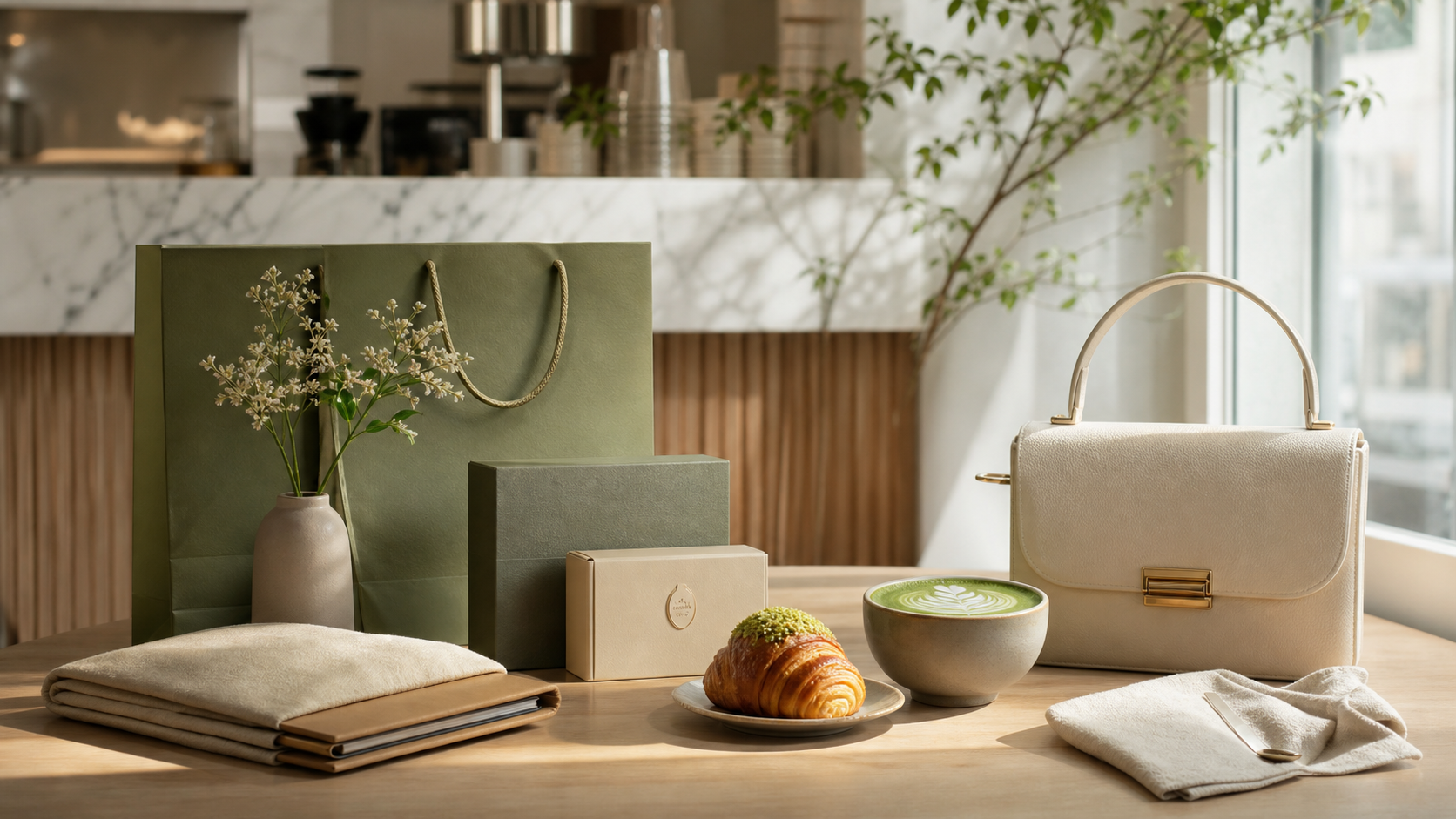
Lifestyle Staging The model performs well on cafe counters, desktops, boutique windows, and other commercial lifestyle setups where composition needs to feel relaxed but intentional. Helpful for menus, promos, creator brand visuals, and product storytelling. Balances atmosphere and readability without making the frame feel overdesigned.
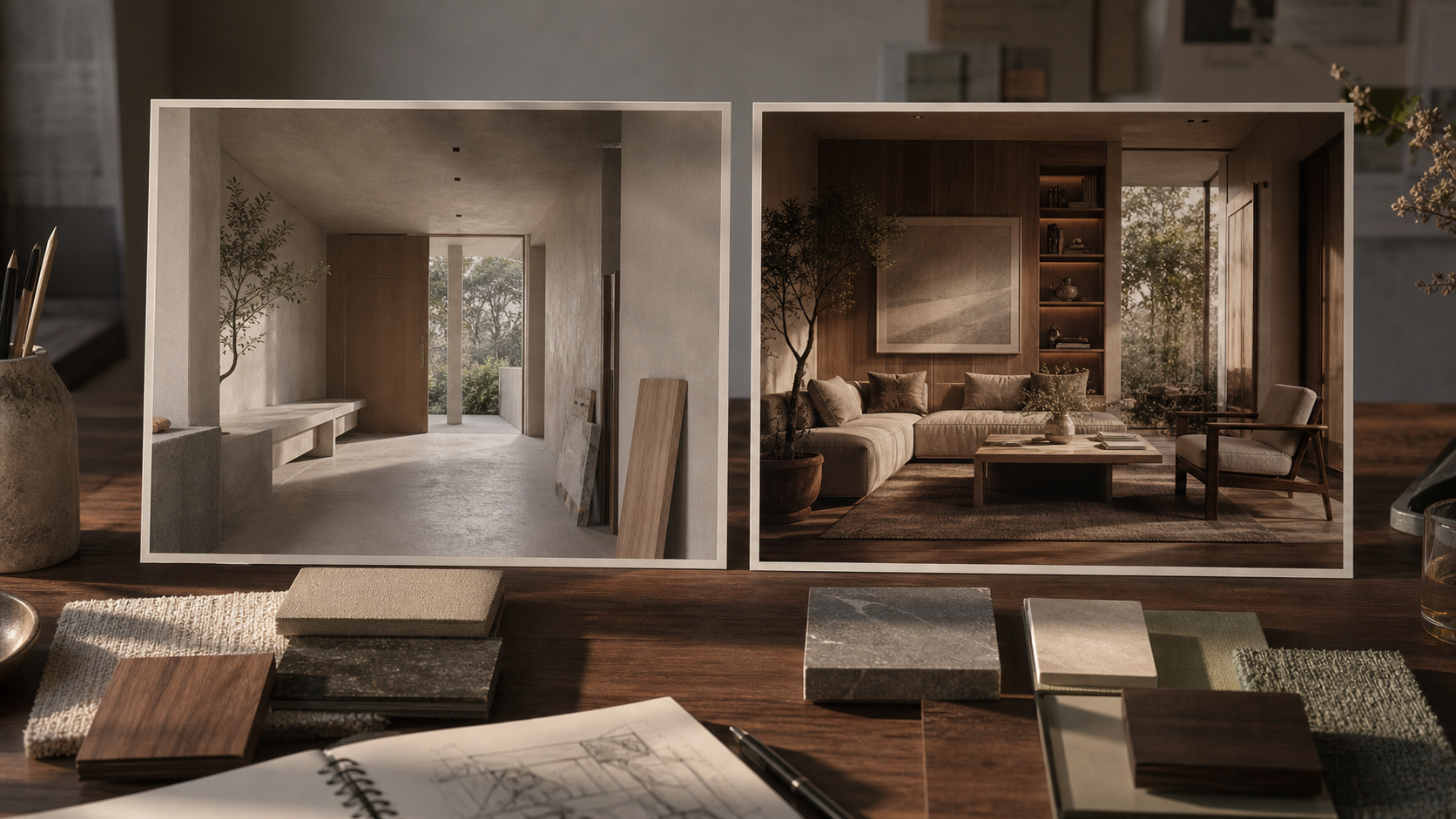
Reference Remix When you switch to image-to-image, Nano Banana 2 is positioned as a practical way to restyle layouts, refresh scenes, or push a mood board into a sharper final direction. Useful for room makeovers, product swaps, palette changes, and controlled visual refreshes. A better workflow when the prompt should cooperate with an existing image instead of replacing it.
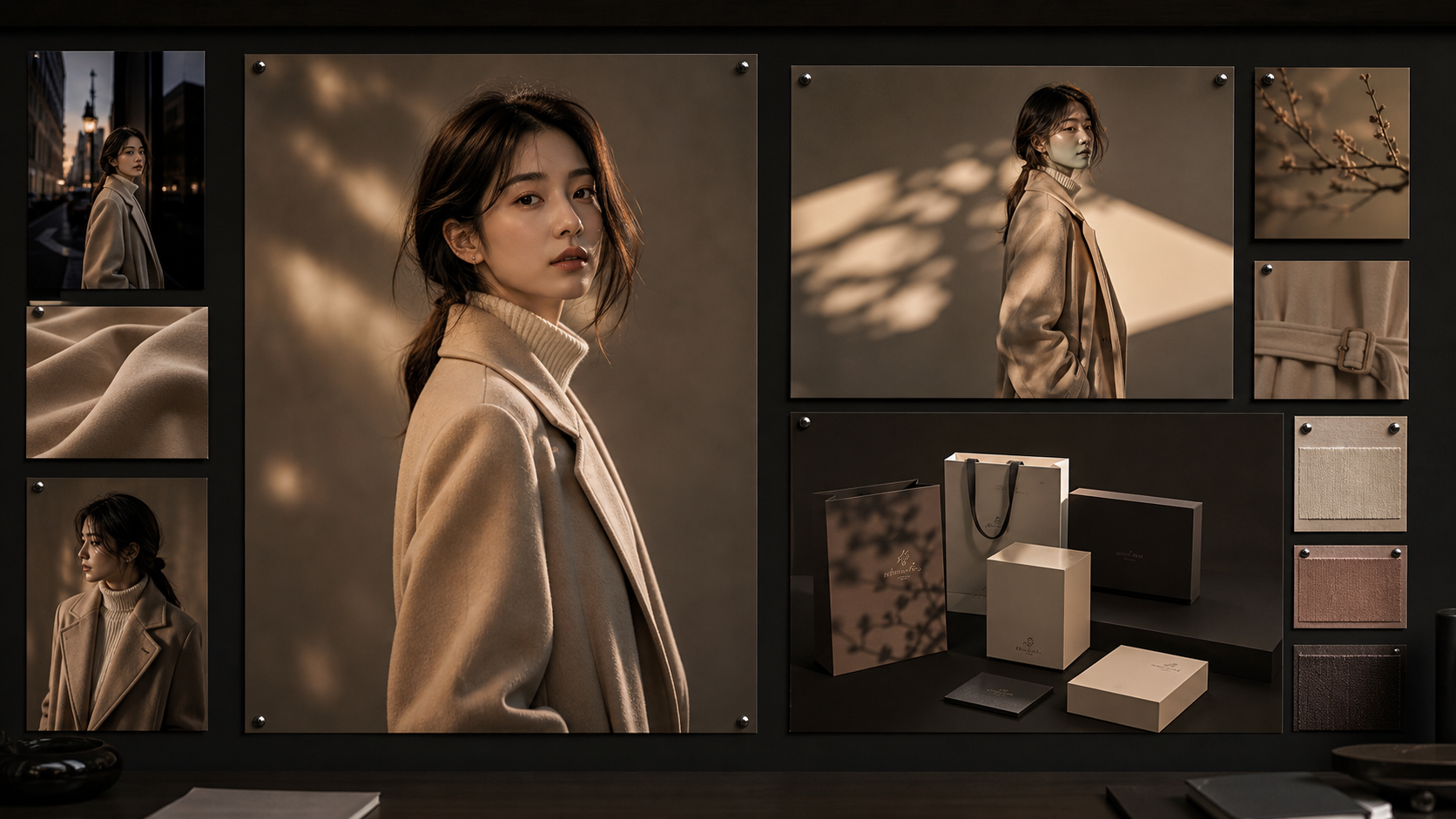
Campaign Ready Nano Banana 2 is not only about ideation speed. It can also produce balanced, premium-looking frames that work for presentation decks, campaign concepts, and social-ready creative. Strong for polished posters, editorial character shots, and branded social assets. Useful when you want faster iteration than heavier composition-first models.
Choose the plan that works best for you. Cancel anytime.
$180 USD billed yearly
$420 USD billed yearly
$720 USD billed yearly
All payments are securely processed by Stripe.
If you have any questions, please contact us at [email protected]
Practical answers for using Nano Banana 2 inside AnimeGenerator.
Nano Banana 2 works best for fast image iteration, polished lifestyle scenes, reference-based edits, and campaign-style visuals that need a lighter workflow.
Yes. It is a strong option for cafe scenes, creator setups, posters, promo cards, and other commercial-looking images that benefit from clean staging.
Yes. Switch to image-to-image mode and upload a reference image when you want to remix an existing composition or refresh the visual direction.
Choose Nano Banana 2 when you care more about fast exploration, lifestyle polish, and reference-friendly iteration than text rendering or prompt-heavy layout control.
Yes. This page supports both modes, and the generator defaults to Nano Banana 2 for new prompts.
Yes. The credit cost is shown before generation and depends on the selected mode and output count.
Compare image models by speed, editing flow, and output style, then switch to the page that matches your next prompt.
Best for fast iteration, polished lifestyle scenes, and reference-friendly edits.
Best for text-heavy layouts, prompt fidelity, and structured composition control.
Use the broader multi-model workflow when you want more image models in one place.
Start from text prompts when you want a simpler create-from-scratch flow.
Begin from a reference image when controlled editing and remixing are the priority.
Turn one idea into anime images, videos, or motion comic-ready content with the mode that fits your project.