What does AI Studio generate from one brief?
It creates a project workspace with an outline, cover direction, characters, and a ready state for storyboard and media generation.
 AnimeGenerator
Start with one creative brief, choose a visual style, and build a reusable project workspace with outline, characters, cover direction, and production-ready next steps.
Browse starter concepts, preview the storyboard mood, and send a setup back into AI Studio with one click.
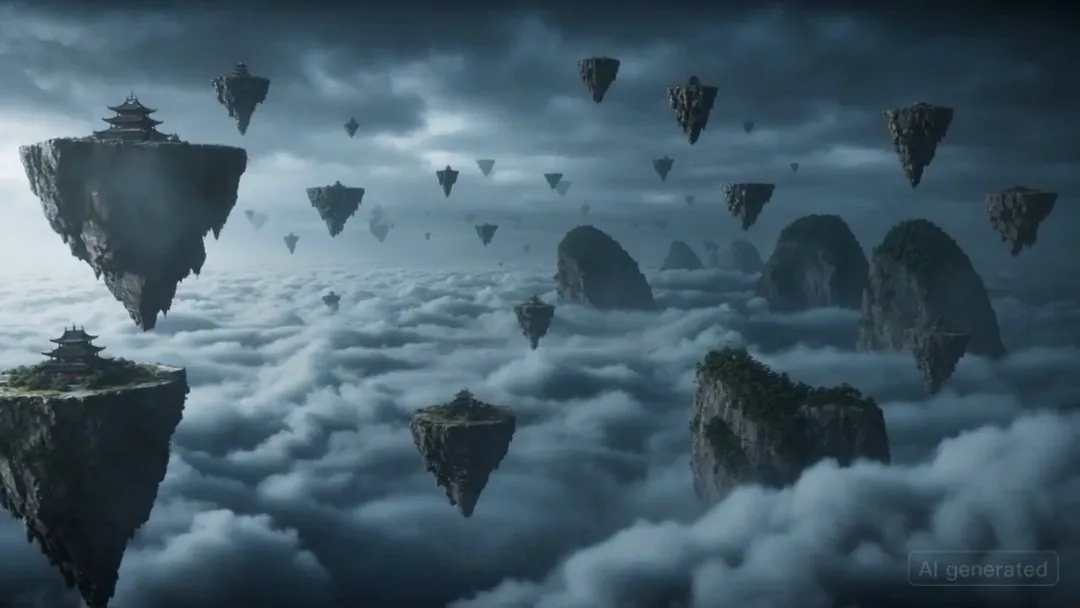
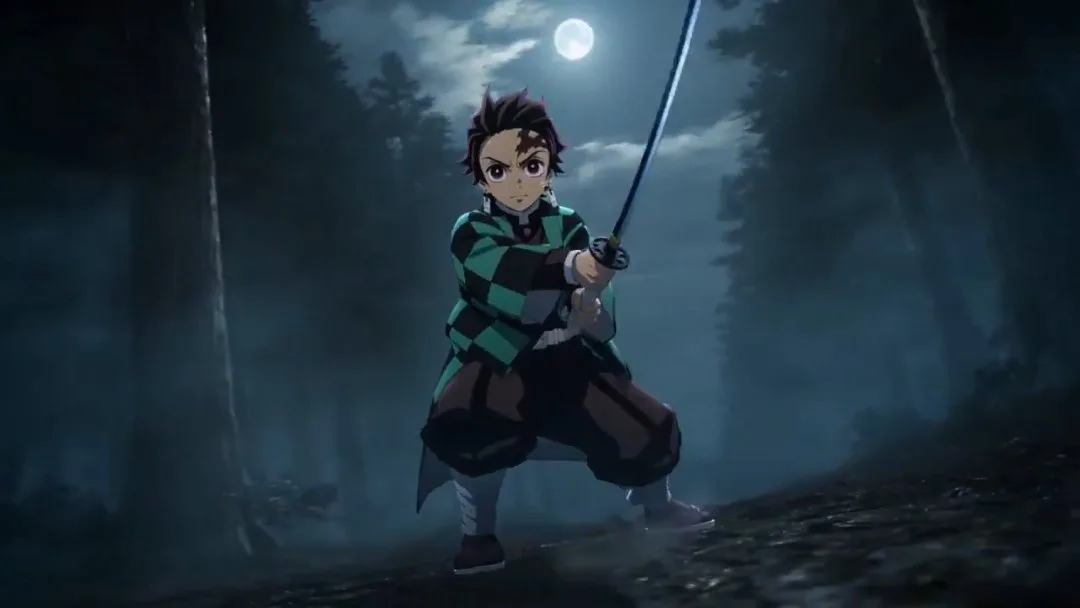
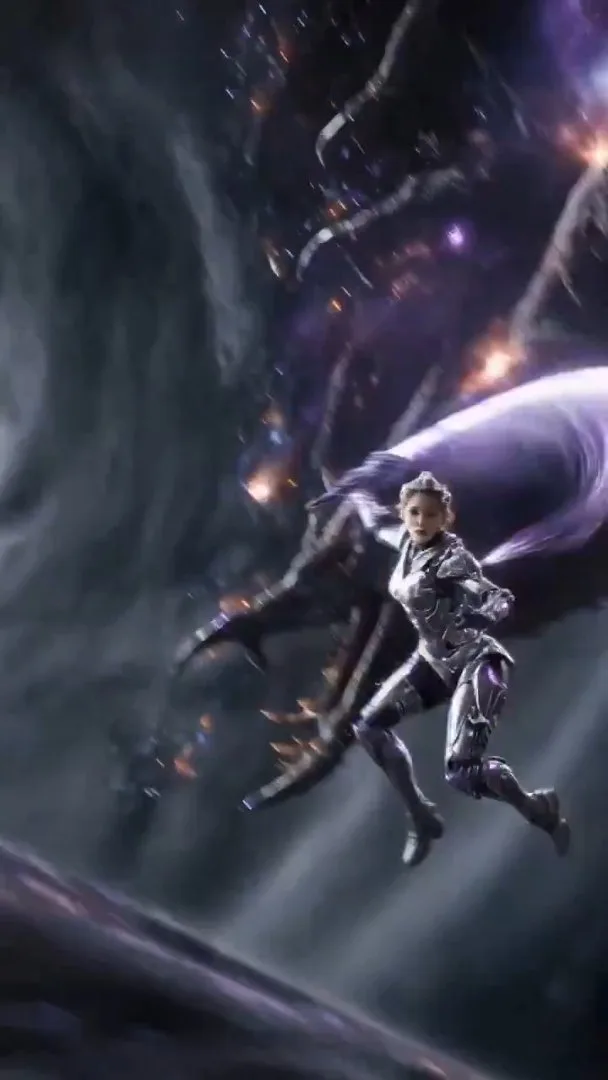

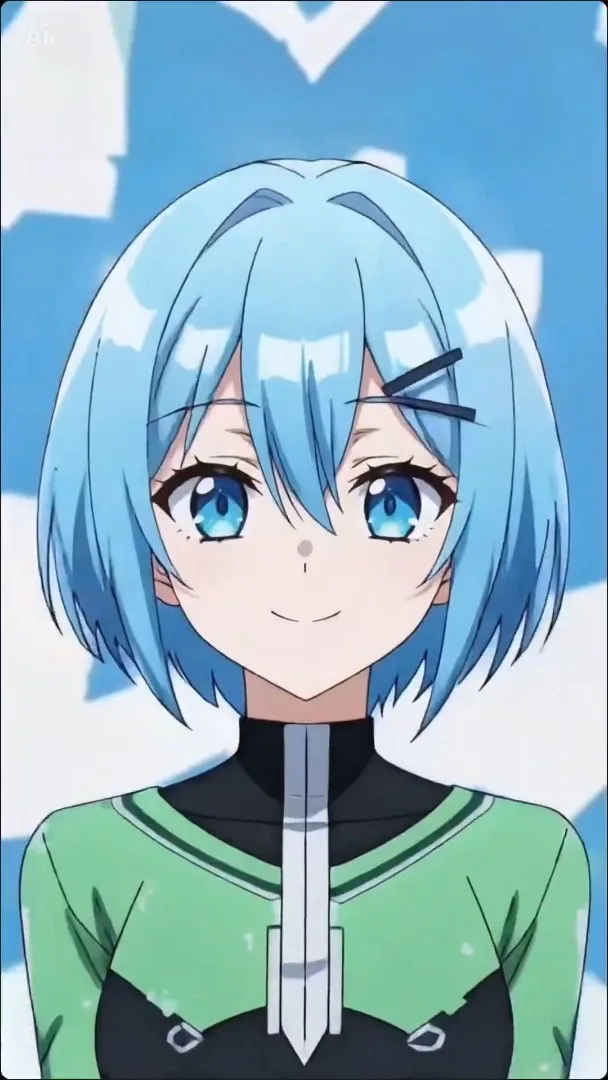
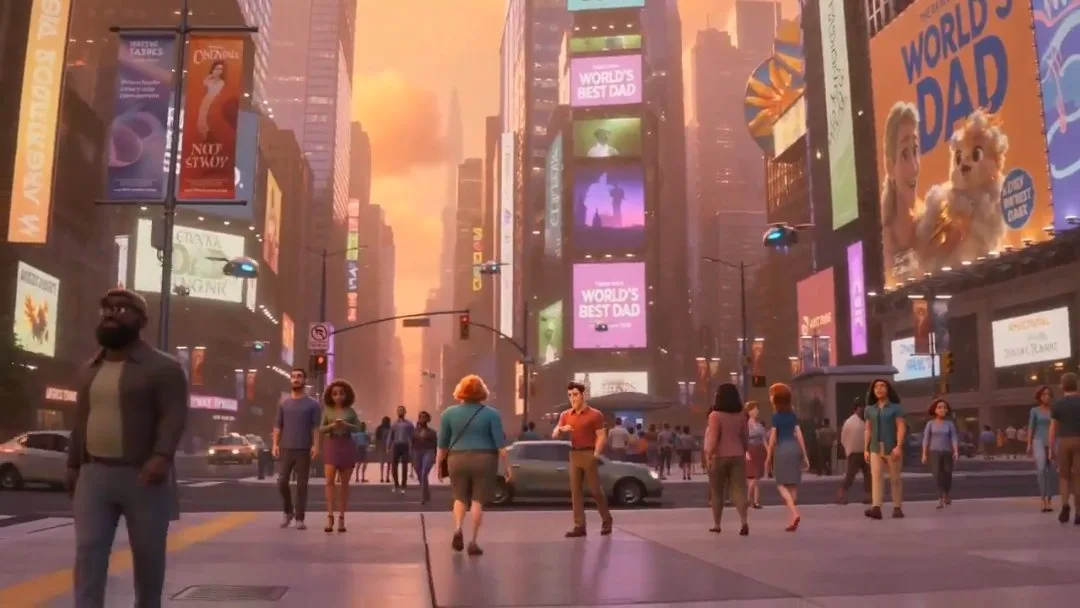
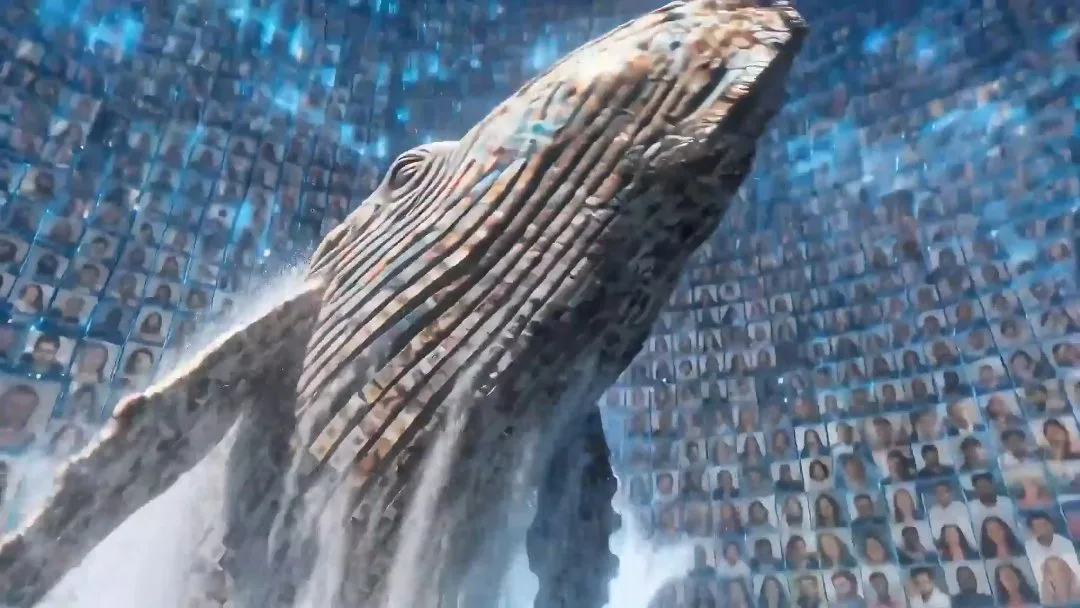
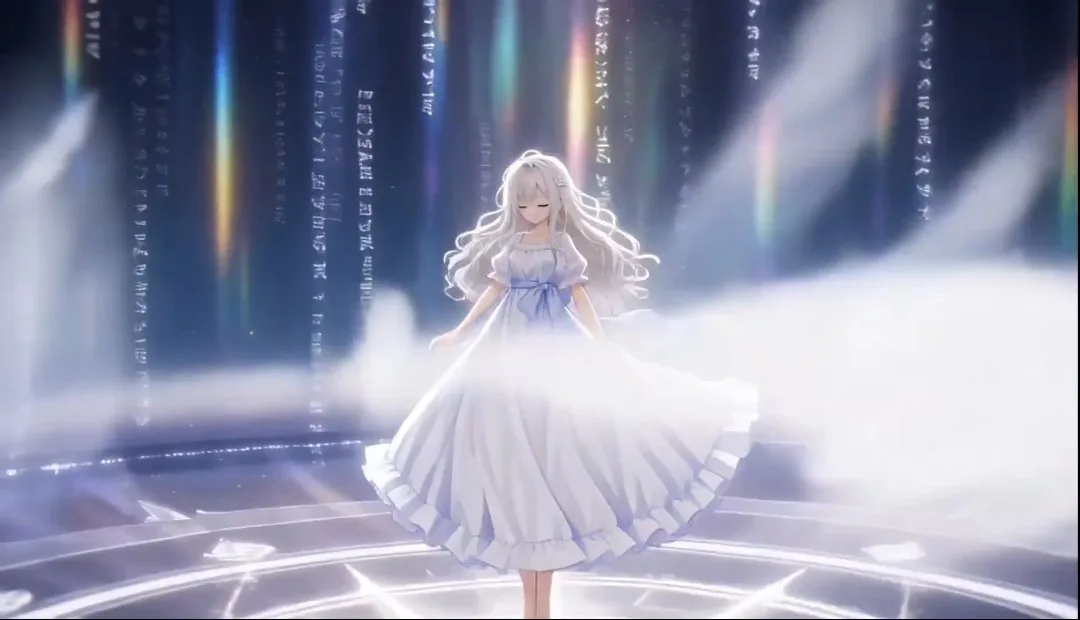
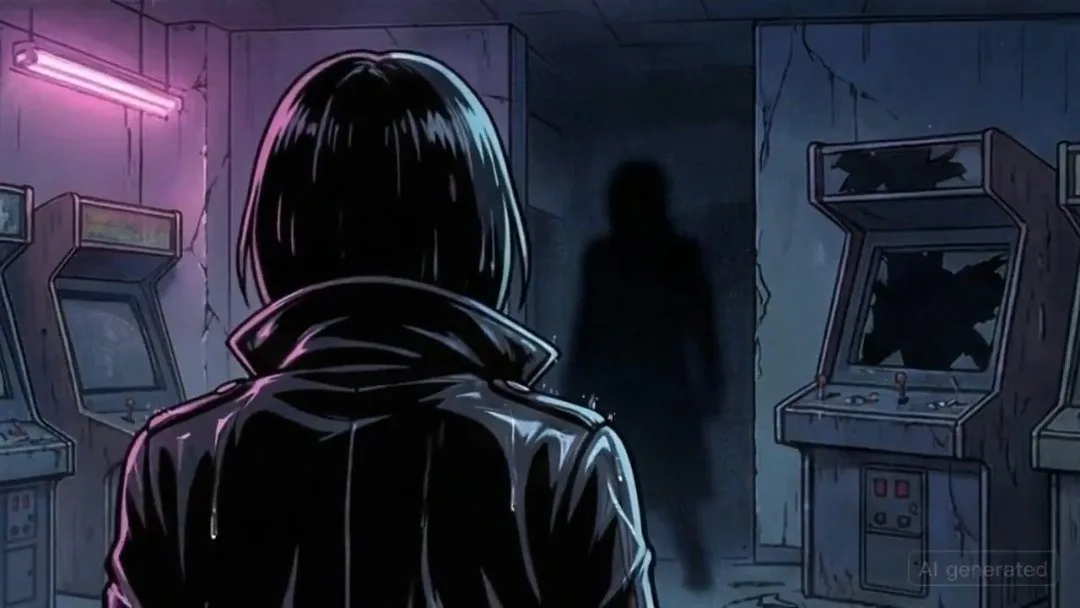
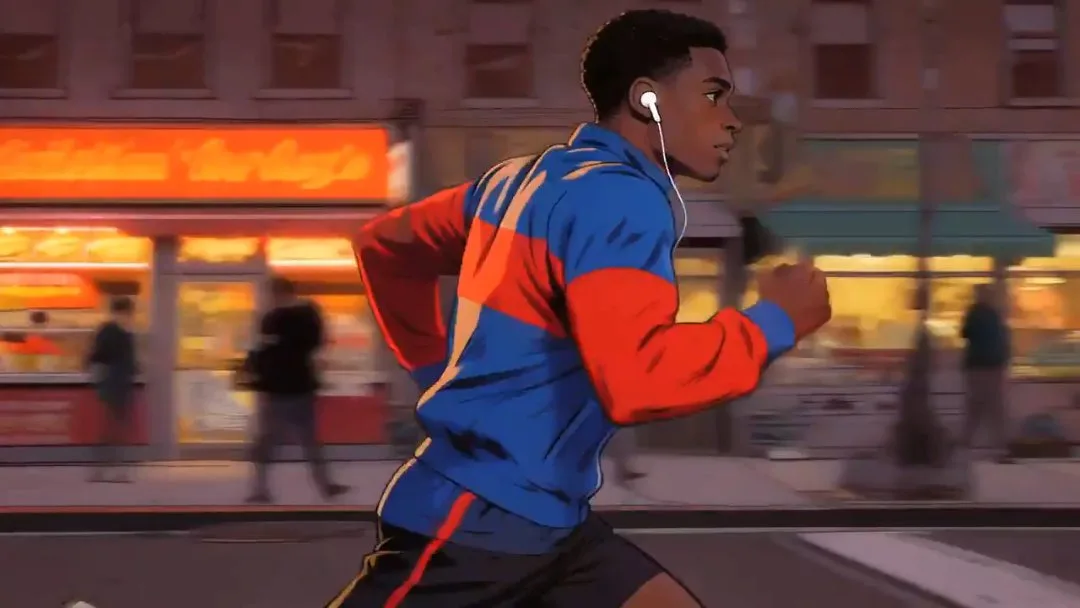
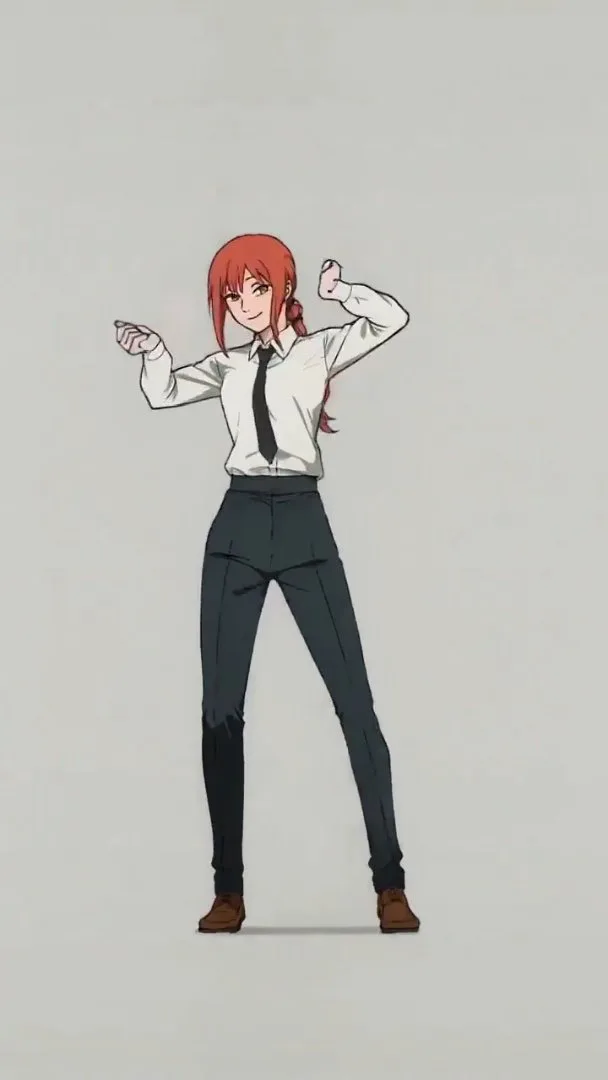

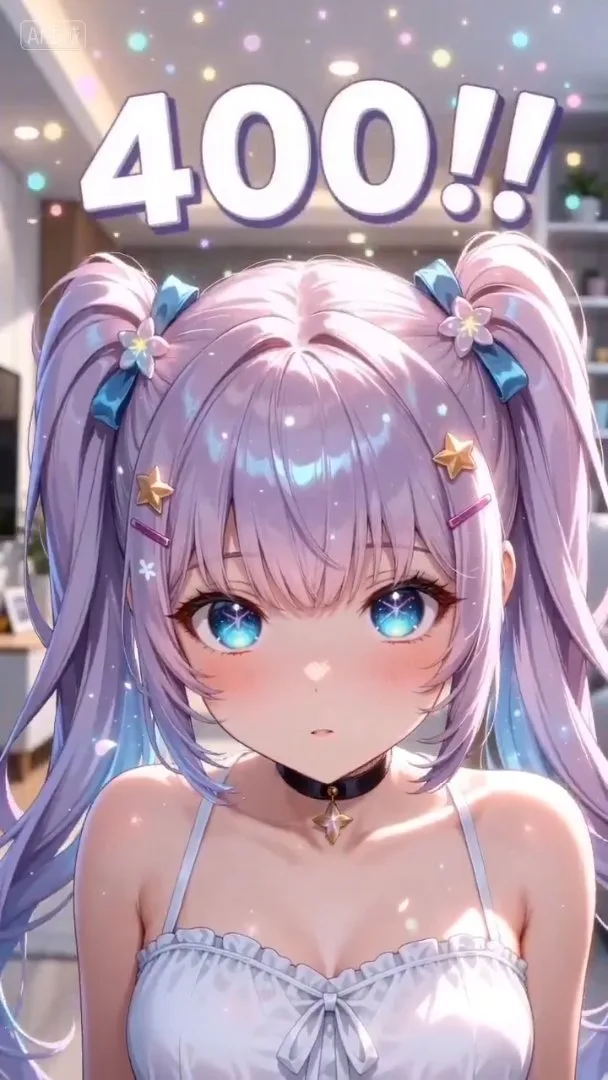
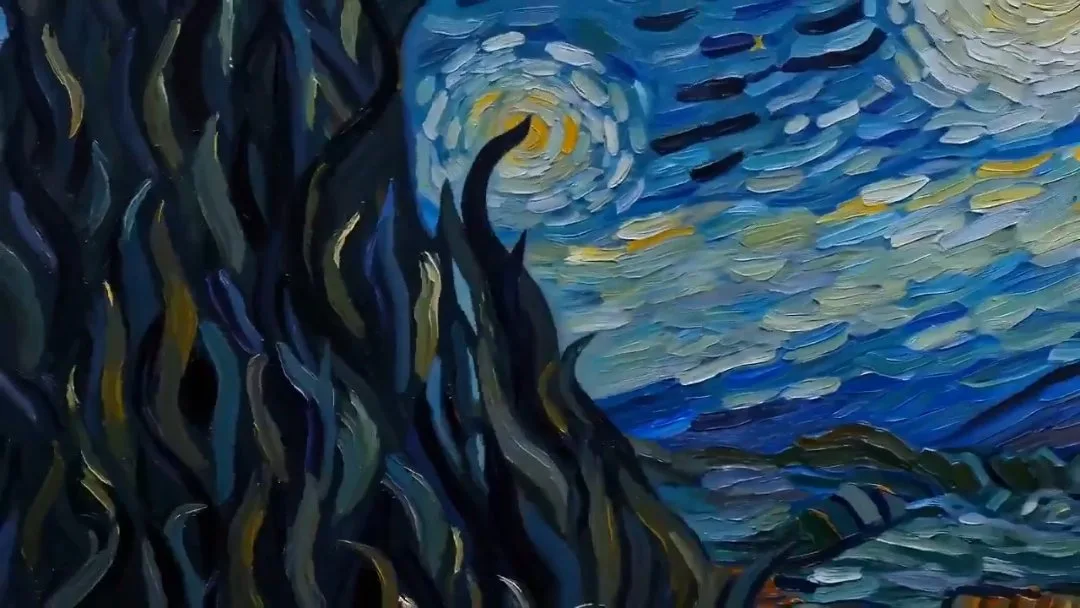

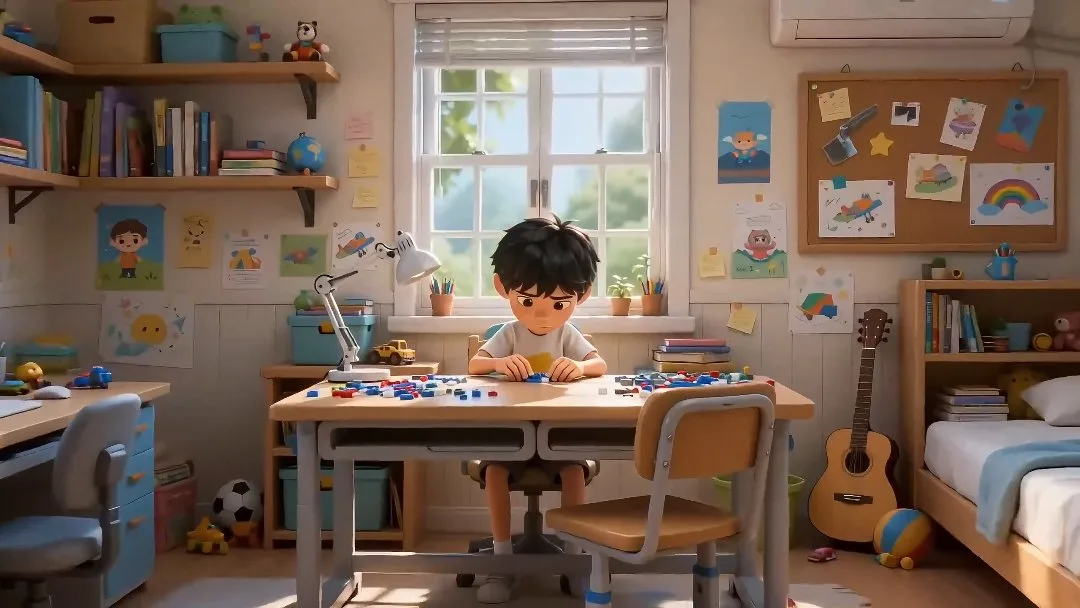
Move from a loose creative brief to an organized production workspace without rebuilding context across tools.
Describe the concept, audience, characters, mood, format, and deliverables so the workspace starts with clear direction.
Pick a style and aspect ratio before project setup so generated assets stay aligned with the intended format.
Review the outline, characters, and project setup, then continue generating storyboard shots and preview media.
Built for broader AI production workflows where one idea needs to become a structured project, reusable assets, and a clear creative direction.
Turn one creative brief into a reusable project workspace instead of scattered one-off generations.
Give the project a clear narrative or production structure before creating assets.
Generate initial characters and visual context so later shots share the same project direction.
Prepare the project for storyboard shots, scene planning, and preview media without losing context.
Choose portrait or landscape early so generated assets fit the target channel or campaign.
Use curated concepts to preload stronger briefs, then refine them before launching the project workflow.
Choose the plan that works best for you. Cancel anytime.
$180 USD billed yearly
$420 USD billed yearly
$720 USD billed yearly
All payments are securely processed by Stripe.
If you have any questions, please contact us at [email protected]
Practical answers for planning and initializing AI Studio projects.
It creates a project workspace with an outline, cover direction, characters, and a ready state for storyboard and media generation.
Anime Studio is focused on anime-first stories. AI Studio keeps the same project workflow but frames it for broader creative production briefs and reusable AI assets.
Yes. Inspired examples can preload a stronger creative brief, then you can edit it before launching the full project workflow.
No. AI Studio initializes the workspace first, then you can keep refining the outline, characters, storyboard shots, and preview media inside the project.
The estimate covers project initialization and the first preview-oriented workflow steps. The required amount is shown next to the main input before submission.
Jump into AnimeGenerator's core creation workflows for images, video, and studio projects.
Turn one idea into anime images, videos, or motion comic-ready content with the mode that fits your project.