1
Write the video prompt
Describe the subject, action, environment, camera movement, and atmosphere of one anime scene.
Generate anime clips from text prompts. Describe the scene, action, and camera movement, then choose your model and output settings.
Preview text-to-video examples, then use Recreate to load their prompts and settings as starting points for your own clips.
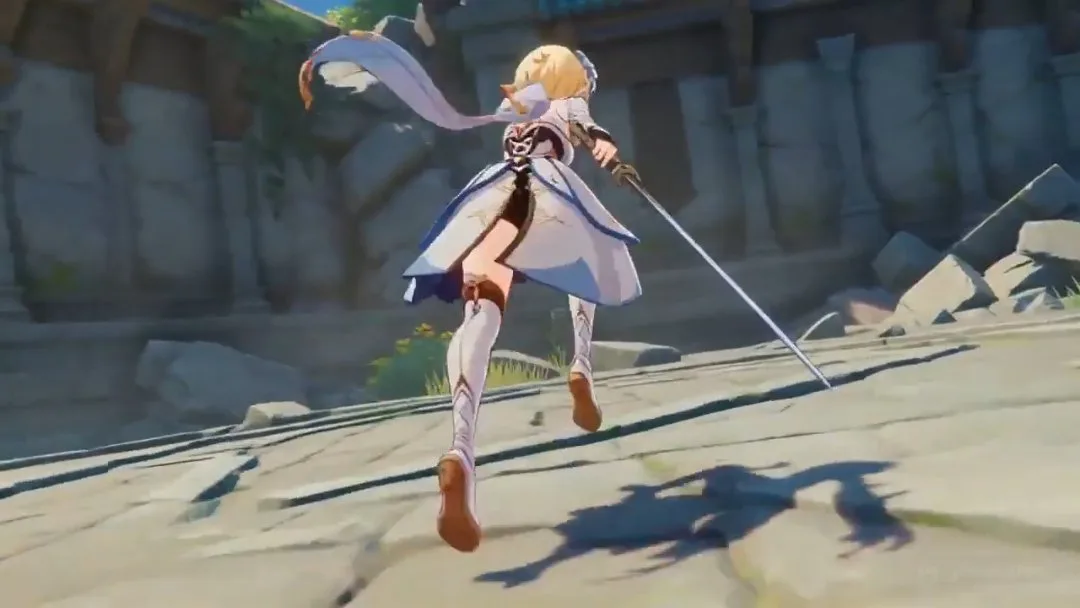
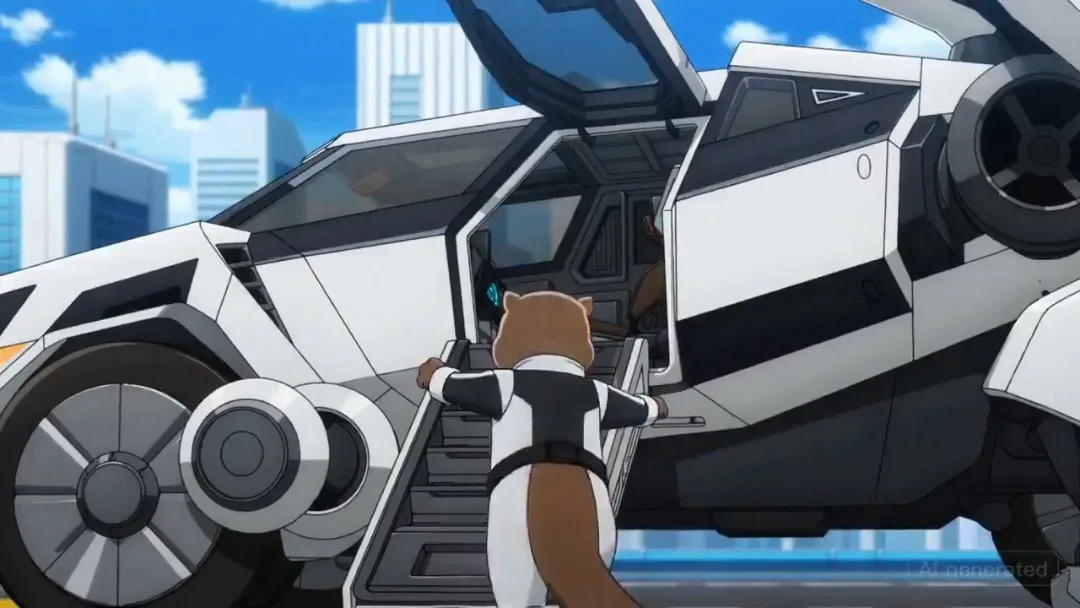
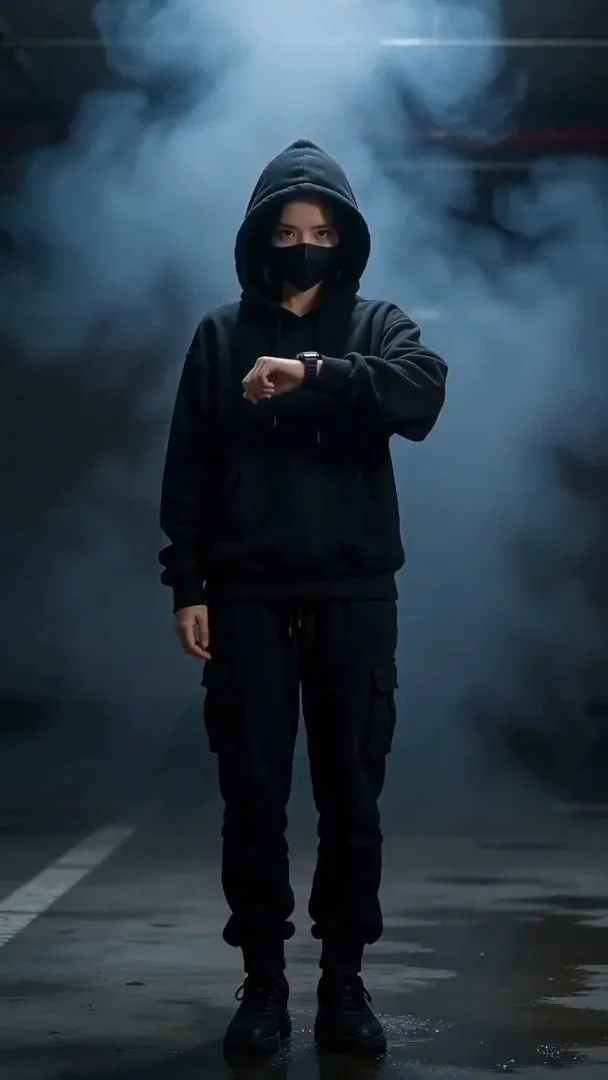
Describe an anime scene, choose the output settings, and generate a clip to preview and download.
Describe the subject, action, environment, camera movement, and atmosphere of one anime scene.
Choose a video model and the available aspect ratio, duration, and resolution for your clip.
Generate the clip, preview and download it, or adjust the prompt and generate another version.
Describe your anime scene in words, choose the output settings, and use text-based examples as starting points.
Start with a text prompt to create short anime scenes, teasers, and social clips without uploading reference media.
Write the subject action and camera movement in your prompt to describe how the scene should move.
Select an available text-to-video model and try the same scene with a different model.
Choose an available portrait, square, or landscape aspect ratio to suit where you will use the clip.
Choose from the available clip lengths and resolutions. Supported settings depend on the model.
Load a text-to-video example’s prompt and settings, edit them, and submit your own generation.
Compare monthly and yearly plans for AI anime images and videos. One-time credit packs let you top up when you need more credits.
$166.8 USD billed yearly
$418.8 USD billed yearly
$838.8 USD billed yearly
All payments are securely processed by Stripe.
If you have any questions, please contact us at [email protected]
Common questions about writing prompts, choosing settings, and improving text-to-video results.
You can create short anime scenes, teaser clips, social clips, and concept shots. This workflow generates individual clips rather than a complete long-form anime.
No. Text-to-video mode starts from text without reference images or videos. If you switch to another mode, follow its reference media requirements.
Describe one subject, action, environment, and camera move. For example: “An anime girl walks through a rainy street at night; the camera slowly follows her as neon lights reflect on the pavement.” Revise one detail at a time; results may vary.
Yes. Recreate loads a text-to-video example’s prompt and settings. Edit them and submit when ready. Generating again with the same settings does not guarantee the same video.
Three entries, one product: anime images, anime videos, and the Studio workspace that holds a project together.
Generate anime images from prompts.
Turn photos into anime art.
Generate anime videos from prompts.
Convert video into anime style.
Keep an idea, characters, shots, images, and videos in one project.
Make anime images and videos in one place, or open Studio when you want the same idea to stay in one project.