

What kinds of anime videos can I generate here?
You can generate short anime scenes, trailer shots, motion poster clips, reference-driven character animations, product showcases, and storyboard-based action tests.
Start with a larger anime-first prompt box, then generate video from text, reference images, or key frames.
Hover to autoplay the gallery, recreate the setup instantly, or open any clip in a larger player.
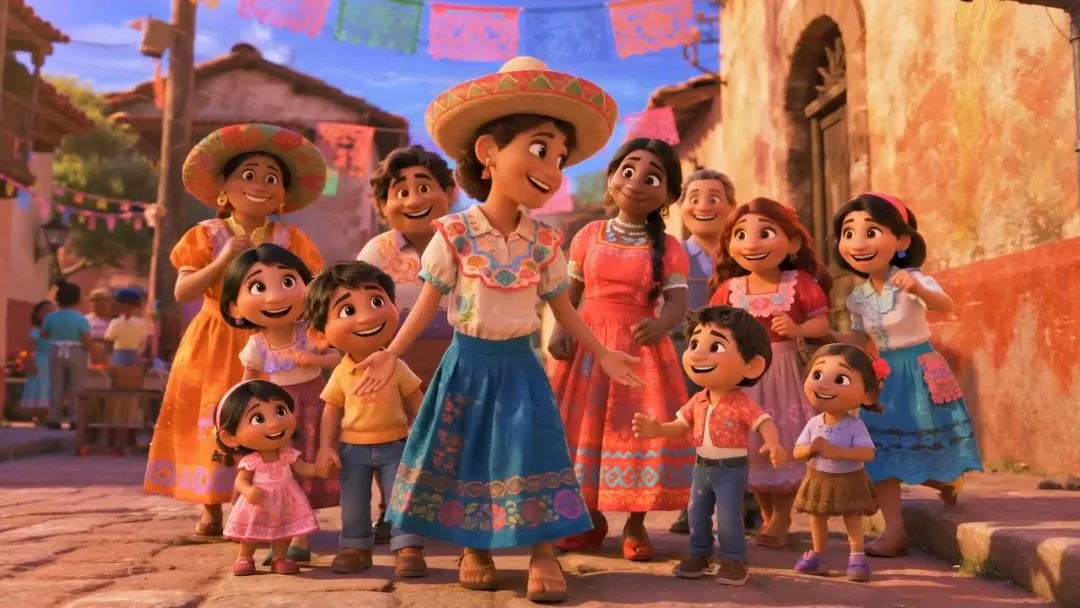
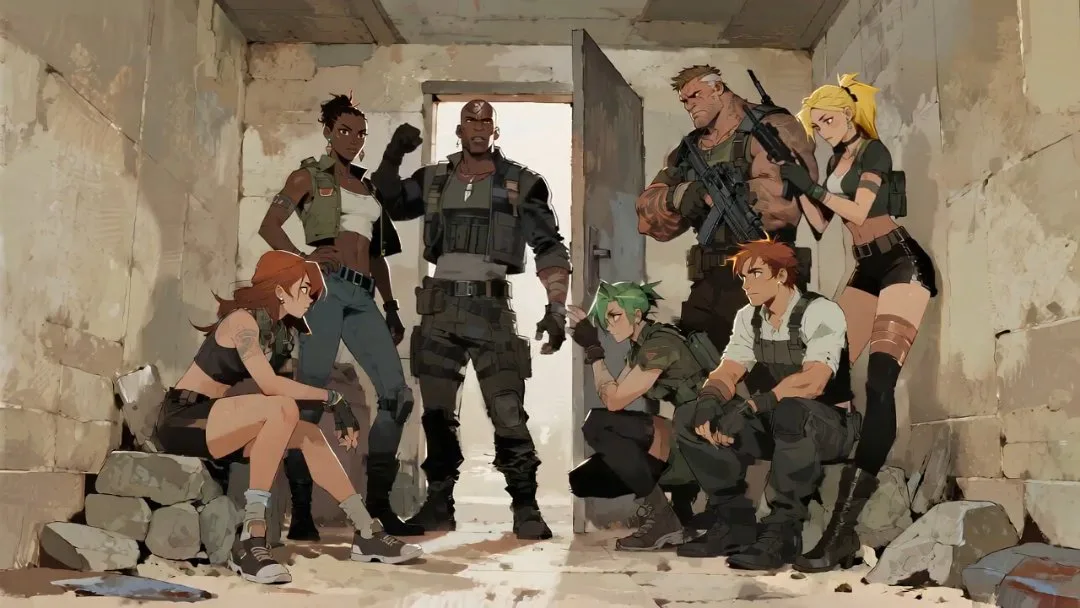
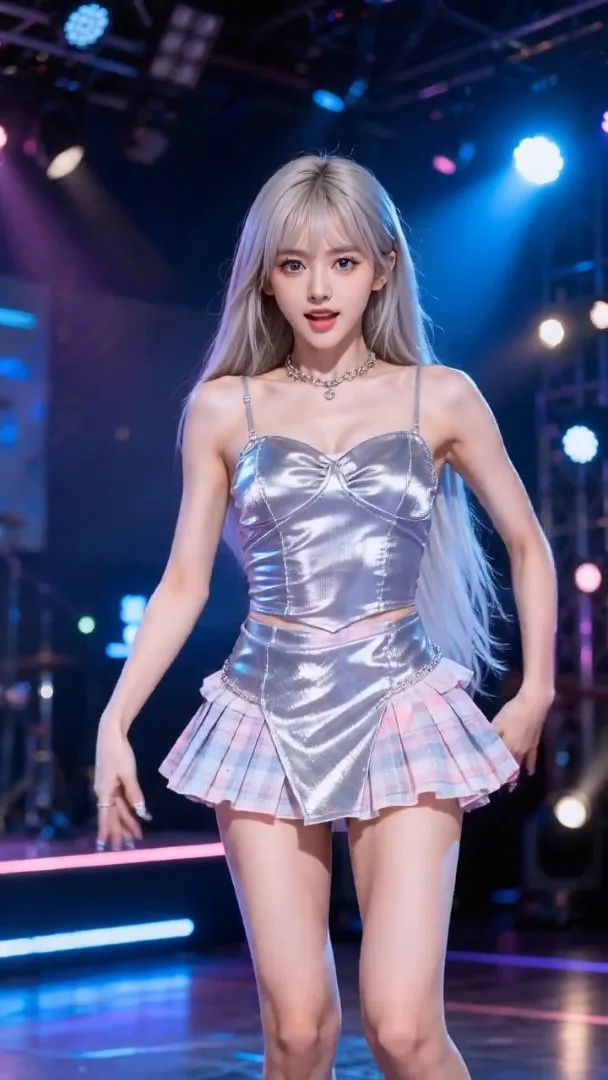



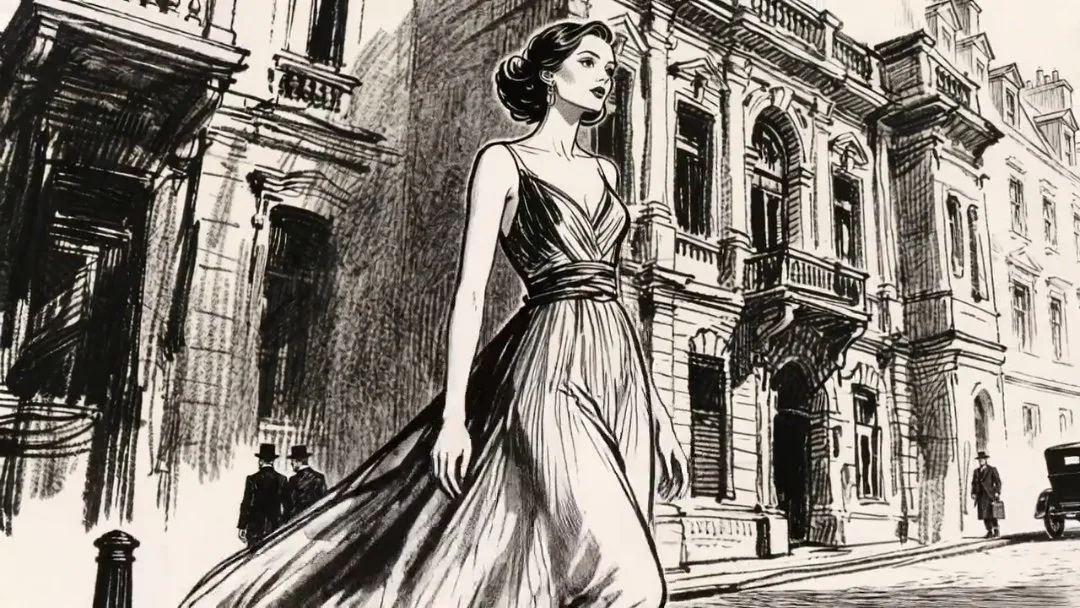



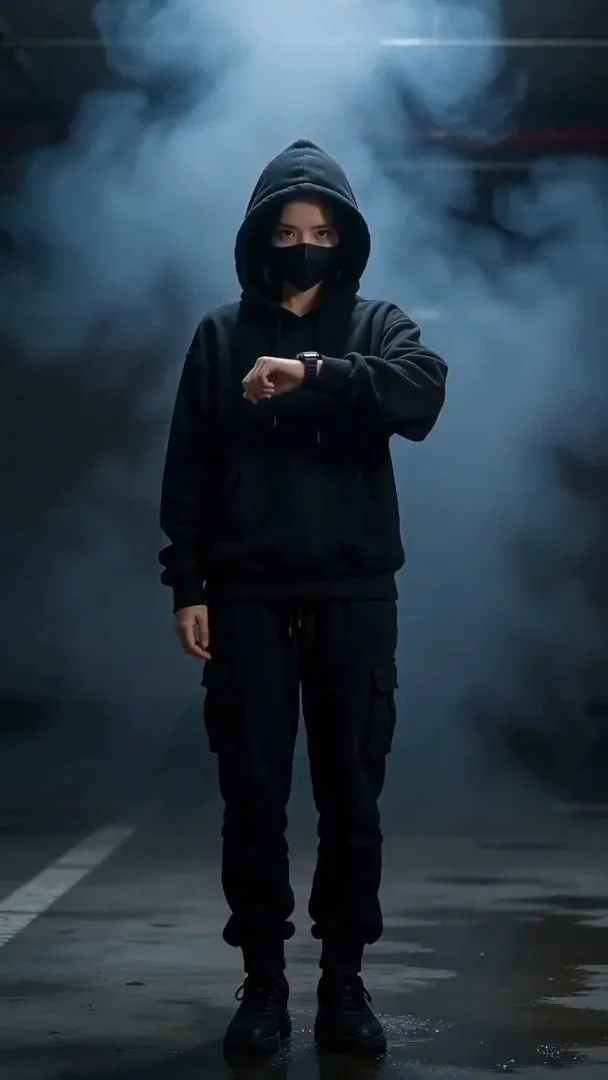


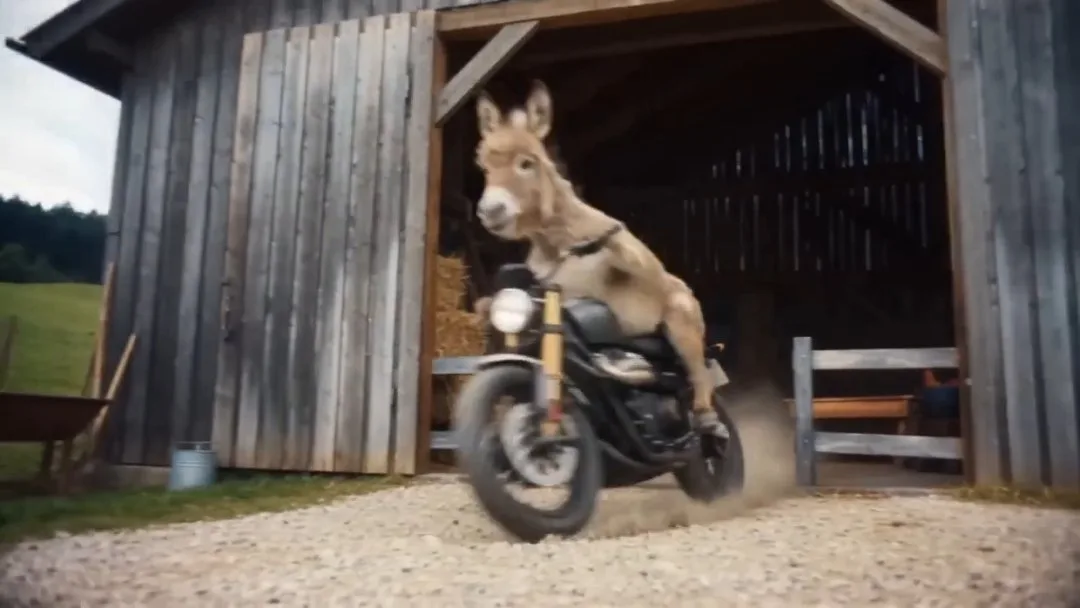


プロンプトや参照素材から始め、動きを調整して動画をすばやく生成します。
動画の動き、カメラ、アクション、雰囲気を入力します。
画像や動画を追加し、モード、長さ、比率、解像度を選びます。
モデルを実行し、完了後すぐに結果をプレビューします。
作品例やプロンプト編集を使って、より良いバリエーションを作ります。
Built for anime video workflows that need stronger motion control, faster setup, and cleaner scene direction.
Turn prompts into anime shots, teaser clips, cinematic loops, and motion-first scene concepts.
Use images or videos as references to guide character motion, shot rhythm, and visual style more precisely.
Define opening and ending frames to shape smoother in-between motion for narrative or promotional scenes.
Switch between cinematic text-driven output and reference-heavy generation depending on the shot goal.
Generate vertical or landscape anime videos with duration and resolution controls matched to each use case.
Click inspired examples to preload prompt, references, and settings, then refine before generating.
用途に合ったプランをお選びください。いつでもキャンセルできます。
$180 USD billed yearly
$420 USD billed yearly
$720 USD billed yearly
Practical answers for using the anime video generator.
You can generate short anime scenes, trailer shots, motion poster clips, reference-driven character animations, product showcases, and storyboard-based action tests.
Yes. The video generator supports text-to-video, image-to-video, first/last-frame transitions, and reference-to-video so you can choose the control level that matches the shot.
You can hover a card to autoplay it, use the audio toggle when the clip supports sound, click Recreate to send the preset back into the generator, or click the video itself to open a larger player.
The gallery is designed to grow quickly. Keeping the media source in a separate config file makes it easy to swap temporary CDN clips for first-party hosted videos later.
Usually yes. Video cost depends on the selected model, duration, resolution, and output count. The current credit cost is shown directly below the generator input before submission.
Use Veo 3.1 when you want stronger cinematic text-driven shots, and use Seedance 2.0 when you want flexible reference-based control such as image-to-video or multi-reference motion transfer.
画像、動画、スタジオプロジェクトの主要な制作機能をご利用いただけます。
プロジェクトに合ったモードを選び、一つのアイデアをアニメ画像、動画、モーションコミックへ変換しましょう。