ストーリー案から絵コンテ制作へ

AIアニメスタジオ

推定275クレジット

Get Inspired

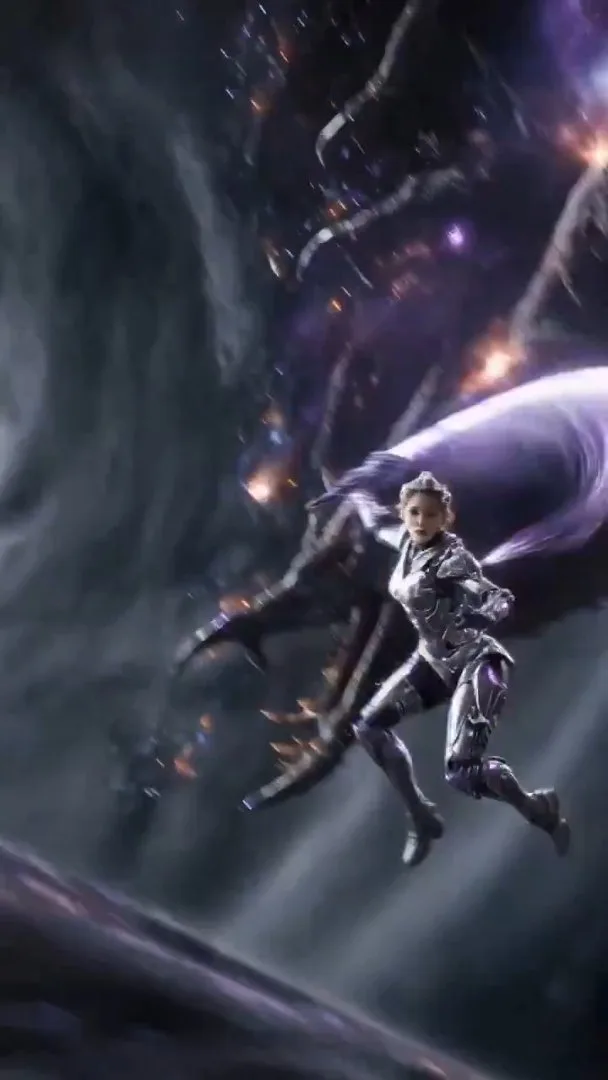
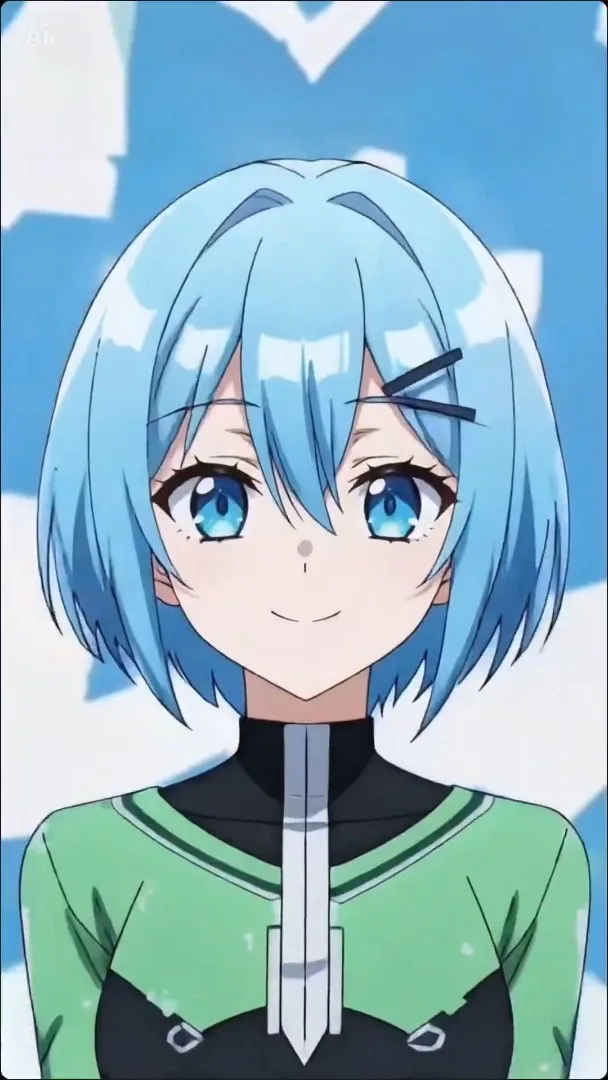
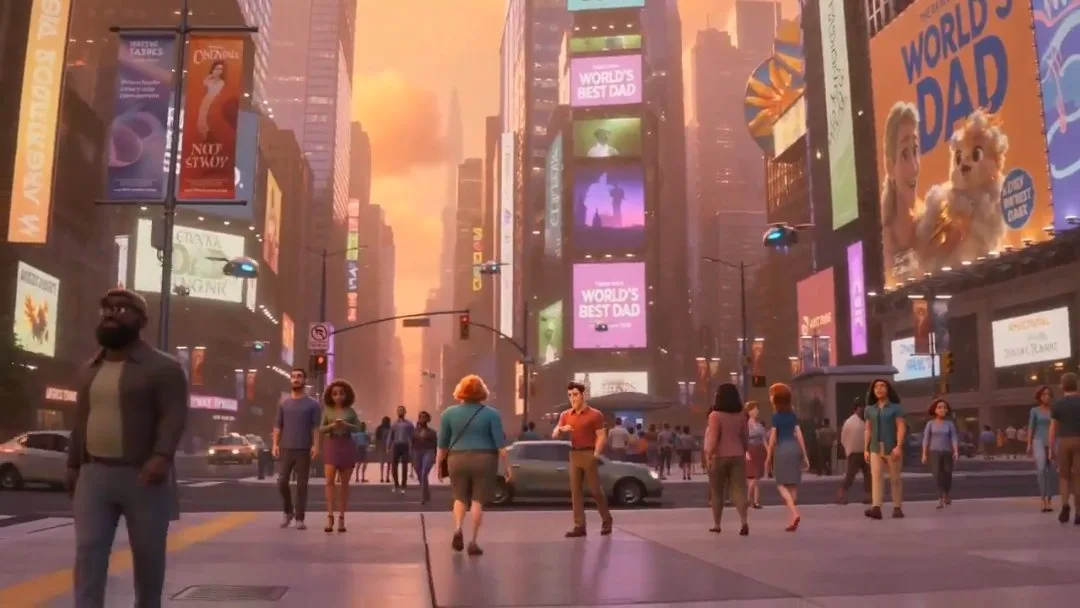
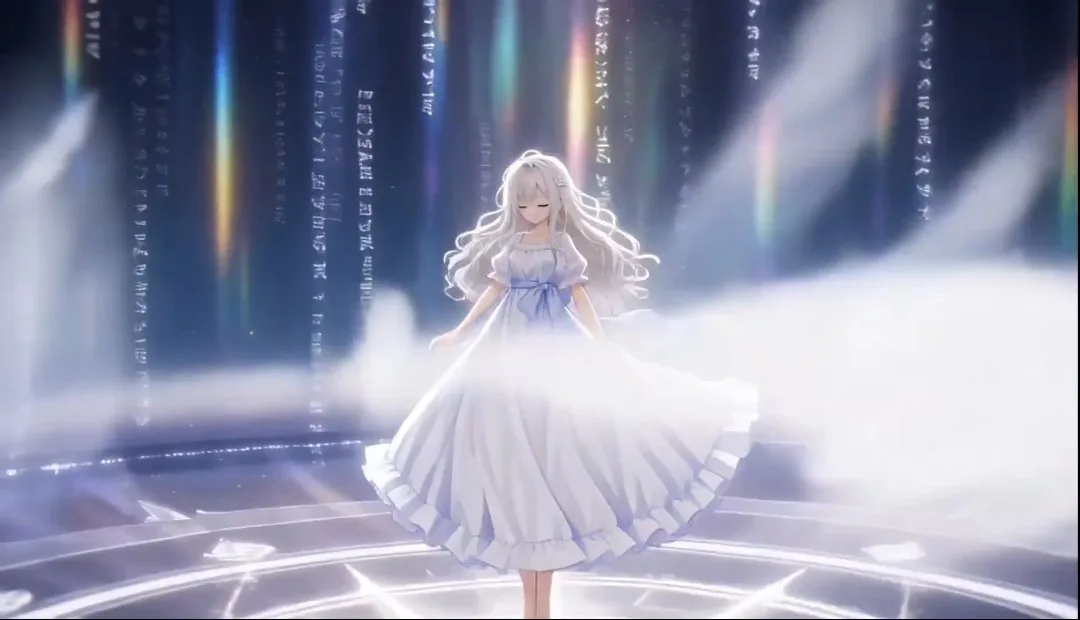
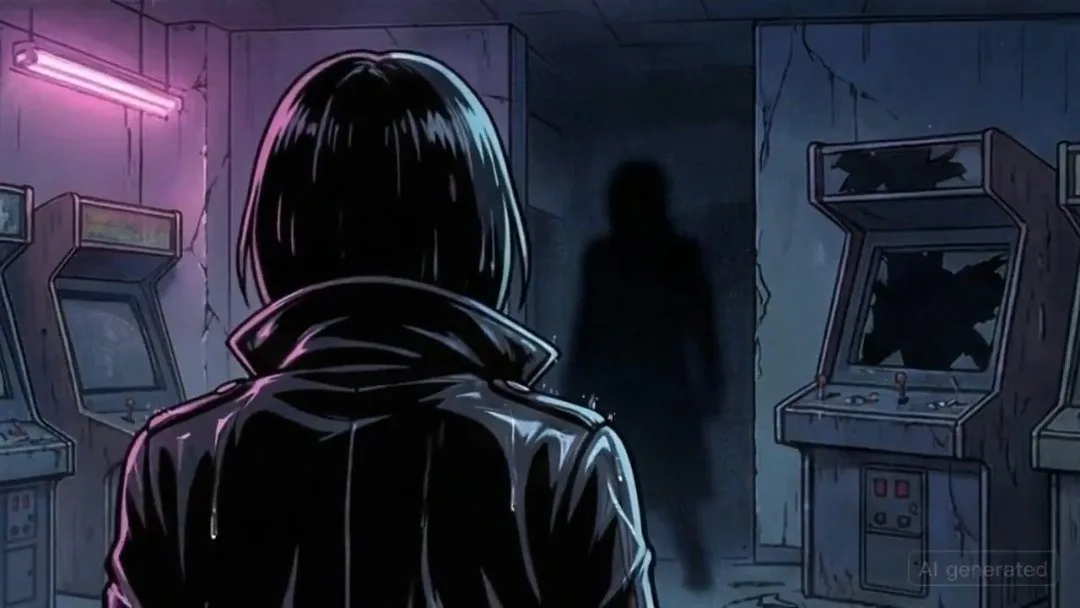
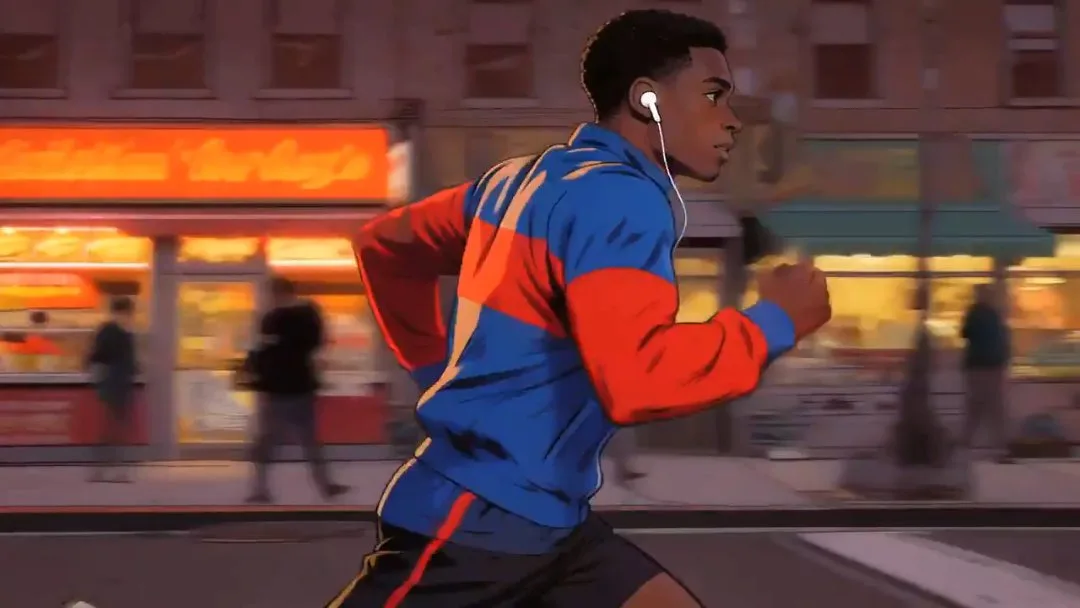
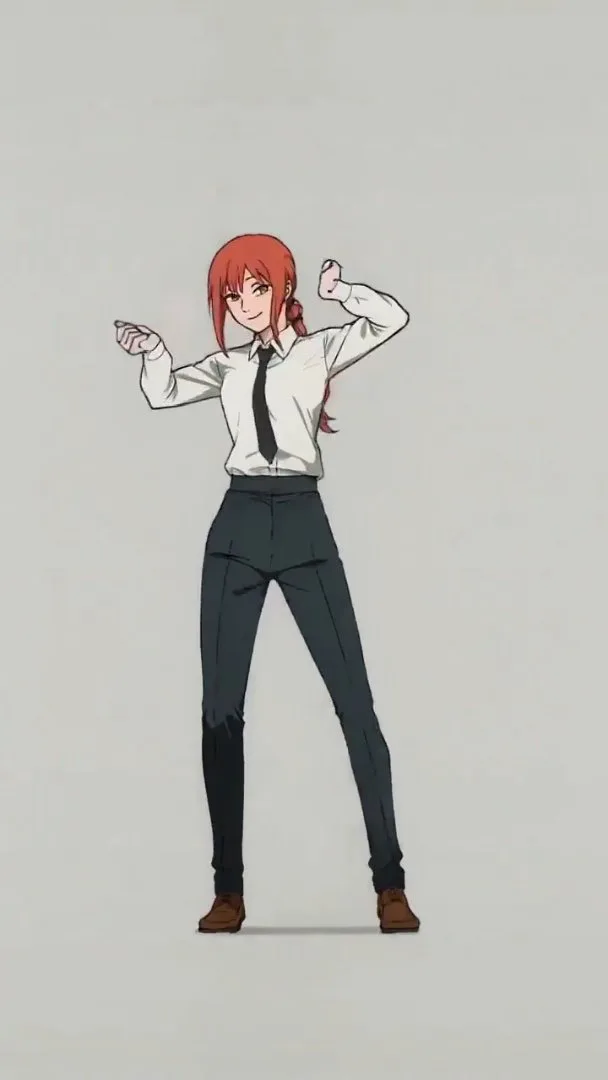
Browse starter concepts, preview the storyboard mood, and send a setup back into Anime Studio with one click.
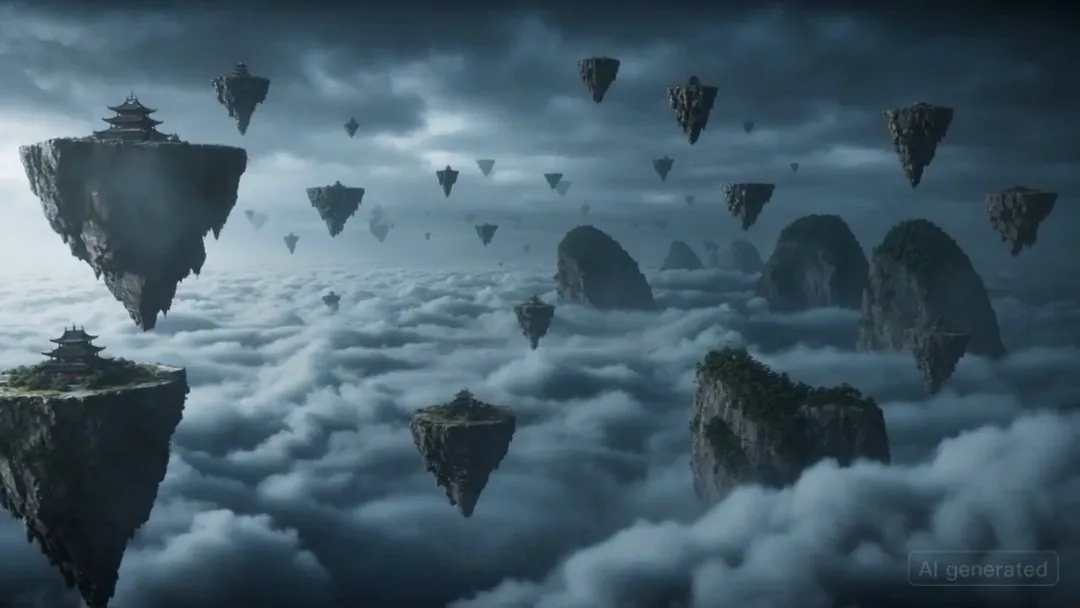
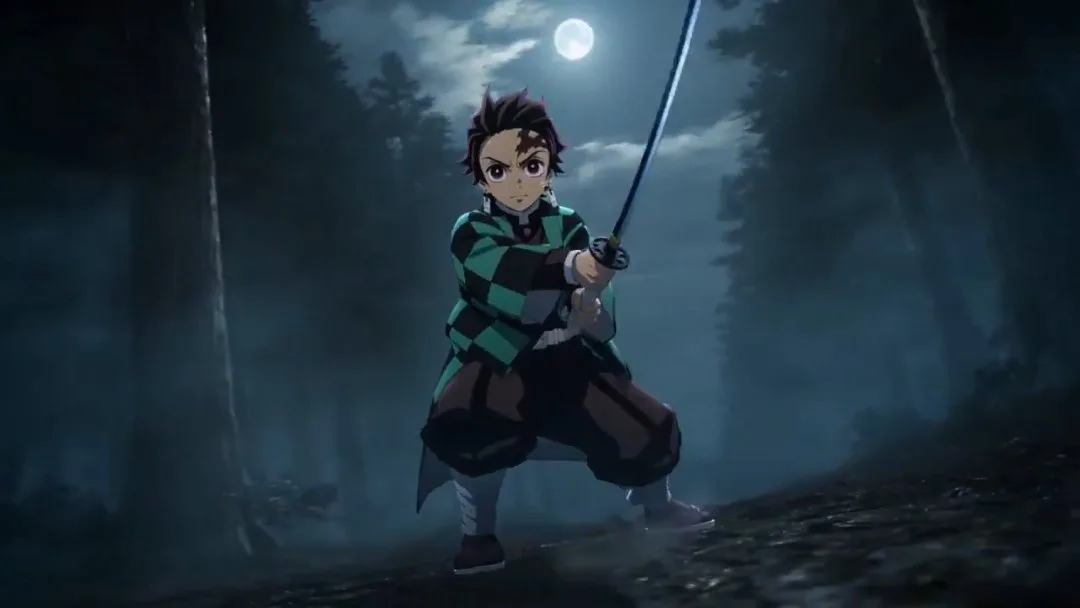
seedance-video-01
seedance-video-02
seedance-video-03
seedance-video-30
seedance-video-04
seedance-video-05
seedance-video-06
seedance-video-07
seedance-video-08
seedance-video-09
seedance-video-11
seedance-video-12
seedance-video-13
seedance-video-14
seedance-video-15
seedance-video-16

3ステップでモーションコミックを制作

スタジオ

一つのアイデアから、物語、カット、キャラクター、再利用可能な素材を含む制作環境を作ります。

1

コンセプトから始める

プロジェクトのアイデアを入力し、ビジュアルスタイルを選びます。

2

スタジオプロジェクトを作成

プロジェクト、絵コンテ構成、初期制作素材を生成します。

3

キャラクターとシーンを確認

生成されたキャラクター、展開、ビジュアル構成を確認します。

4

スタジオで制作を続ける

整理されたワークスペースで脚本、編集、プロジェクト拡張を続けます。

Core features of AI Anime Studio

Built for project-first anime creation, so you can move from one story idea into characters, scenes, and workspace-ready assets faster.

Project-first generation

Start from one story prompt and create a reusable anime project instead of a one-off image or clip.

Auto outline and cover setup

Initialize the workspace with a story outline and cover image so the project has immediate creative direction.

Character creation built in

Generate core characters as part of the same workflow to keep style and story context more consistent.

Storyboard-ready workflow

Set up the project for storyboard shots and scene planning without rebuilding the prompt context from scratch.

Studio-aware aspect ratios

Choose portrait or landscape at project setup so later storyboards and previews fit the intended format.

Inspired concepts as starting points

Use inspired presets to preload stronger story ideas, then refine them before launching the full project workflow.

料金プラン

用途に合ったプランをお選びください。いつでもキャンセルできます。

SAVE UP TO 40%
Free
Perfect for getting started
$0/ month
  • Limited free credits
  • Image generation with starter access
  • Basic video models for short clips
  • Up to 5-second video generation
  • Up to 480p export
  • 1 concurrent generation job
  • Standard generation queue
  • Community support
BasicSAVE 25%
Perfect for individual creators
$15/ month

$180 USD billed yearly

  • 2,000 credits per month
  • Image generation with GPT Image 2 / Nano Banana 2
  • Multiple video models including Seedance,Veo,Kling
  • Video output up to 720p / 1080p depending on model
  • Audio-video sync for avatar workflows
  • 2 concurrent generation jobs
  • Normal generation speed
  • Private videos
Popular
ProSAVE 30%
For professional content creators
$35/ month

$420 USD billed yearly

  • 7,000 credits per month
  • Image generation with GPT Image 2 / Nano Banana 2
  • Multiple video models including Seedance,Veo,Kling
  • Video output up to 720p / 1080p depending on model
  • Audio-video sync for avatar workflows
  • 3 concurrent generation jobs
  • Fast-track generation lane
  • Private videos
  • No watermark
  • Commercial usage rights
  • Higher monthly output for image and video generation
  • Priority access to newly added models
UltimateSAVE 40%
Ultimate power for businesses
$60/ month

$720 USD billed yearly

  • 16,000 credits per month
  • Image generation with GPT Image 2 / Nano Banana 2
  • Multiple video models including Seedance,Veo,Kling
  • Video output up to 720p / 1080p depending on model
  • Audio-video sync for avatar workflows
  • 4 concurrent generation jobs
  • Fastest generation lane
  • Private videos
  • No watermark
  • Commercial usage rights
  • Highest monthly output capacity
  • Priority access to new model releases
  • Early invites to selected new features
  • Priority support
  • Lowest cost per 100 credits
Stripe

すべてのお支払いはStripeにより安全に処理されます。

ご不明な点は次のメールアドレスまでお問い合わせください: [email protected]

Frequently Asked Questions

Practical answers for planning stories and initializing anime studio projects.

What does Anime Studio generate from one prompt?

It creates a project shell, story outline, cover, characters, and the first preview-ready workflow state so you can continue inside the workspace.

Can I use Get Inspired presets as starting points?

Yes. Clicking a preset sends its prompt back into the studio input so you can keep it as-is or rewrite it before generating the project.

Why is the inspiration gallery using placeholder videos right now?

The gallery data lives in a separate config file so placeholder clips can be swapped for curated studio examples later without changing the page layout.

Do I need to finish everything in one pass?

No. Anime Studio is project-first, so the goal is to initialize the workspace quickly, then keep refining outline, characters, storyboard shots, and preview video inside the project.

How are credits estimated here?

The starter cost covers project initialization plus the first storyboard image and video preview. The estimated amount is shown directly below the main input before submission.

AnimeGeneratorで制作を始める

プロジェクトに合ったモードを選び、一つのアイデアをアニメ画像、動画、モーションコミックへ変換しましょう。