AnimeGenerator
從文字提示詞到動態場景

AI 文生影片生成器

229 積分
登入後即可生成影片

獲得靈感

懸停即可自動播放圖庫、立即重現設定,或在更大的播放器中開啟任何片段。

The girl wearing a hat in the middle of the picture sings softly "I'm so proud o
Seedance 2.0
Fixed lens. The standing strong man (captain) clenched his fists and waved his a
Seedance 2.0
The actress in @image-1 serves as the subject, and she performs rhythmic push-pu
Seedance 2.0
High-quality Japanese ultra-high-speed battle anime. Match the art style of the
Seedance 2.0
Fixed lens, the central fisheye lens peeks down through the circular hole, refer
Seedance 2.0
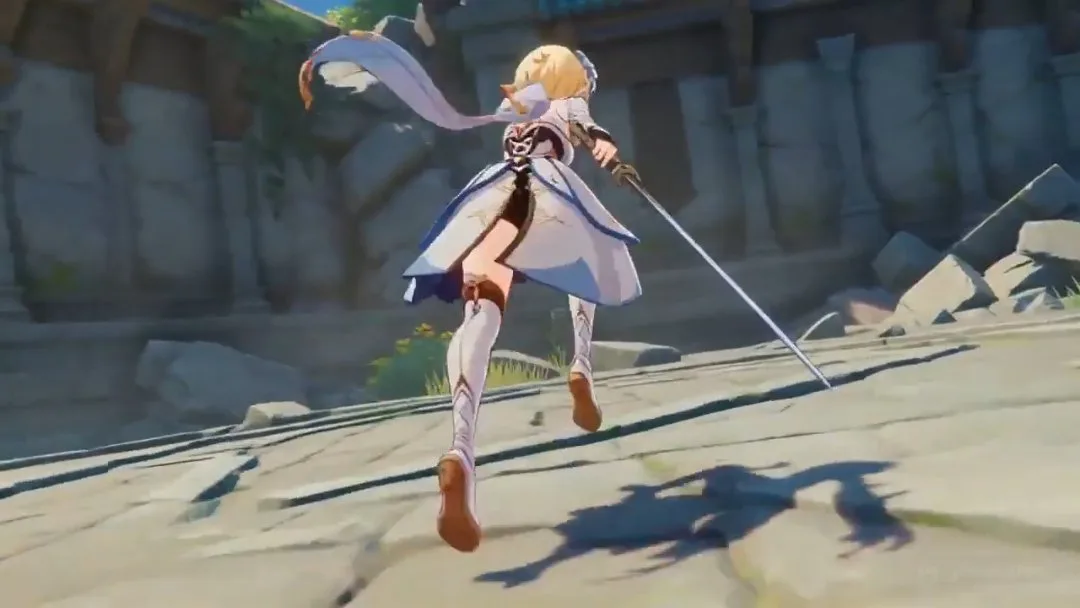
Anime scene of Lumine from Genshin Impact dashing across a shattered temple cour
Seedance 2.0
The camera zooms out slightly (revealing a panoramic view of the street) and fol
Seedance 2.0
@image-1 is the first frame of the picture. The camera rotates and zooms in. The
Seedance 2.0
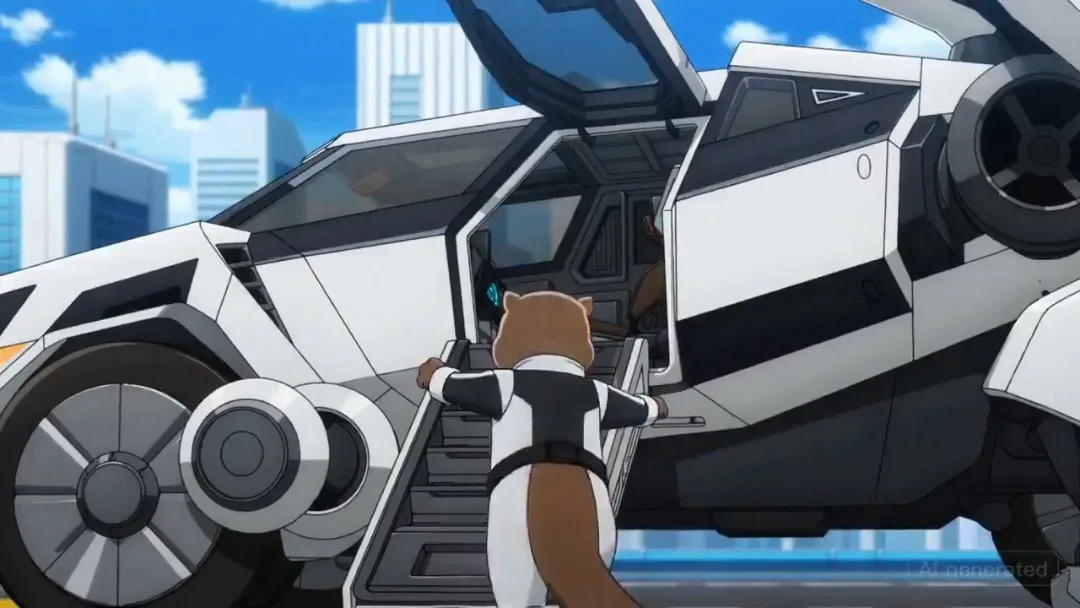
An anime where an otter goes into a large mech, with lots of quick shots of mech
Seedance 2.0
Based on the exterior shots of @image-1, the first-person subjective perspective
Seedance 2.0
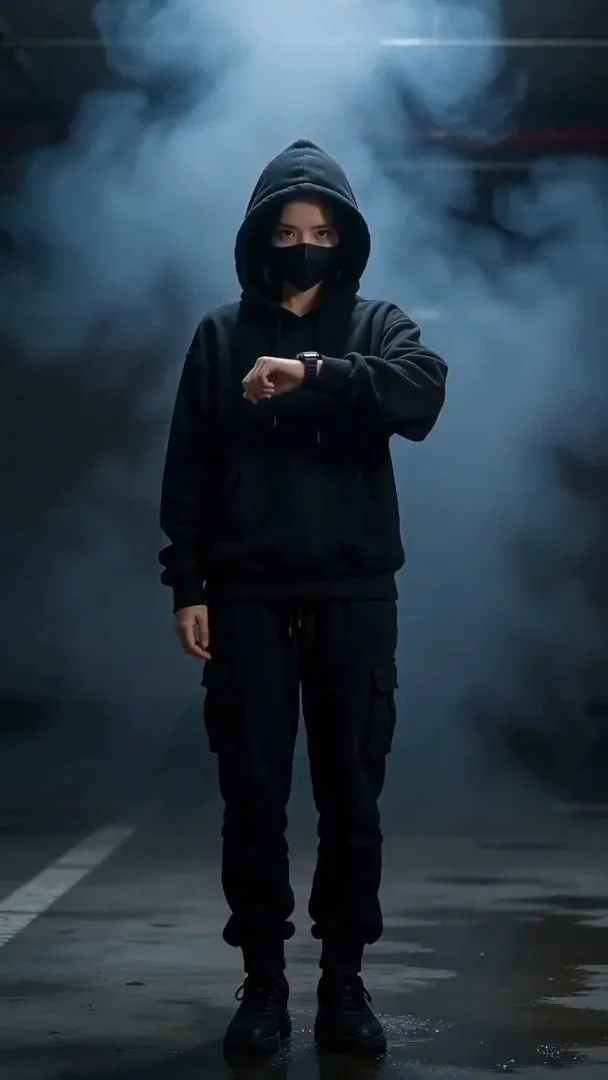
【Style】Futuristic Tech, Cyberpunk, Portrait (9:16), cinematic special effects, s
Seedance 2.0
Ultra-cinematic anime fight scene between two powerful anime girls in a destroye
Seedance 2.0
A video of her celebrating reaching 400 followers on X. She is an AI content cre
Seedance 2.0
15s Extend the 15s video, refer to the images of donkeys riding motorcycles in @
Seedance 2.0
A video packed with various happy Valentine's Day dramas. Ultra-high-speed cut s
Seedance 2.0
Taking @image-1 as the first frame, the screen zooms in to the plane window. Clo
Seedance 2.0

三步完成你的 AI 影片

影片

寫下場景、調整動作設定,快速生成可用的 AI 影片片段。

1

寫下影片提示詞

描述你希望模型生成的動作、鏡頭移動、節奏與氛圍。

2

調整動作設定

選擇適合場景輸出的模型、畫面比例、時長與解析度。

3

生成並微調

執行模型、查看片段,再利用更精準的提示詞或靈感預設持續優化。

AI 文生影片生成器的核心功能

為文字驅動的影片創作打造,提供更清楚的動作引導、更快的起步流程與更容易的迭代方式。

提示詞優先的影片生成

把純文字快速轉成動態片段、產品鏡頭、預告場景與短影音概念。

更強的動作方向控制

在生成前更明確地描述鏡頭移動、主體行為、時間節奏與氛圍。

快速切換模型

當你需要在電影感輸出與提示詞響應之間取得更好平衡時,可快速比較不同模型。

彈性畫面比例

可生成直式、方形或橫式文生影片,適合 Reels、宣傳片與電影感版面。

時長與解析度控制

直接在生成器中調整片段長度與輸出解析度,無需離開工作流程。

靈感案例重製流程

先以優秀案例作為起點,再改寫提示詞,更快產出自己的文生影片變體。

價格

選擇最適合你的方案,隨時可取消。

最高省下 40%
免費
適合開始體驗
$0/ 月
  • 有限的免費積分
  • 可使用入門級圖片生成
  • 可使用基礎影片模型生成短片
  • 最長 5 秒影片生成
  • 最高 480p 匯出
  • 1 個同時生成任務
  • 標準生成佇列
  • 社群支援
Basic省下 25%
適合個人創作者
$15/ 月

$180 USD 每年計費

  • 每月 2,000 積分
  • 可使用 GPT Image 2 / Nano Banana 2 生成圖片
  • 多種影片模型,包括 Seedance、Veo、Kling
  • 依模型支援最高 720p / 1080p 影片輸出
  • 支援頭像工作流程的音畫同步
  • 2 個同時生成任務
  • 一般生成速度
  • 私人影片
熱門
Pro省下 30%
適合專業內容創作者
$35/ 月

$420 USD 每年計費

  • 每月 7,000 積分
  • 可使用 GPT Image 2 / Nano Banana 2 生成圖片
  • 多種影片模型,包括 Seedance、Veo、Kling
  • 依模型支援最高 720p / 1080p 影片輸出
  • 支援頭像工作流程的音畫同步
  • 3 個同時生成任務
  • 快速生成通道
  • 私人影片
  • 無浮水印
  • 商業使用權
  • 更高的每月圖片與影片產能
  • 優先使用新加入的模型
Ultimate省下 40%
企業級最高效能方案
$60/ 月

$720 USD 每年計費

  • 每月 16,000 積分
  • 可使用 GPT Image 2 / Nano Banana 2 生成圖片
  • 多種影片模型,包括 Seedance、Veo、Kling
  • 依模型支援最高 720p / 1080p 影片輸出
  • 支援頭像工作流程的音畫同步
  • 4 個同時生成任務
  • 最快生成通道
  • 私人影片
  • 無浮水印
  • 商業使用權
  • 最高每月產能
  • 優先使用新模型發佈
  • 優先獲得特選新功能邀請
  • 優先支援
  • 每 100 積分成本最低
Stripe

所有付款皆由 Stripe 安全處理。

如果你有任何問題,請透過以下信箱聯絡我們: [email protected]

常見問題

關於撰寫提示詞、選擇設定,以及改善文生影片結果的常見問題。

我可以用 AI 文生影片生成器做什麼?

你可以從文字提示詞生成短動態場景、預告片段、產品展示片段、社群影片循環,以及概念鏡頭。

使用這個頁面需要參考圖片或影片嗎?

不需要。這個頁面以提示詞優先生成為核心,因此你可以純粹從文字開始,同時仍可調整模型、時長、解析度與畫面比例。

如何得到更好的文生影片結果?

請使用更清楚的動作動詞、明確指出鏡頭方向、定義主體與環境,並聚焦在單一場景想法上逐步迭代。

這裡也能重用靈感案例嗎?

可以。Get Inspired 區塊能先帶入高品質設定,讓你更快改造成自己的文生影片提示詞。

開始使用 AnimeGenerator 創作

把一個想法轉成動漫圖片、影片或可直接進入漫劇流程的內容,並選擇最適合你專案的模式。