
What does Anime Studio generate from one prompt?
It creates a project shell, story outline, cover, characters, and the first preview-ready workflow state so you can continue inside the workspace.
Start with a single story prompt, choose a style, and let the project workflow build the outline, characters, storyboard shots, and a video.
Browse starter concepts, preview the storyboard mood, and send a setup back into Anime Studio with one click.
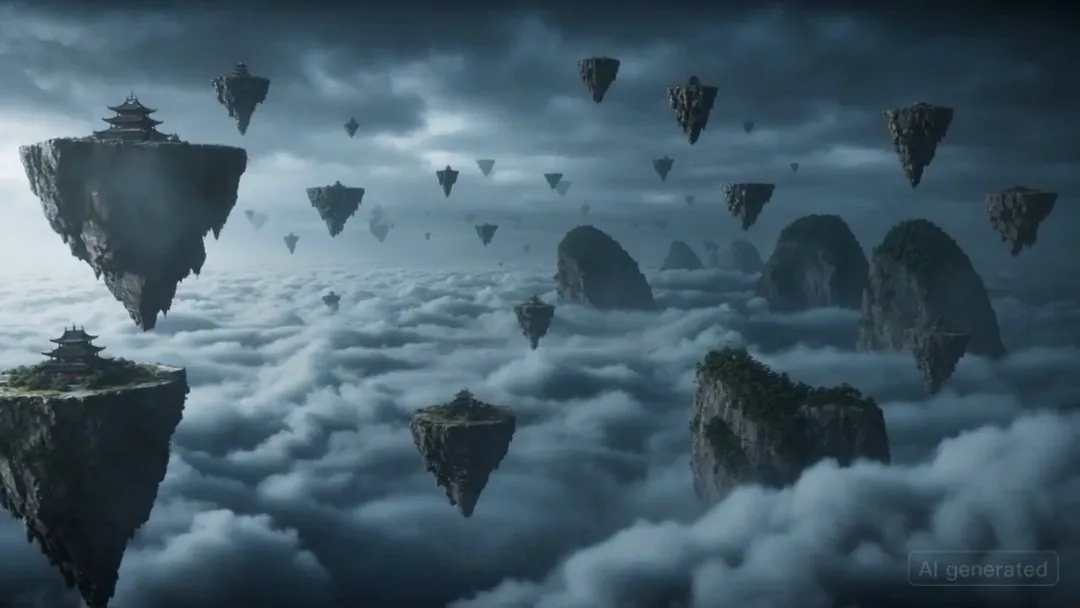
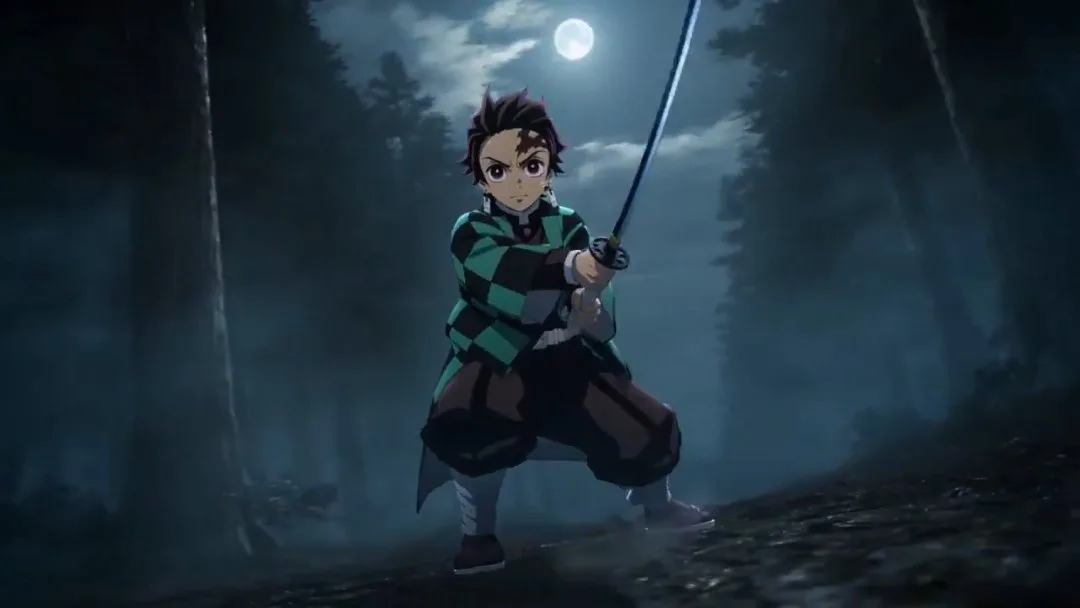
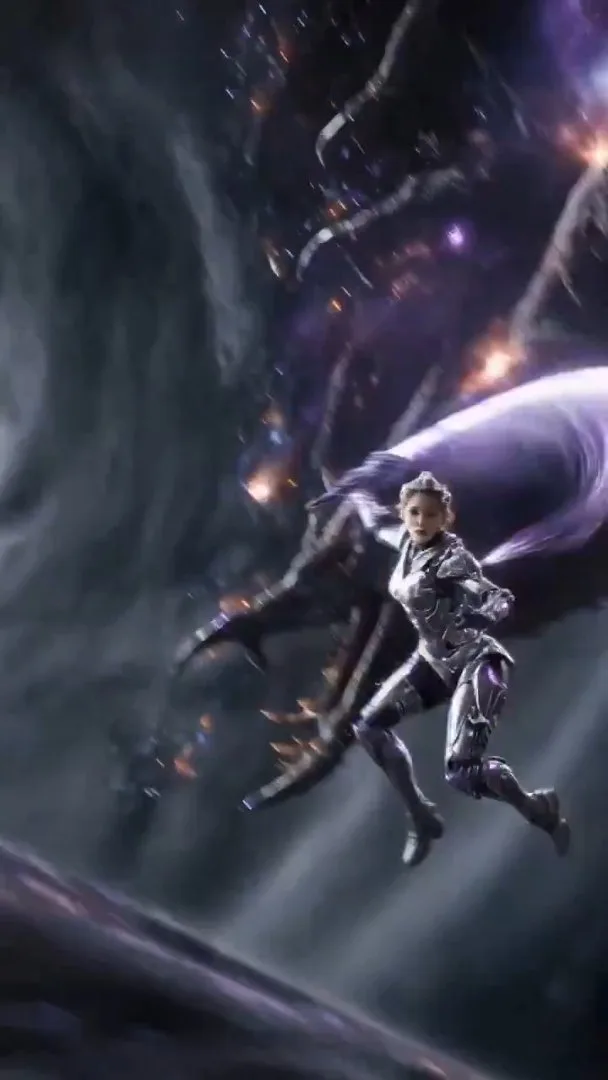

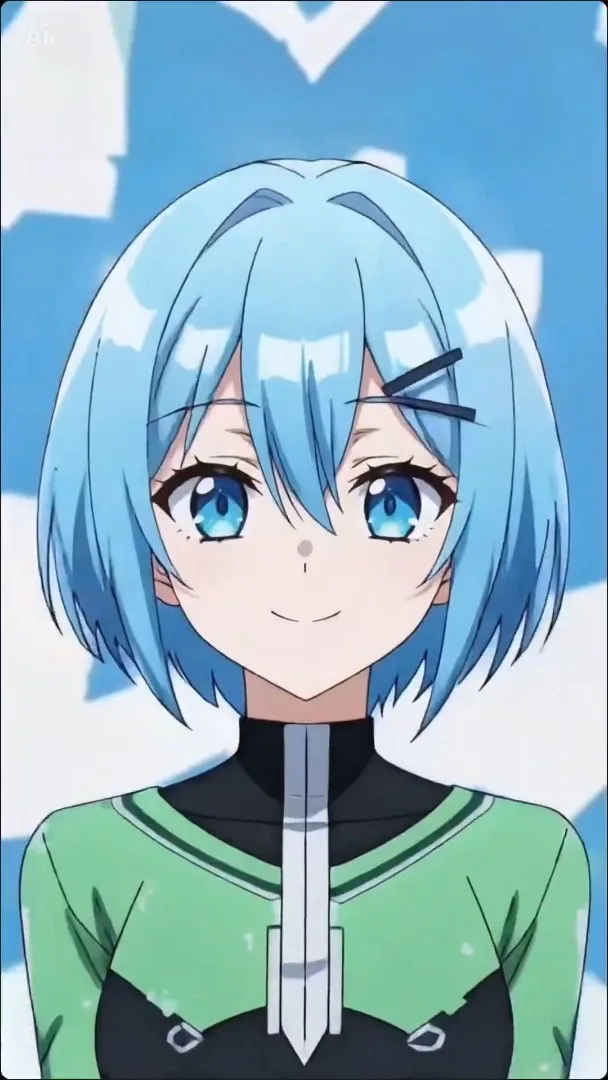
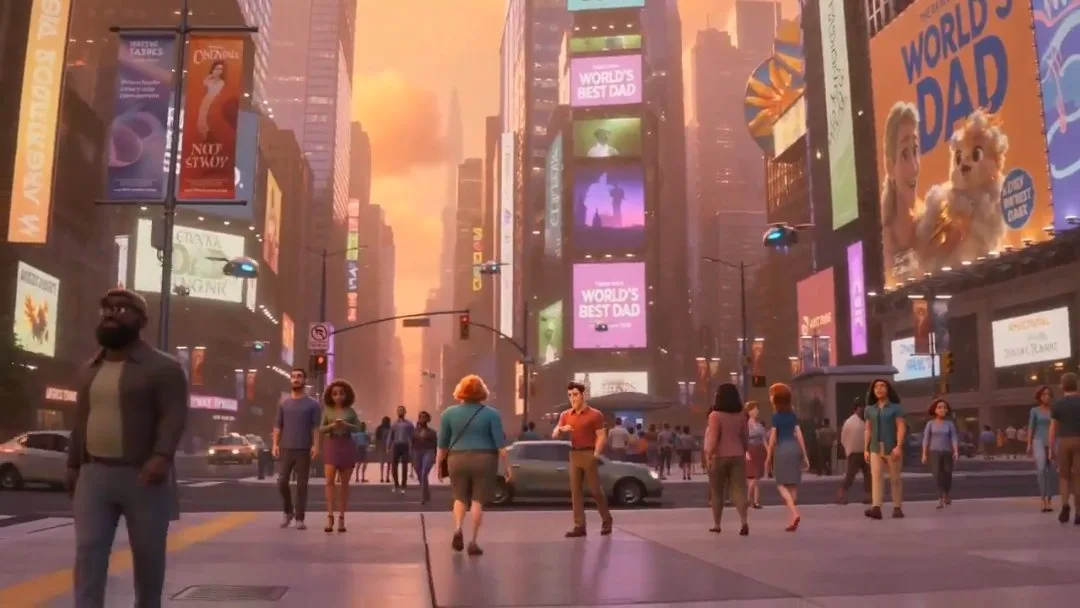
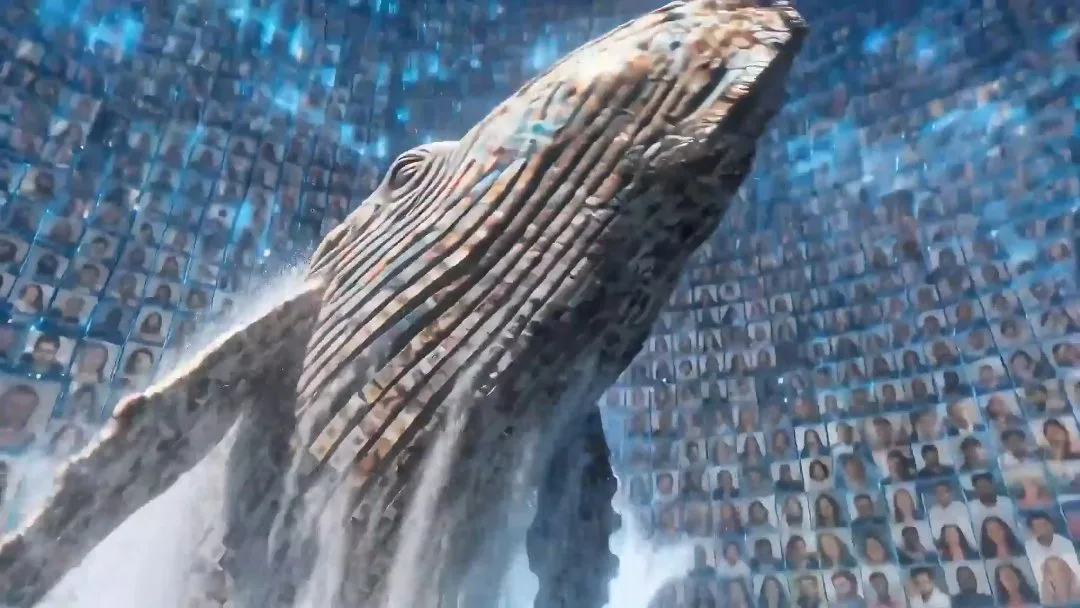
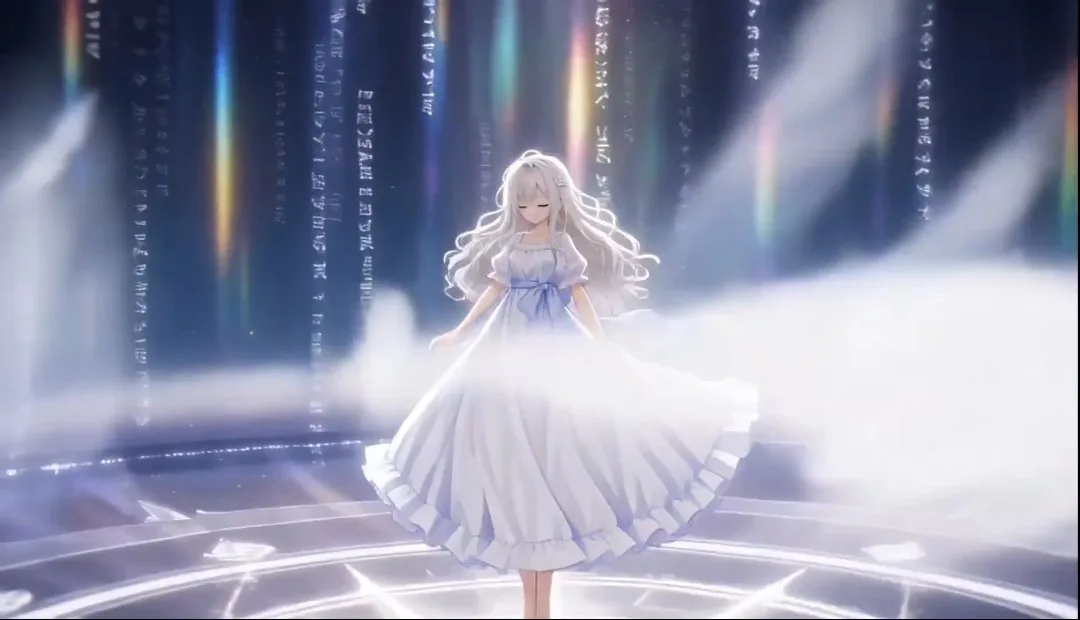
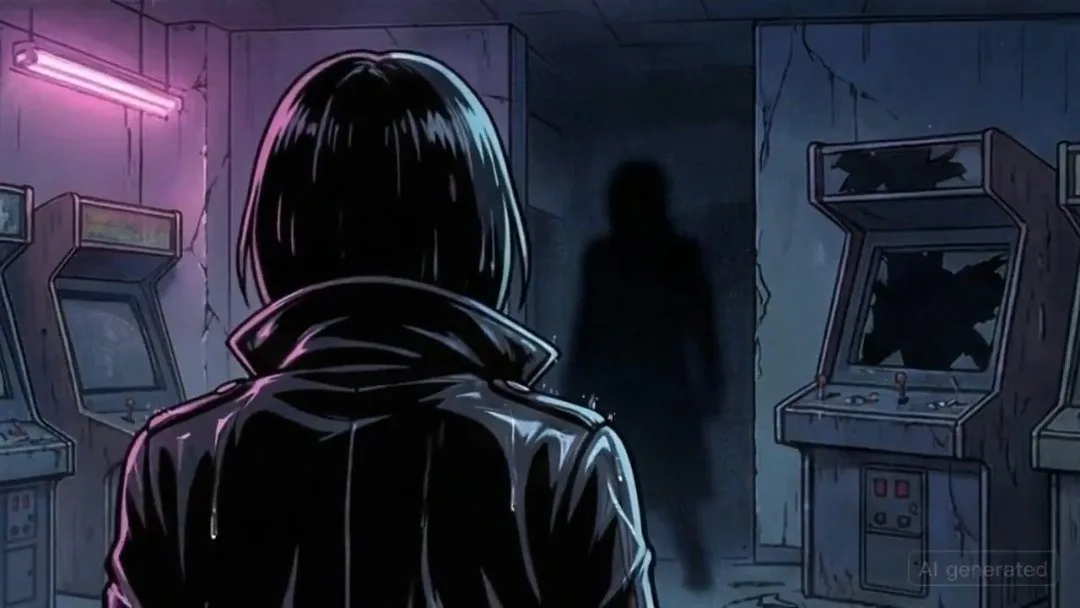
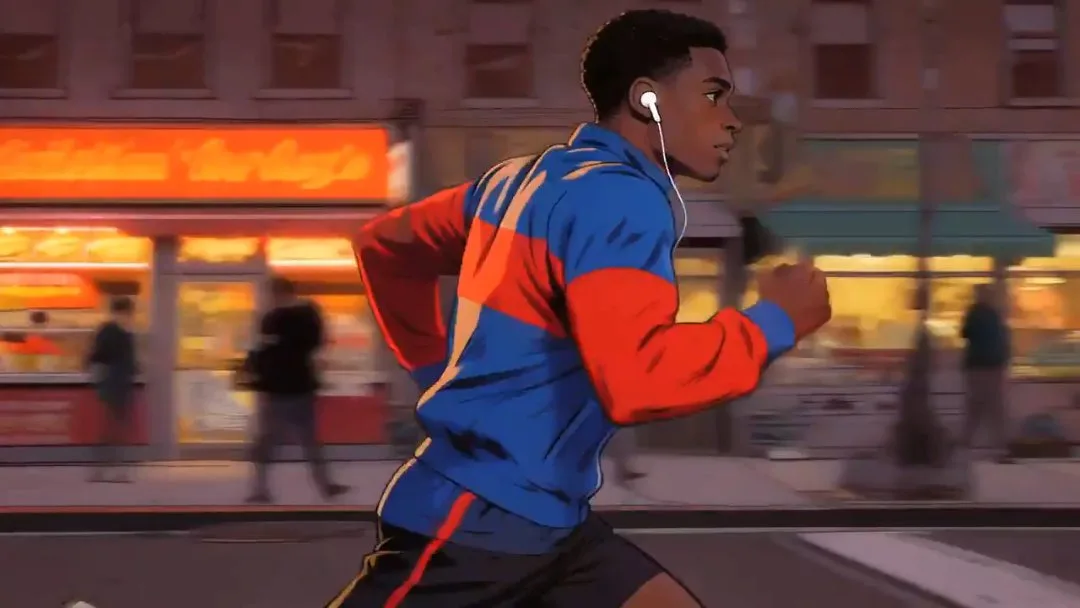
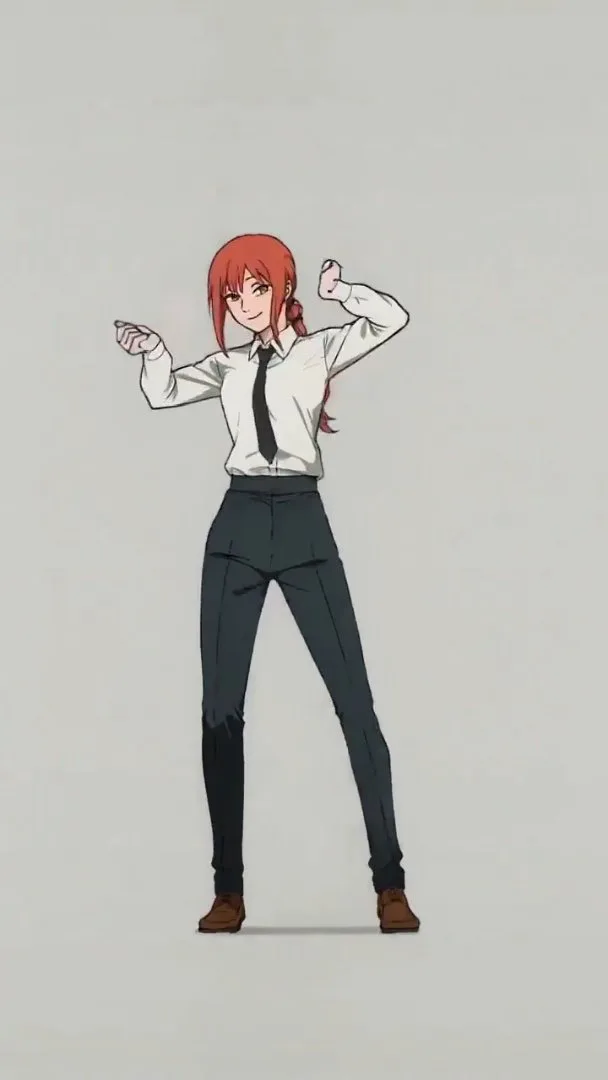
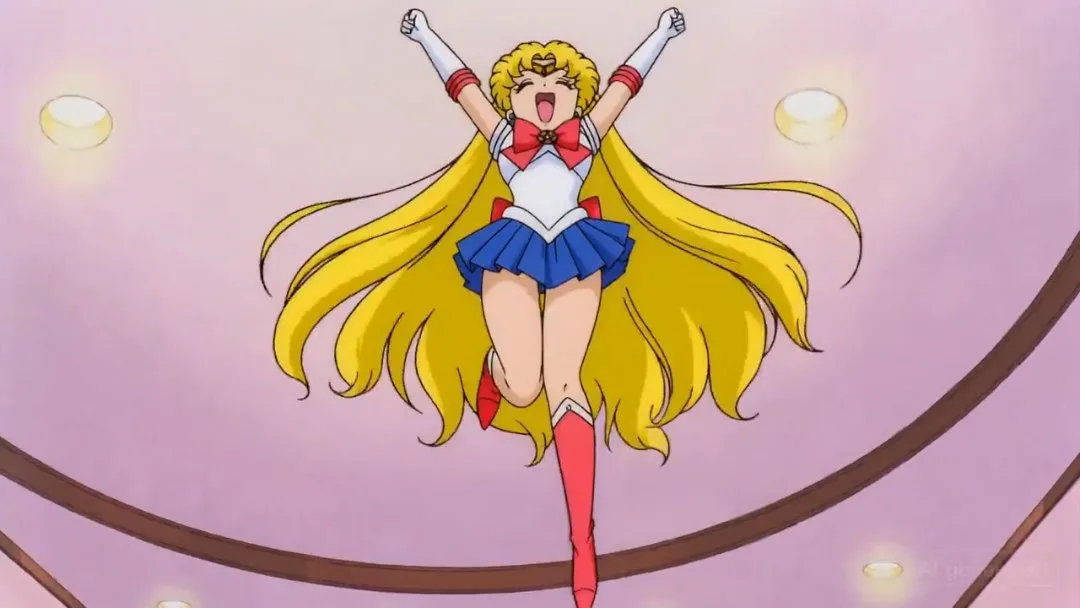
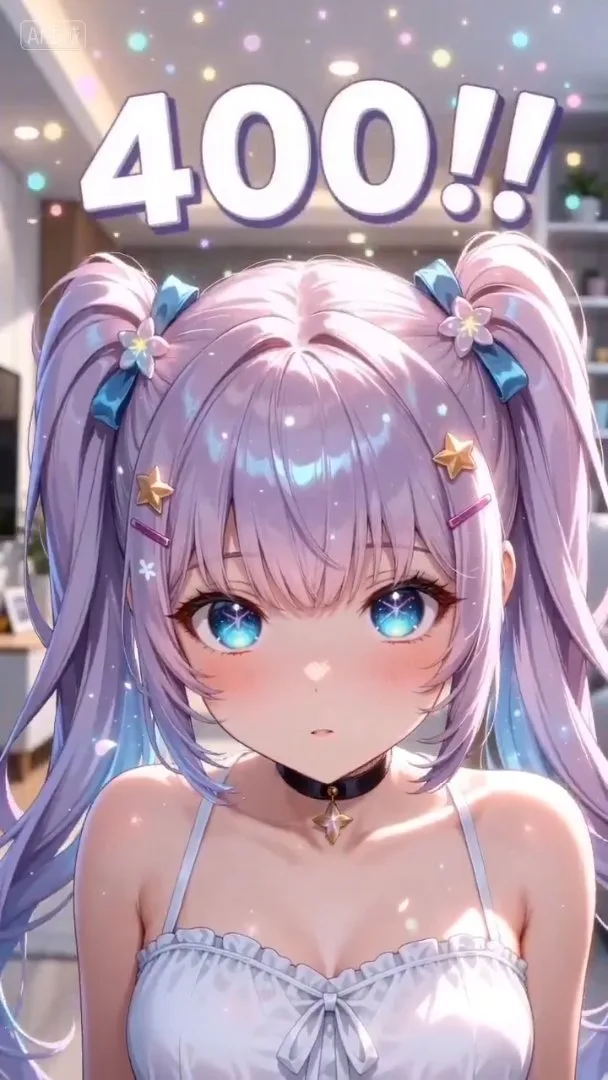
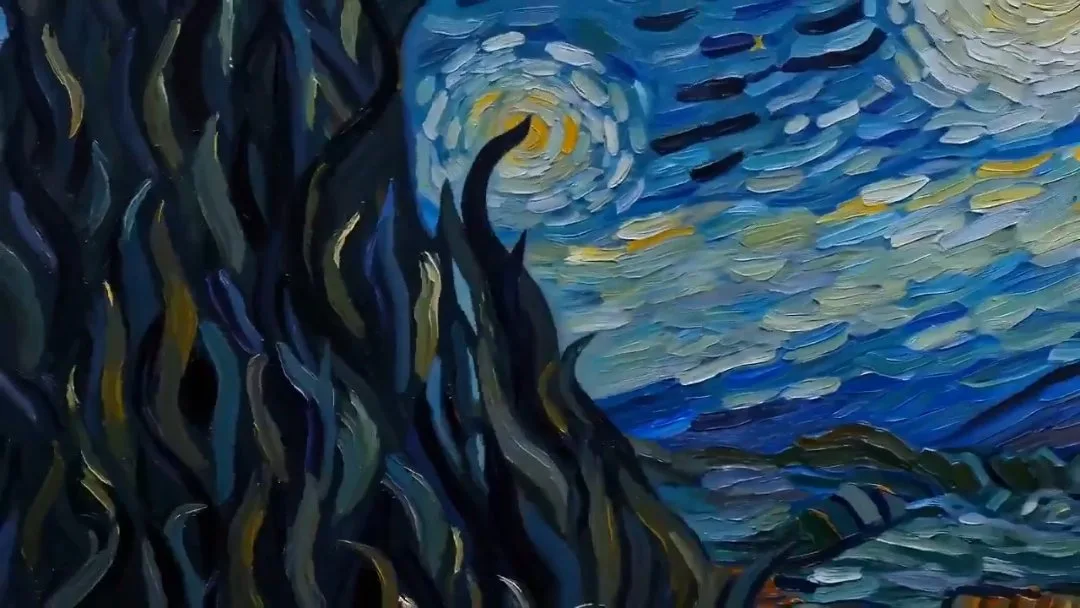
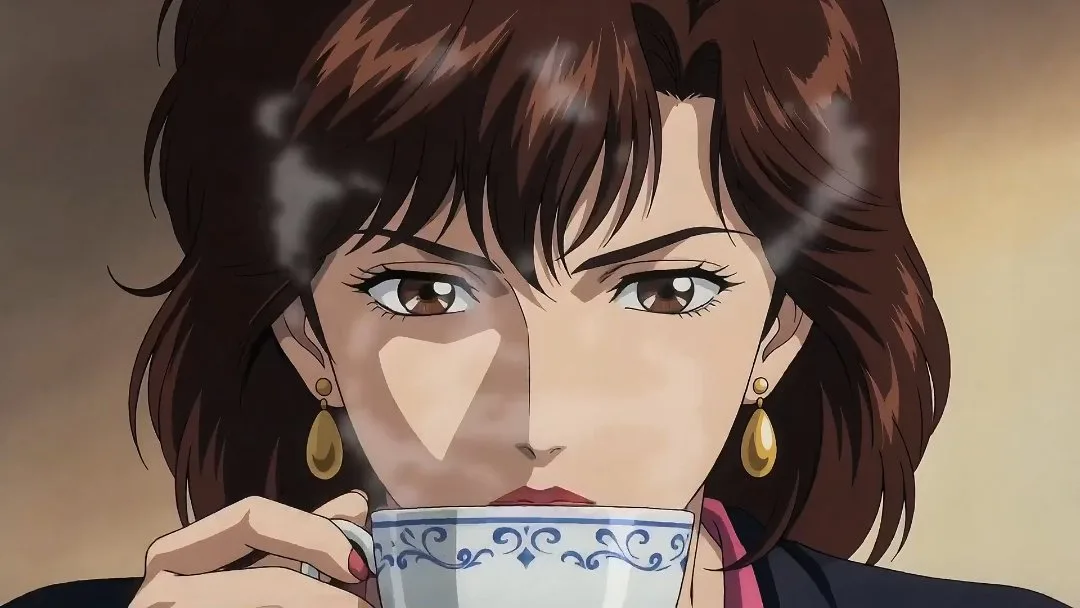
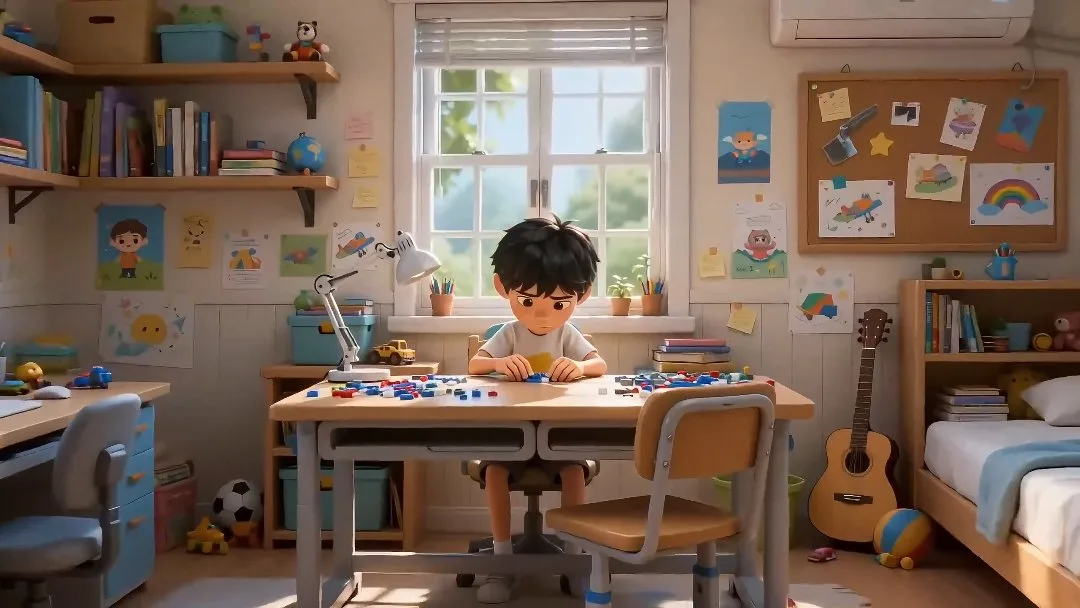
Turn one idea into a full Anime Studio workspace with story, shots, characters, and reusable assets.
Write the project idea and choose the visual style direction for the workspace.
Generate the project shell, storyboard structure, and initial creative assets.
Open the workspace to inspect generated characters, beats, and visual planning.
Continue scripting, editing, and expanding the project from one organized place.
Built for project-first anime creation, so you can move from one story idea into characters, scenes, and workspace-ready assets faster.
Start from one story prompt and create a reusable anime project instead of a one-off image or clip.
Initialize the workspace with a story outline and cover image so the project has immediate creative direction.
Generate core characters as part of the same workflow to keep style and story context more consistent.
Set up the project for storyboard shots and scene planning without rebuilding the prompt context from scratch.
Choose portrait or landscape at project setup so later storyboards and previews fit the intended format.
Use inspired presets to preload stronger story ideas, then refine them before launching the full project workflow.
Choose the plan that works best for you. Cancel anytime.
$180 USD billed yearly
$420 USD billed yearly
$720 USD billed yearly
All payments are securely processed by Stripe.
If you have any questions, please contact us at [email protected]
Practical answers for planning stories and initializing anime studio projects.
It creates a project shell, story outline, cover, characters, and the first preview-ready workflow state so you can continue inside the workspace.
Yes. Clicking a preset sends its prompt back into the studio input so you can keep it as-is or rewrite it before generating the project.
The gallery data lives in a separate config file so placeholder clips can be swapped for curated studio examples later without changing the page layout.
No. Anime Studio is project-first, so the goal is to initialize the workspace quickly, then keep refining outline, characters, storyboard shots, and preview video inside the project.
The starter cost covers project initialization plus the first storyboard image and video preview. The estimated amount is shown directly below the main input before submission.
Jump into AnimeGenerator's core creation workflows for images, video, and studio projects.
Create anime-style illustrations, character art, posters, and scene visuals with fast prompt-to-image workflows.
Generate anime clips from prompts, images, or references with flexible video modes and quick iteration.
Turn one idea into a full anime project workspace with story, scenes, characters, and reusable assets.
Turn one idea into anime images, videos, or motion comic-ready content with the mode that fits your project.