
이미지 Prompt
TikTok Shop Product Detail – BLENDLY Portable Blender
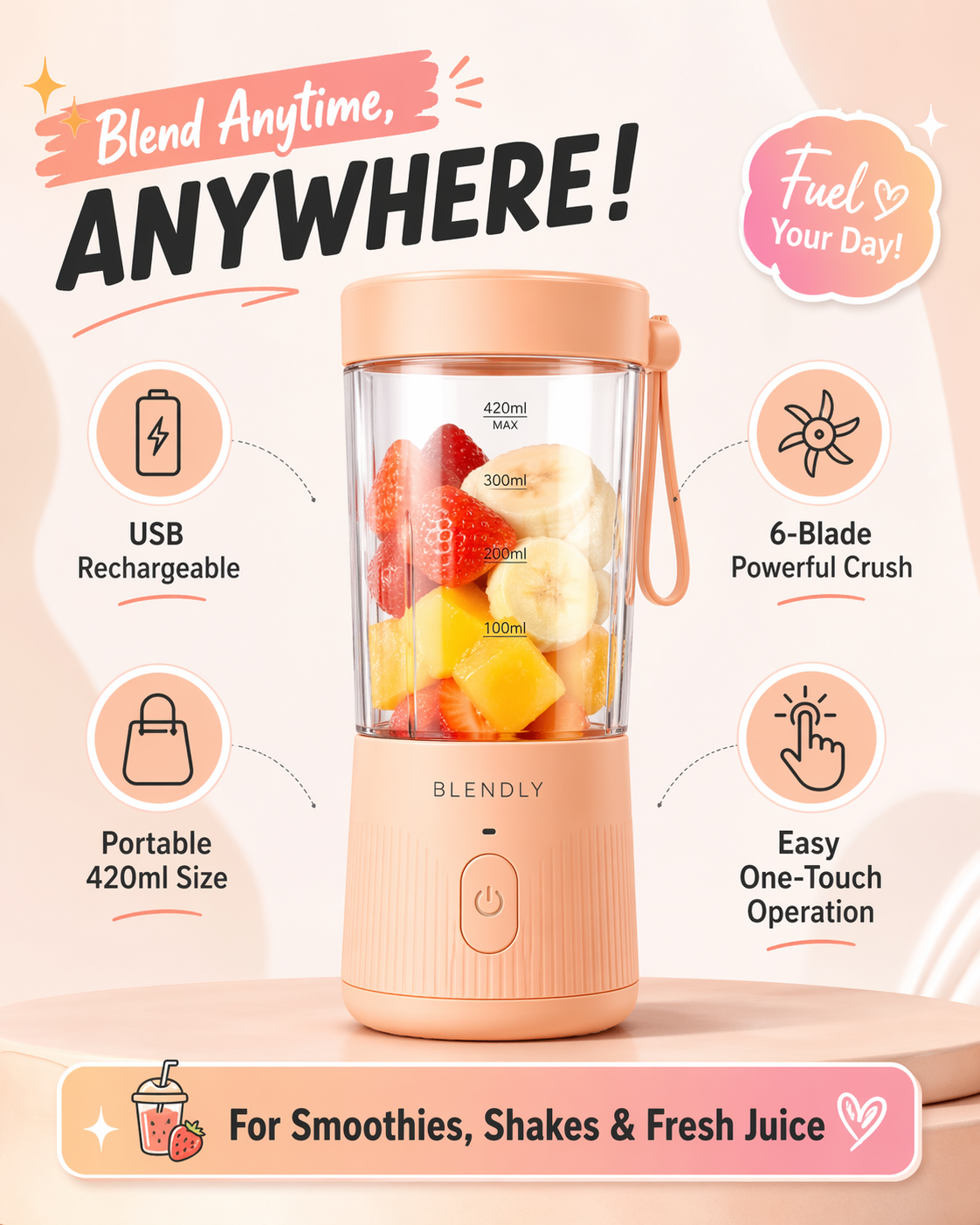
ChatGPT Image 2을 사용하는 텍스트를 이미지로용 이미지 프롬프트인 TikTok Shop Product Detail – BLENDLY Portable Blender을(를) 살펴보세요.
전체 프롬프트
현재 원문 프롬프트를 사용 중입니다영문 원본 프롬프트가 보통 더 일관된 결과를 제공합니다.
Create a single TikTok Shop–style product detail image for an e-commerce listing. Use a completely different product from the previous bottle example: show one trendy compact portable blender as the hero product. The blender should be a modern mini personal smoothie blender in a soft pastel peach color, with a transparent cup body, simple lid, and clean minimal branding reading \"BLENDLY\". Make the layout feel like a TikTok Shop product detail single image: energetic, modern, youth-oriented, visually catchy, and conversion-focused, while still staying clean and polished. Use a light background with subtle pastel gradients and soft shadowing. Place the blender large in the center. Around it, add stylish feature callouts with clear icons and short English marketing copy. Include 4 feature points: \"USB Rechargeable\", \"6-Blade Powerful Crush\", \"Portable 420ml Size\", and \"Easy One-Touch Operation\". Add one bottom info strip or badge area with text: \"For Smoothies, Shakes & Fresh Juice\". Include small decorative elements such as sparkles, rounded labels, subtle gradient stickers, or soft geometric shapes to make it feel social-commerce friendly. Do not place the product inside a phone mockup. Do not clutter the image with too many extra objects. Make it look like a real high-quality TikTok Shop product detail image, highly appealing, stylish, and platform-appropriate.
같은 모델의 더 많은 프롬프트: ChatGPT Image 2
같은 생성 흐름, 모델 계열, 카테고리의 더 많은 프롬프트를 살펴보세요.
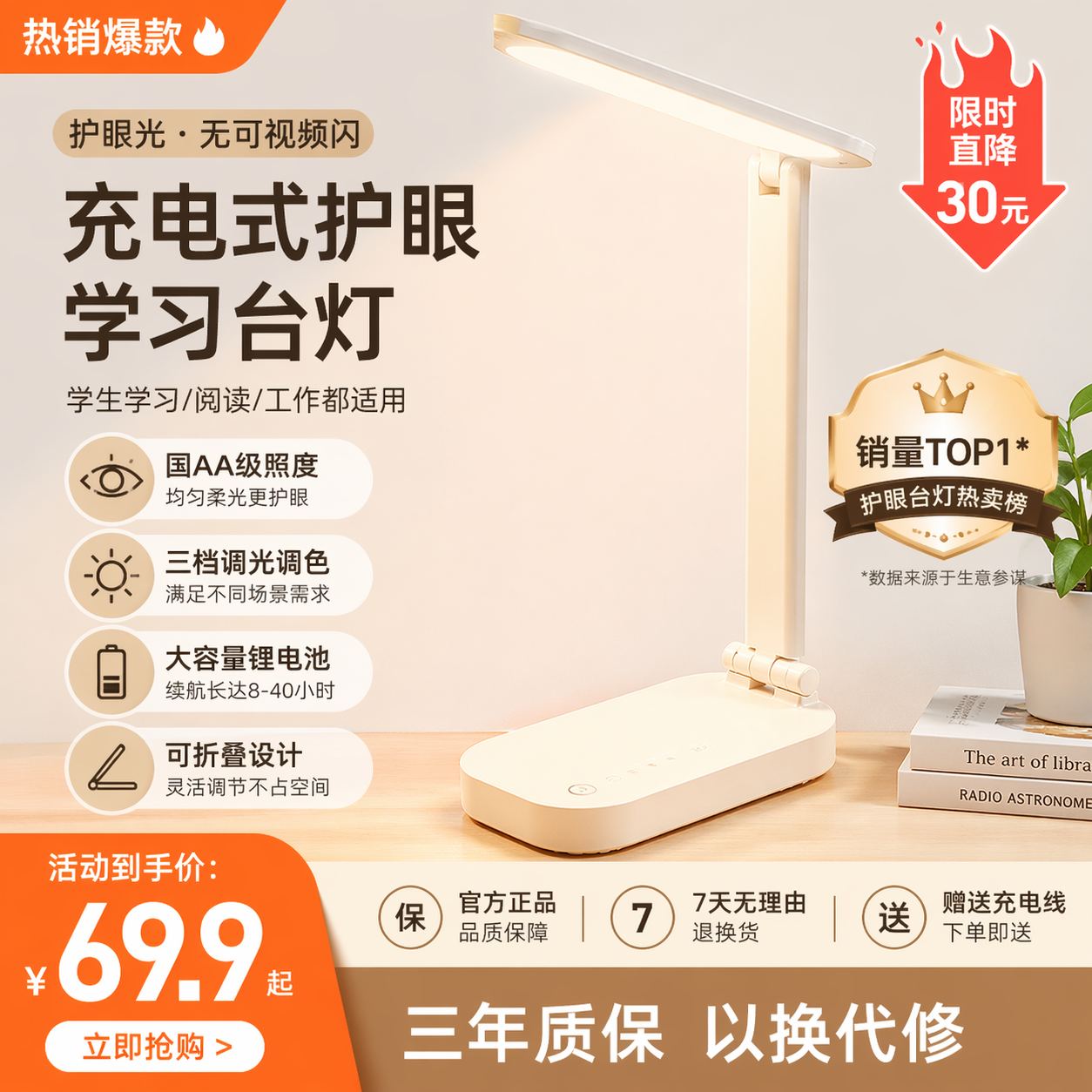
淘宝商品详情 · 充电护眼台灯
텍스트를 이미지로ChatGPT Image 2
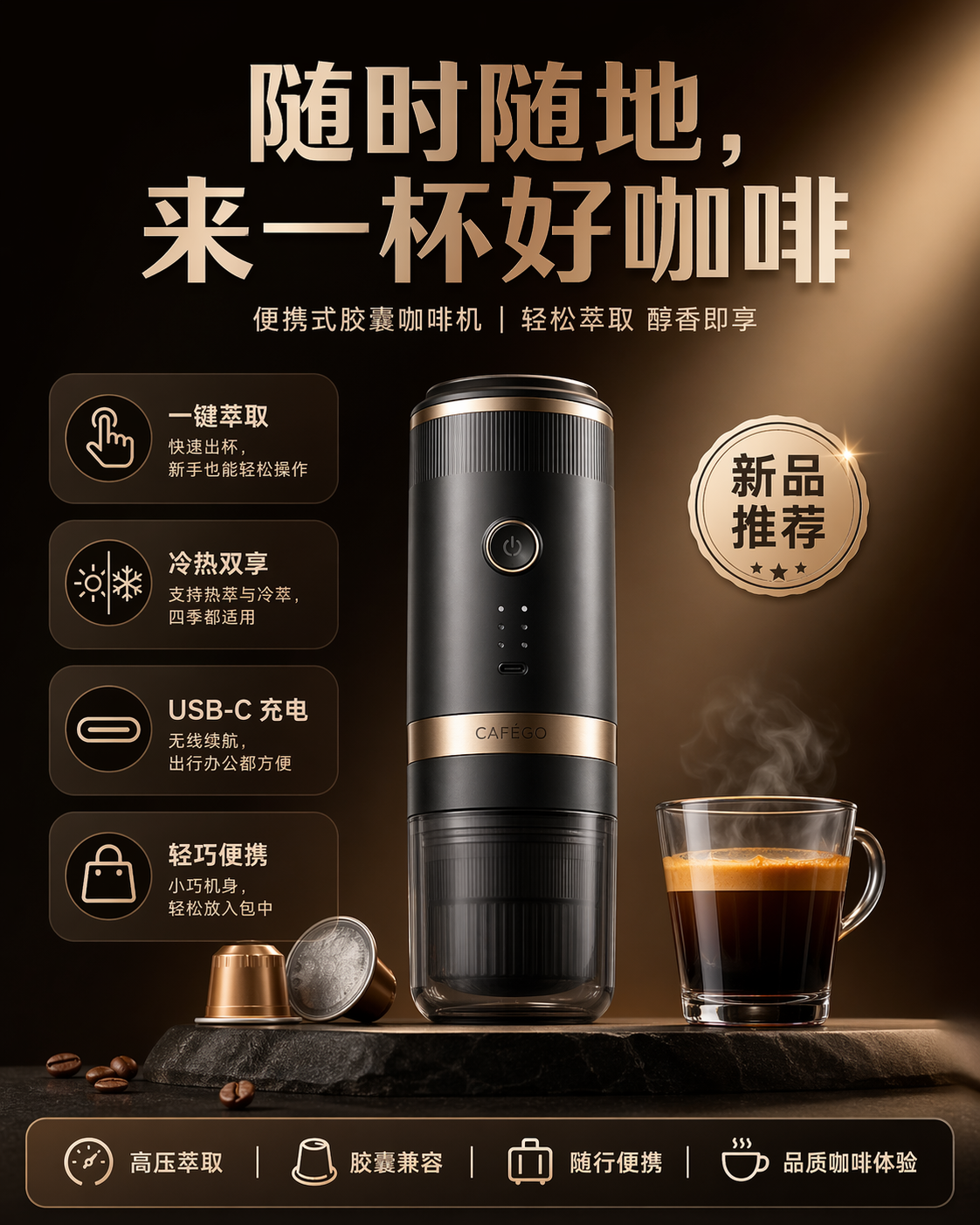
中式电商海报 · 随行胶囊咖啡机 CAFÉGO
텍스트를 이미지로ChatGPT Image 2
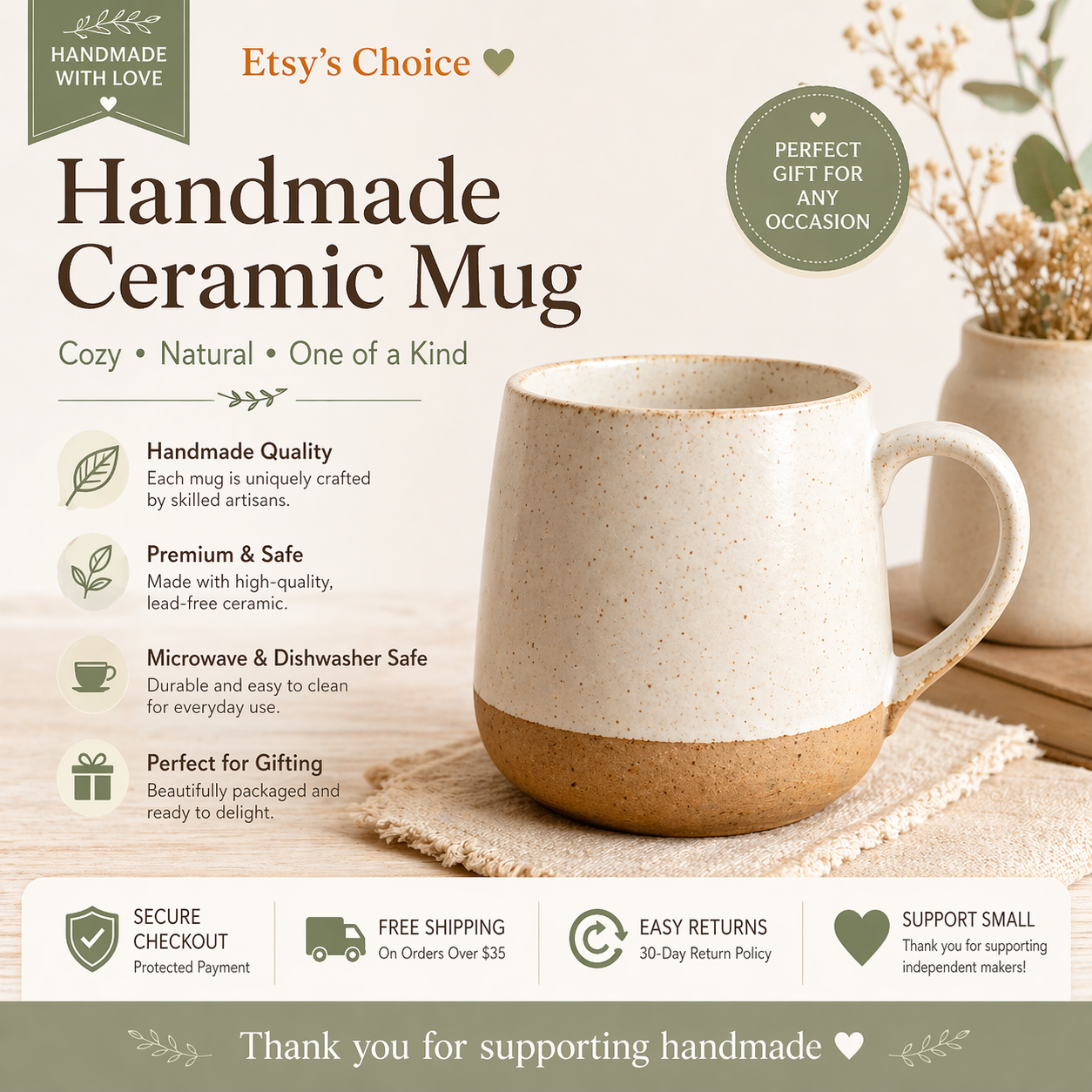
Etsy-Style Listing – Handmade Ceramic Mug
텍스트를 이미지로ChatGPT Image 2
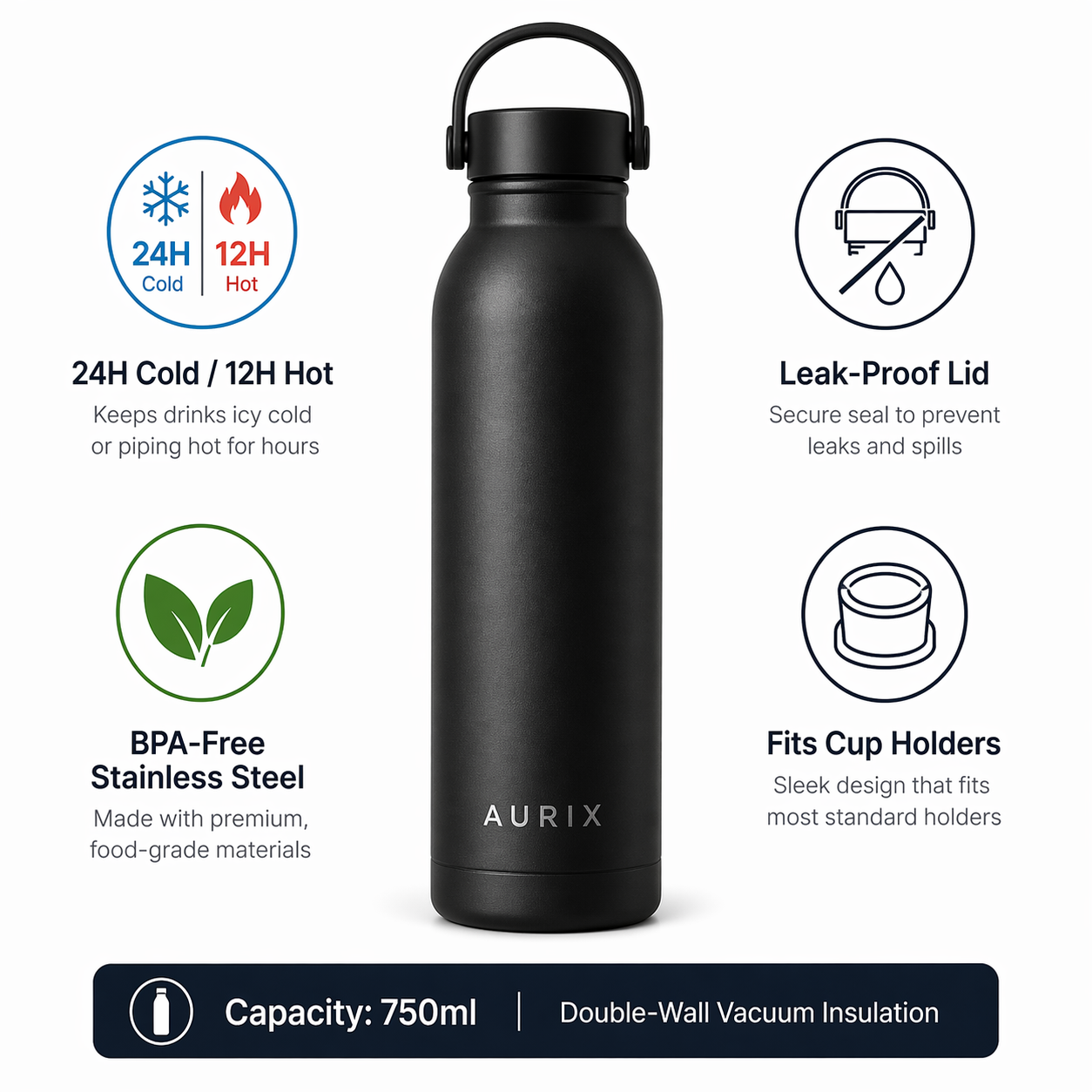
Amazon Product Listing – AURIX Water Bottle
텍스트를 이미지로ChatGPT Image 2
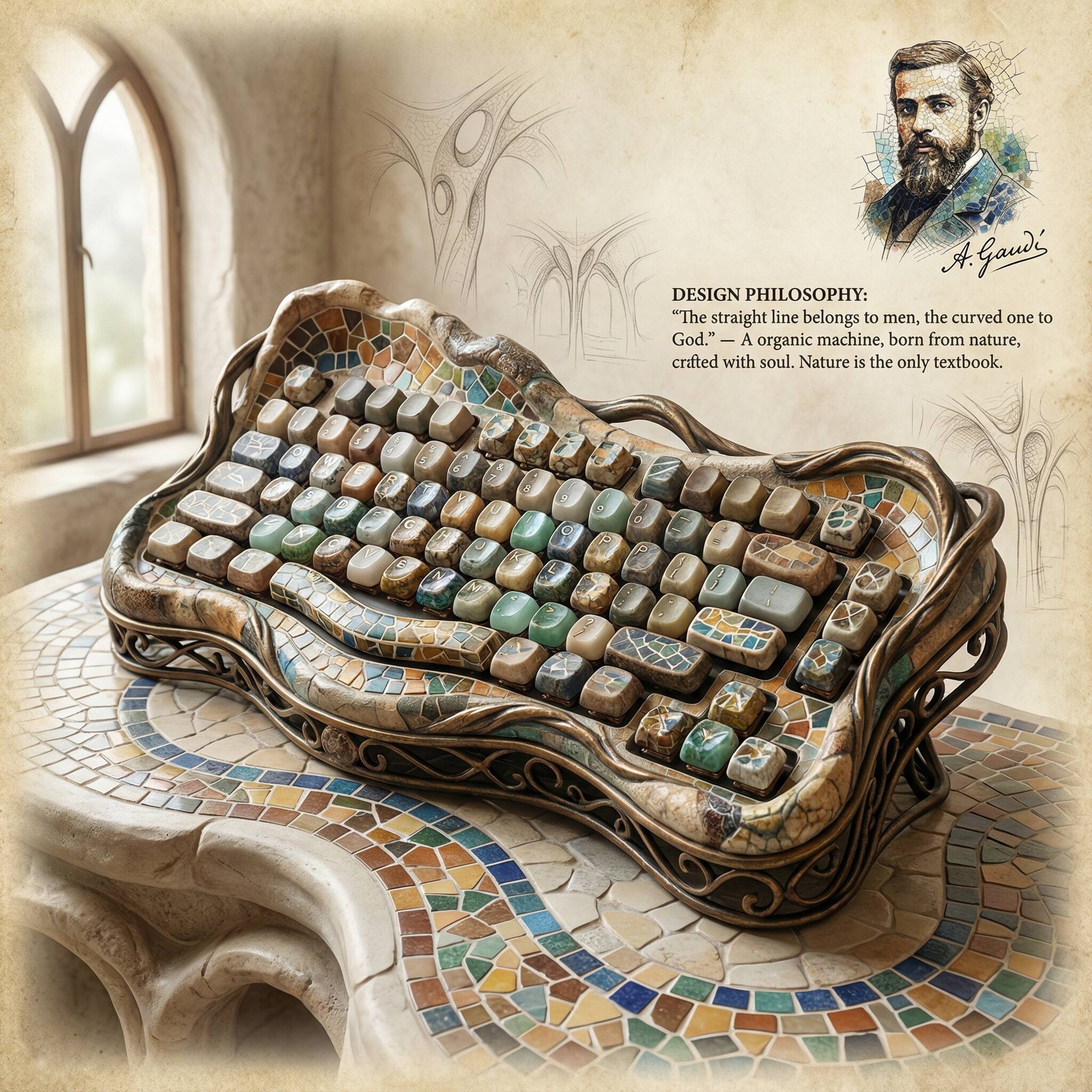
Industrial Design Masterpiece
텍스트를 이미지로Nano Banana Pro
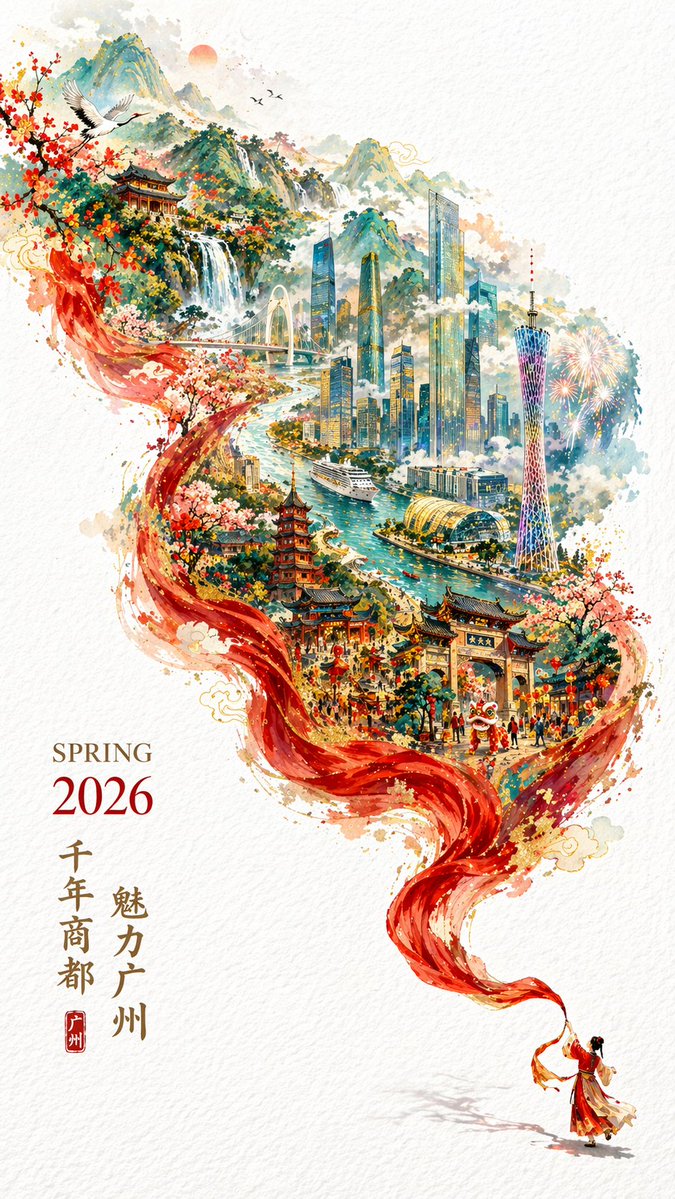
2026 Spring Guangzhou City Poster
텍스트를 이미지로ChatGPT Image 2