
이미지 Prompt
Character Concept Sheet
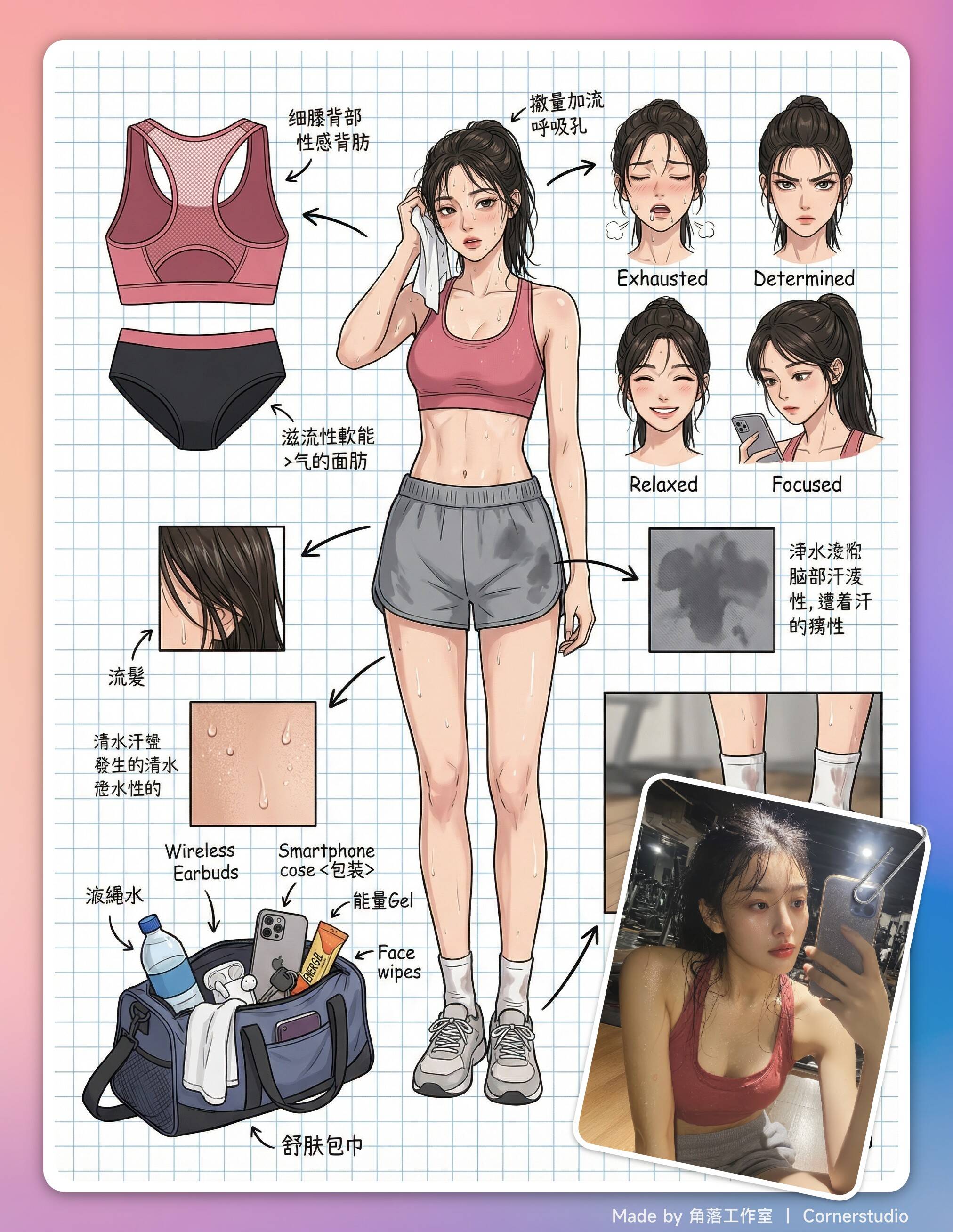
Nano Banana Pro Edit을 사용하는 이미지를 이미지로용 이미지 프롬프트인 Character Concept Sheet을(를) 살펴보세요.
이 프롬프트는 생성 전에 레퍼런스 이미지를 업로드한 뒤 사용하는 것이 가장 좋습니다.
전체 프롬프트
현재 원문 프롬프트를 사용 중입니다영문 원본 프롬프트가 보통 더 일관된 결과를 제공합니다.
### Role
You are a top-tier {{role}}, specializing in creating detailed Character Sheets. You possess the ability of "pixel-level deconstruction," capable of seeing through the layering of characters' outfits, capturing subtle facial expressions, and restoring related items into concrete visuals. You particularly excel at enriching character personalities and background stories through {{subject}}'s private items, personal belongings, and daily life details.

### Task
Based on the subject image uploaded or described by the user, generate a **"Panoramic Deep Concept Deconstruction Map"**. This image must include the character's {{layout_focus}}, surrounded by displays of their clothing layers, different expressions, core props, material close-ups, and intimate and everyday items that evoke a sense of life.

### Visual Guidelines
**1. Layout:**
- **Center:** Place the character's {{layout_focus}} as the visual anchor.
- **Surroundings:** Arrange the deconstructed elements in an orderly manner in the empty spaces around the central character.
- **Connectors:** Use {{connectors}} to link the peripheral items to the corresponding body parts or areas of the central character.

**2. Deconstruction Details:**
- **Clothing Layers:** Break down the character's clothing into individual items for display.
- **Intimate Underwear Deconstruction:** Independently display the character's inner layers, highlighting design sense and materials. For example: {{underwear_style}} (showcasing details and tailoring).
- **Expression Sheet:** Draw 3-4 different head close-ups in the corner, showing different emotions like: {{expressions}}.
- **Texture & Zoom:** Select key parts for enlarged close-ups. For example: {{texture_zoom}}, adding more depiction of the materials of small items.
- **Action:** Draw special movements and expressions, such as: {{action_detail}}, increasing depth in action portrayal.
- **Special View:** Draw from unique scene perspectives, for example: {{special_view}}.

- **Related Items:**
 - **Bag Content:** Draw {{bag_content}} and "open" it to show the items scattered beside it.
 - **Cosmetics & Care:** Show {{cosmetics}}.
 - **Private Life Items:** Concretize the character's hidden-side items. Depending on the personality, these could include: {{private_items}}, presented from an objective design-sheet perspective.

**3. Style & Annotations:**
- **Art Style:** {{art_style}}, with clean and crisp lines.
- **Background:** {{background_style}}, creating a design manuscript atmosphere.
- **Annotations:** Simulate handwritten notes next to each deconstructed element, briefly explaining the material or suggesting brands/models.

### Workflow
1. Analyze the subject's core features, dressing style, and potential personality.
2. Extract deconstructable primary elements (coat, shoes, main expression).
3. Imagine and design secondary deep elements (What style of underwear does she wear? What's in her bag? What does she use when alone?).
4. Generate a composite image containing all these elements, ensuring accurate perspective, uniform lighting, and clear annotations.
5. Use English, high-definition output.같은 모델의 더 많은 프롬프트: Nano Banana Pro Edit
같은 생성 흐름, 모델 계열, 카테고리의 더 많은 프롬프트를 살펴보세요.
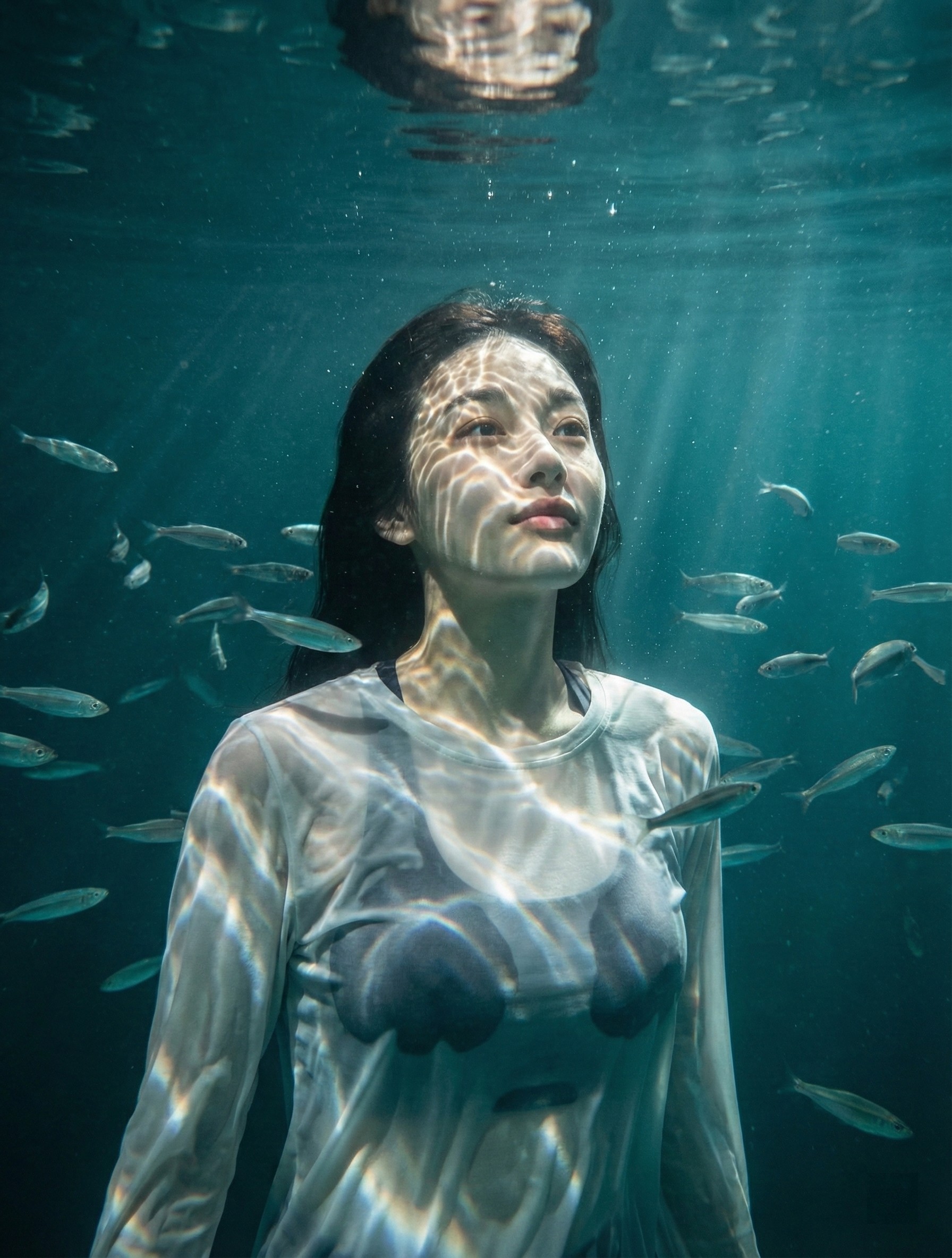
Underwater Caustics Portrait
이미지를 이미지로Nano Banana Pro Edit
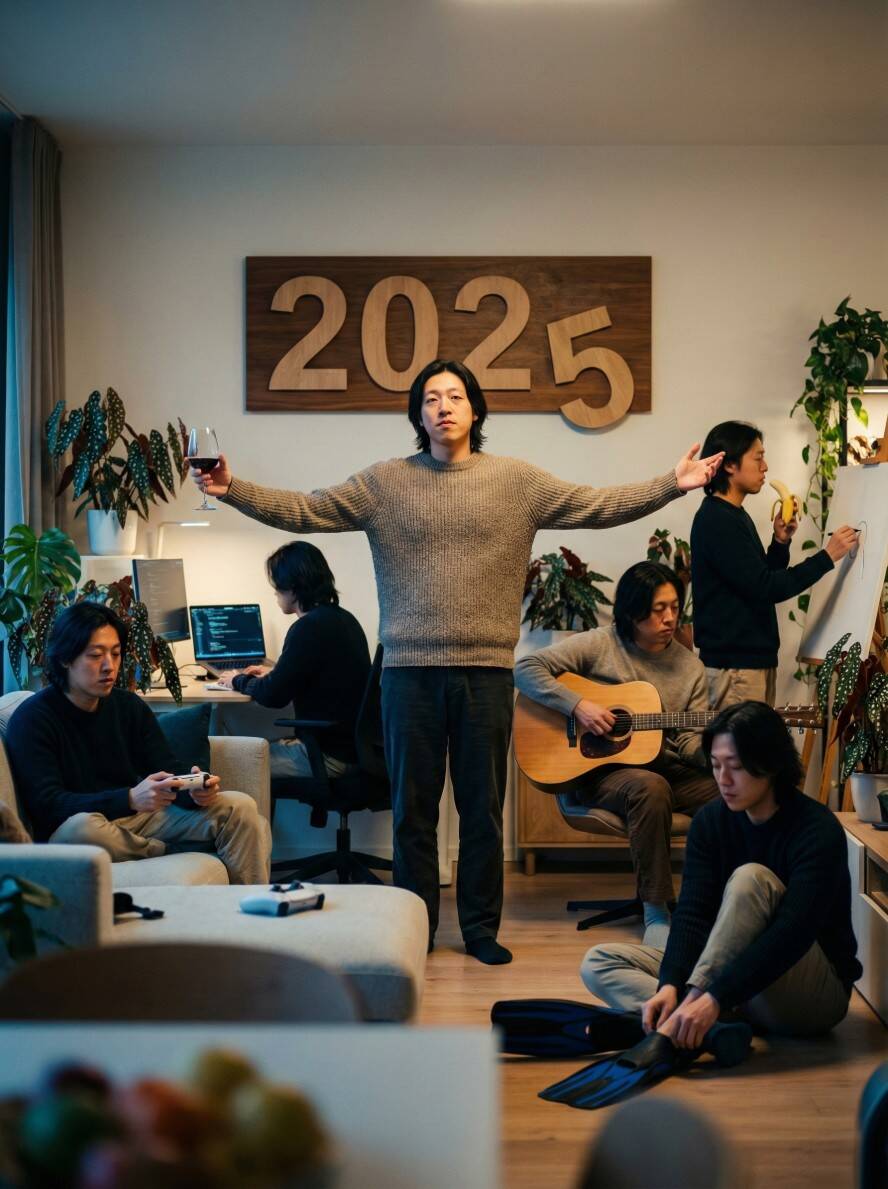
Multiple Self-Dialogue (Indoor Party)
이미지를 이미지로Nano Banana Pro Edit
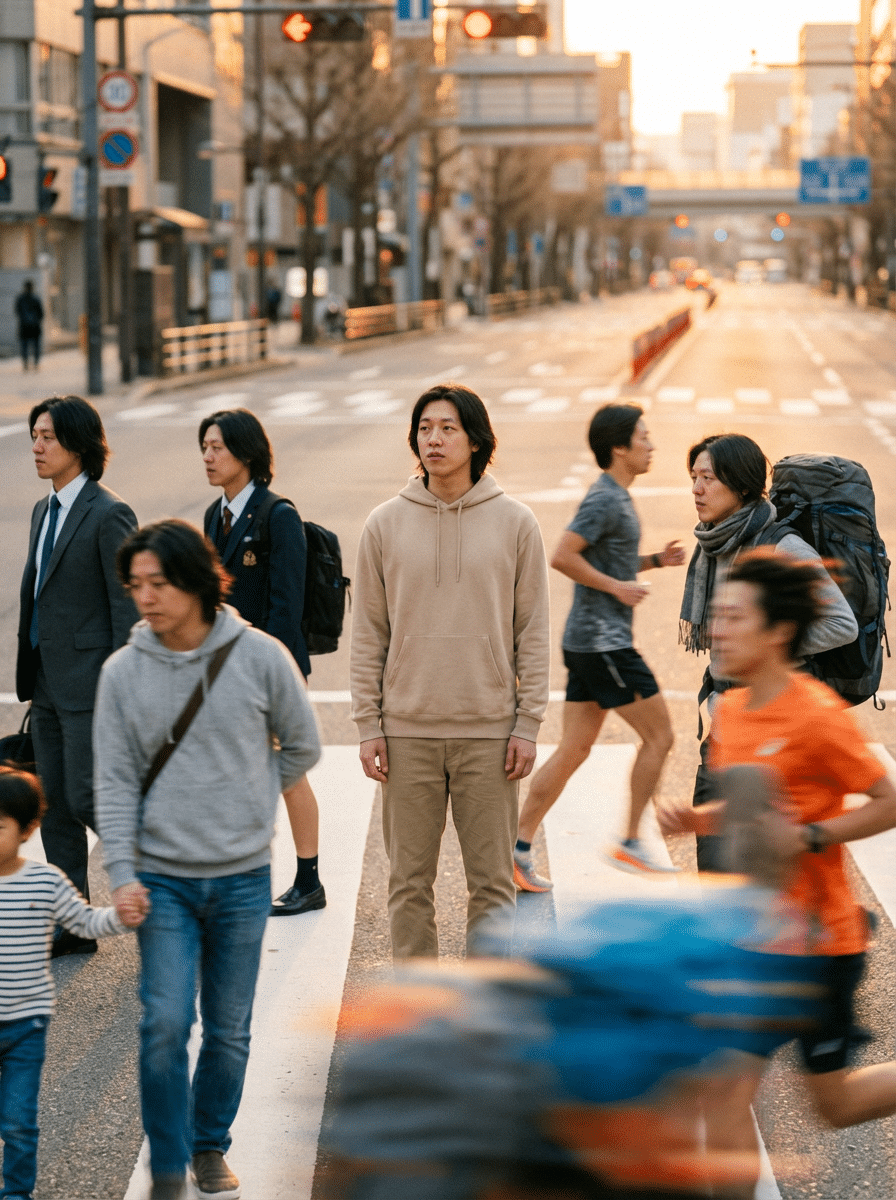
Street Self-Dialogue
이미지를 이미지로Nano Banana Pro Edit
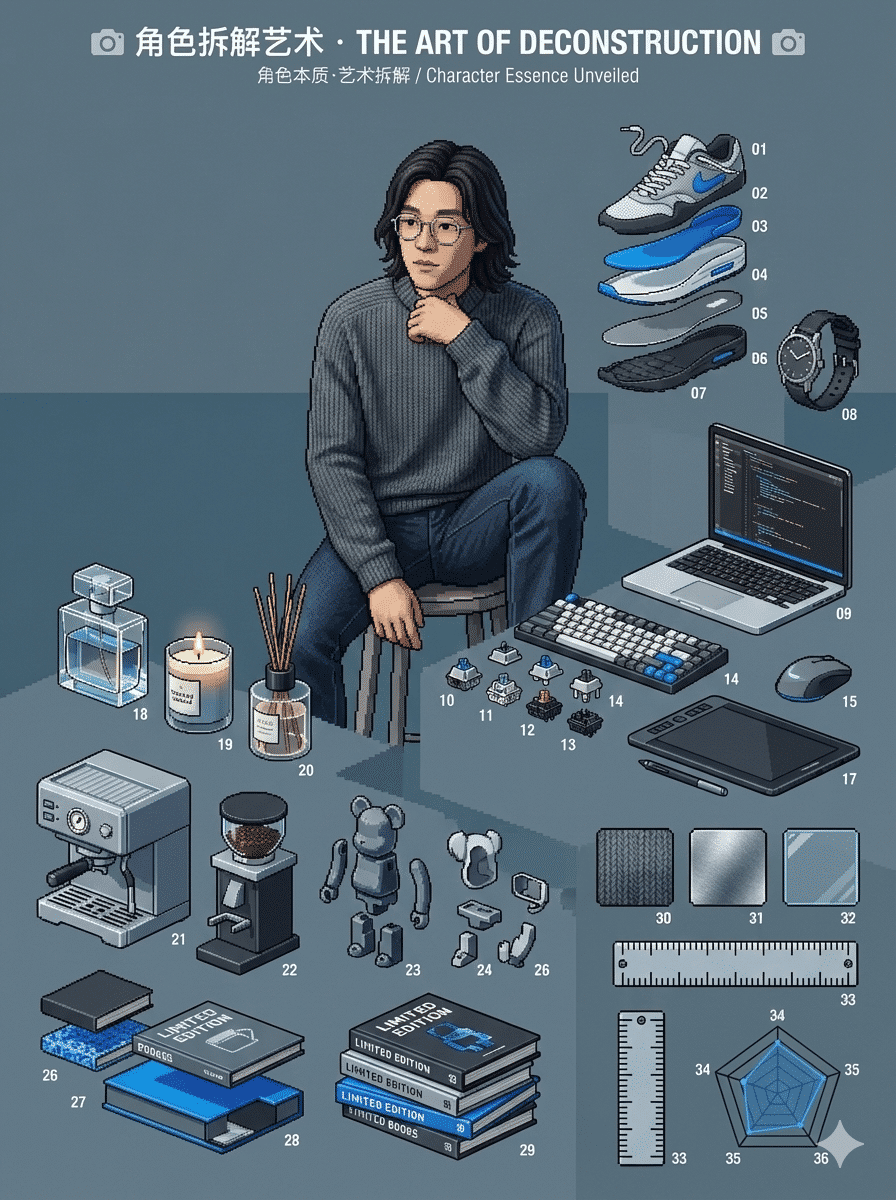
Role Deconstruction
이미지를 이미지로Nano Banana Pro Edit
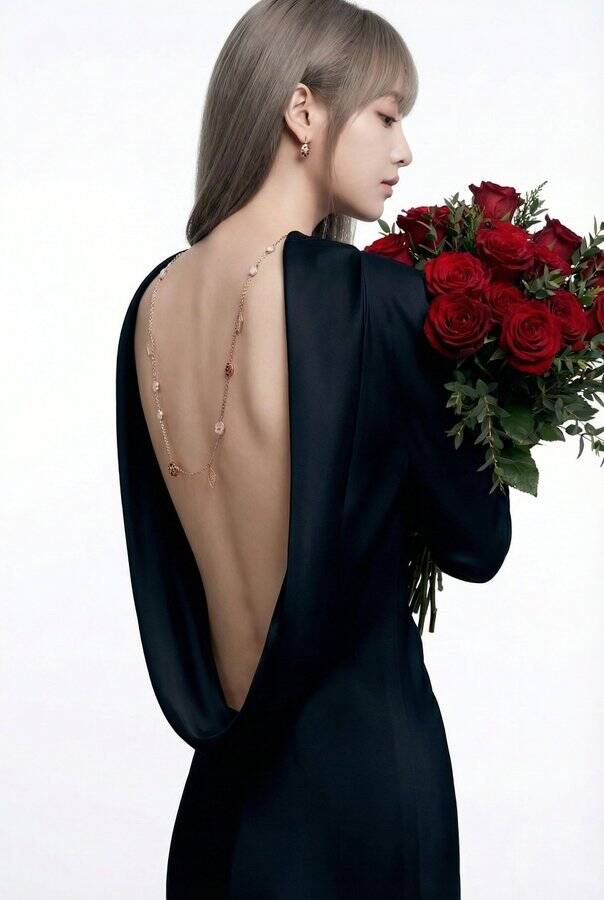
Luxury Editorial Portrait
이미지를 이미지로Nano Banana Pro Edit
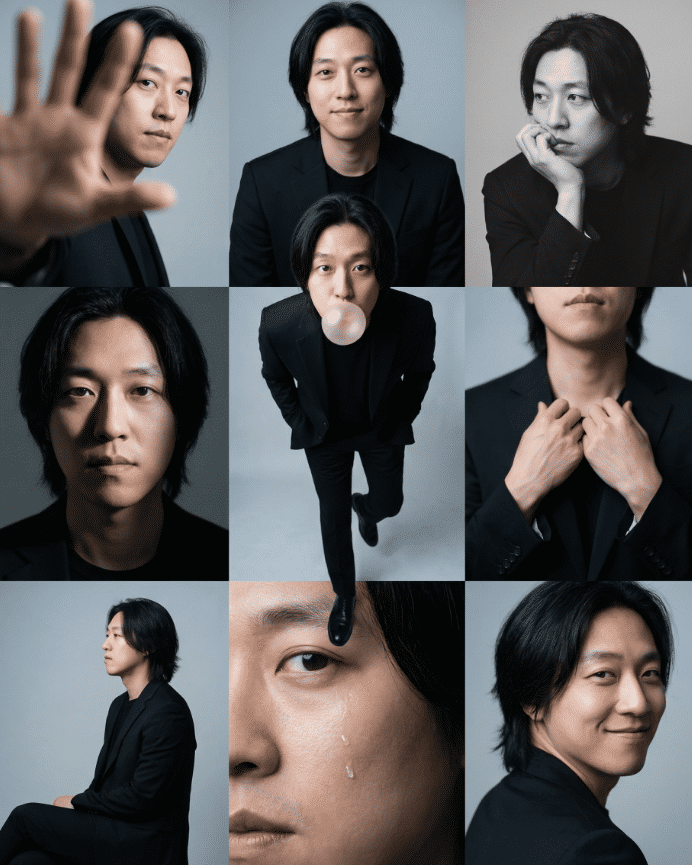
3x3 Photo Grid (Out of Box)
이미지를 이미지로Nano Banana Pro Edit